Search
-
Problem with Maya Beziers: new beziers' tangents all break by default
 (I'm on Windows 7, Maya 2015 SP6) I have no idea when did this start, but recently all newly created beziers have their tangents broken by default. The creation tool worked properly (both the Bezier and the Curve-3 Bezier tools), but once the tool's completed, all the tangents break. Using the Smooth Tangents option on…
 -
Re: ZBrush - Hypothetical ultimate feature list
 default startup document can be changed and you can delete/add matcaps, brushes, etc in C:\Program Files\Pixologic\<<your version of Zbrush here>>\ZStartup yea basically what other people said. I haven't found a way to close individual subtools to save on memory, I need to close zbrush entirely if I want to have less…
 -
Quadify Ultra — ML-Routed Retopology for Blender 5.0 | Tool Release

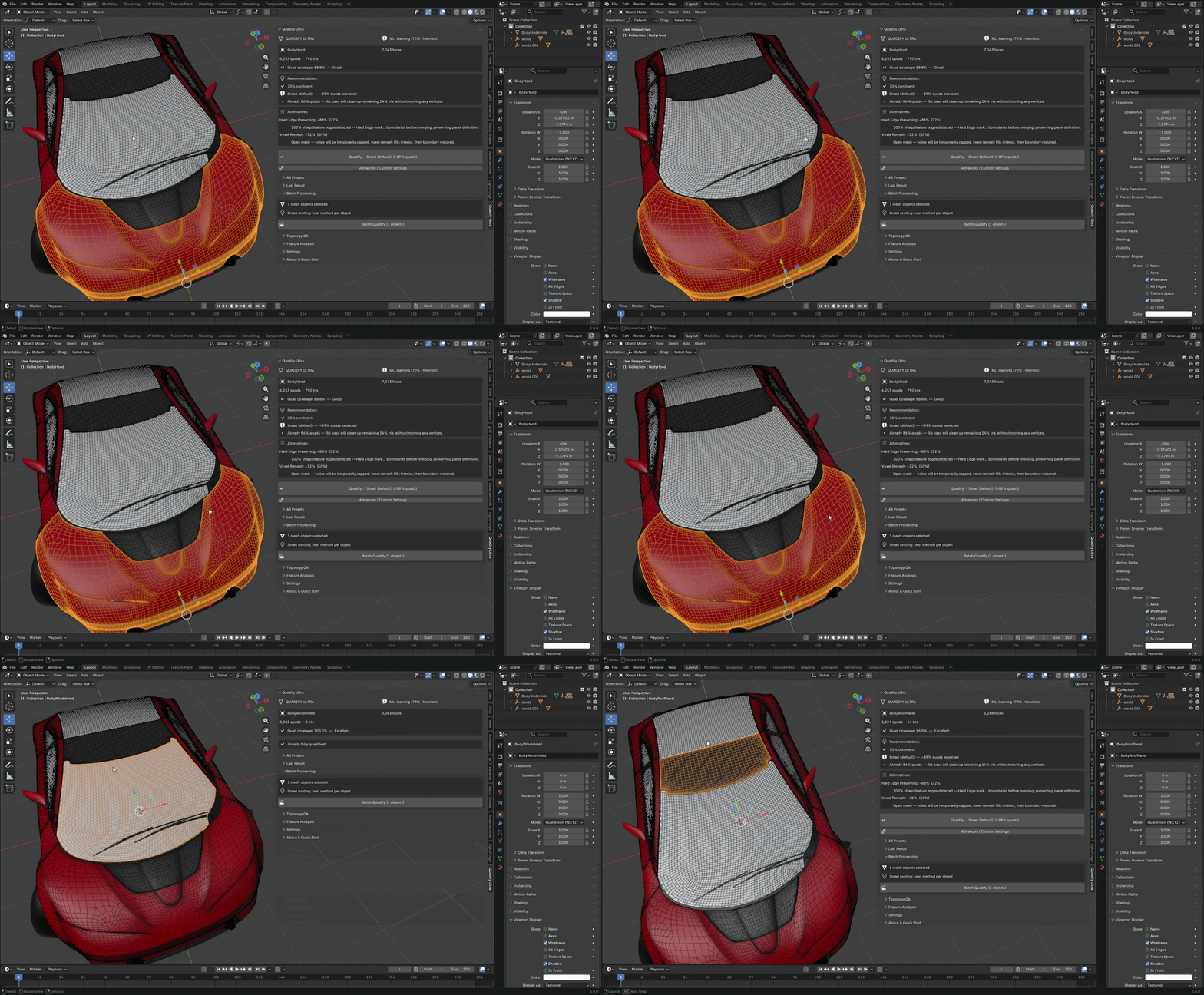 Hey Polycount, Releasing Quadify Ultra today, and wanted to share it here since this community has always been where serious topology conversation happens. https://youtu.be/1_7xRSyeLUc What it is Quadify Ultra is a retopology addon for Blender 5.0 with an ML routing engine. You select a mesh, hit Ctrl+Shift+Q, and it…
 -
Re: Dota 2 - Workshop Thread
this is my QC file $cd "C:\Users\Luca\Documents\Workshop\itemtest"$modelname "heroes\chaos_knight\sword_model.mdl"$model "default" "sword_model.dmx.smd"$surfaceprop "default"$cdmaterials "models\heroes\chaos_knight"$illumposition -13.283 -0.613 143.005$sequence BindPose "BindPose" fps 30.00 I don't know if I'm doing… -
Default Arnold config(Substance Painter) produces incorrect texture values in maya!

 Hi all! I'm working in VFX and trying to work out the kinks of using substance painter in Arnold in production. It's been awesome to use substance for vfx/prerendered CG. However there have been a few hiccups along the way. One thing I've found particularly annoying is this: On the left is the Arnold Renderview with the…
 -
ZBrush default "pose" of a mesh?
 Is there a way in ZBrush to temporarily move a group of meshes (or folders) in their position and orientation?The meshes are part of a character and are positioned and rotated to fit exactly. However, their orientation is not ideal for modeling and editing.It would be great if the orientation and position could be reset to…
 -
changing the default material in zbrush... from pixologic

 https://www.youtube.com/watch?v=7ukY3X--9uQ&index=14&list=PLMjnnUF3eJFcO0e6lM2xSQ4xiexTvY_fk
 -
32bit Color: Industry Default for Display
 Hey ok so I cant figure out this. What is the industrial numerical standard for 32bit color. Percentage wise 0-100% for each channel, or like Photoshop displays, as behind the decimal point (.0-1).?
 -
ZBrush - RGB On by Default
 I don't know why, but every time I start up ZBrush, the RGB channel is on automatically for all brushes. It's very annoying to turn off every single time. :shifty: Anyone have any experience with how to turn this off, or know of any possible solutions to this dilemma? Thanks! :D !!
 -
ZBrush: disable ZTool mode by default?
Is it possible to disable ZTool mode on startup, or disable it altogether, in Zbrush? I'm having a real hard time dealing with this, eventually leading to losing work. :poly127: MudBox is more intuitive, both in UI and UX, but zBrush has all the nice things. :(
>10216 results