Search
-
Light/Shadow leaks
 I'm working on an interior scene contained within a visarea. All my walls, floors and ceilings (they're all snapped to the grid as well) are made from Solids and all have the "Cast Shadows" flag ticked. Weirdly enough shadows being cast from CGF brushes are going right through the solids. Does anyone know the best solution…
 -
Swiftloop not connecting right.
 Hey guys, I had this problem quite a few times and I am not sure how to fix it. (The loop does sometimes not go around correctly.)
 -
Raven Software/Senior Lighting Artist
SENIOR Lighting Artist RAVEN SOFTWARE, developer of numerous award-winning games, including contributions to the blockbuster Call of Duty series is seeking passionate artists to join an established team at work on a first-person shooter. Located in Madison, Wisconsin, RAVEN SOFTWARE offers an upscale work environment with… -
Re: UDK light map issue with multi-sub mats in MAX?
 So, I'm having this same problem right now with some trees. Here's my process. -Tree trunk unwrapped on first MAT Channel -Leaf planes unwrapped on second MAT Channel -Apply Multi-SO for each material -Nothing overlapping for lightmap on Map Channel 2 (via Flatten and various different custom unwraps) -Export as .ASE with…
 -
Re: UDK Lighting Effect
What? No they aren't. World properties has settings for character light environment. You can change direct and indirect brightness and contrast and other things there. So? There are holes between the wall planks, light comes in, hits the ground and bounces around. BAM, there's your indirect lighting for the indoors. You… -
Brightness difference between Substance Painter and Marmoset grayscale texture maps
 Hey guys! I'm having problems with brightness difference in my greyscale texture maps. After exporting them from Substance Painter (PBR Metallic Roughness), and importing them to Marmoset, they appear brighter and makes my model way more shiny because of that. Anyone know why this is happening? I have tried tweaking the…
 -
Re: KY-210B Camera
 @Eric Chadwick I understand what he meant by rim light but since its already blueish I though he might have meant the lower right light. That might be a rim light too I suppose
 -
Re: Rainbow Roast Lighting Environment

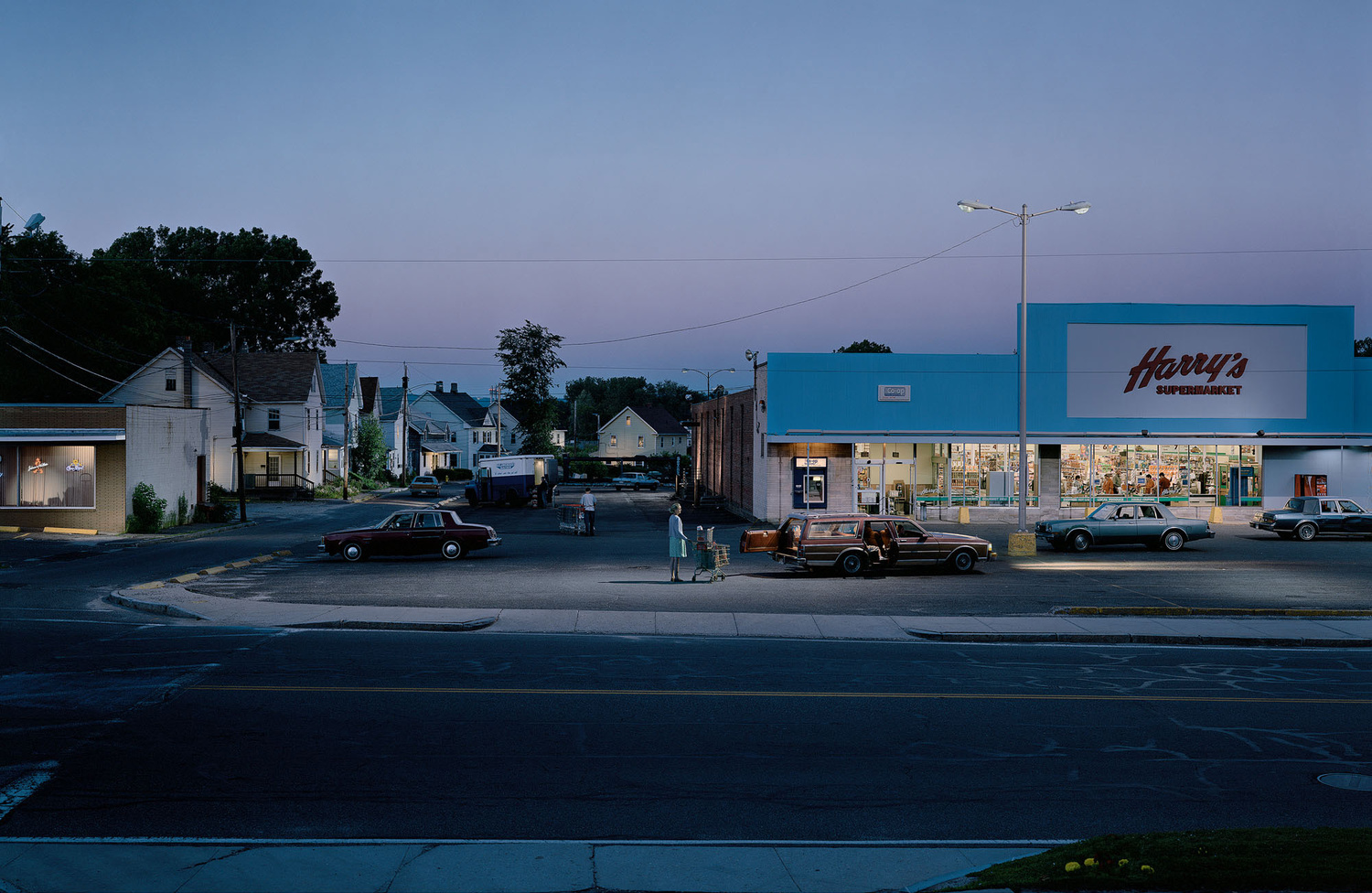 This is a good start, but there are a few areas in lighting that would really improve and push the scene. * With as much atmospheric perspective that you have in the scene, those streetlights need a light shaft/god ray projecting downward. This can be done easily with a shader on a tapered cylinder. * I can see that there…
 -
Re: nrml map lighting in unreal 3
 I would look carefully at what lighting channels you have set on your lights. Look under LightComponent>LightingChannels. Lights automatically have the 'CompositeDynamic' lighting channel set which should affect lightenvironments but you might also need the 'Dynamic' channel to be included. But don't go crazy as Dynamic…
 -
Re: Lighting low poly chars 4 render
 Yup what Xaltar said. Also try to avoid harsh white (or black) backgrounds it really does assault peoples eyes and wash out details. Go for a nice natural color like gray. Also if you're interested in lighting characters these links might be of interest to you? http://boards.polycount.net/showthread.php?t=51209 (A little…
>89254 results