Hi! Thank you for your response, I have made some changes and there have been some improvements and some things that got worse... I've attached a link to a ZIP folder with the Substance Painter file and the 3DSMax file with the high and low poly. Any help is much appreciated! MaxandPainter.zip
Hi! Opening the Painter project, what I see is different than what you shared in your initial post, so I suppose the original post is outdated? Since I don't have a Max license, I can't check the highpoly or rebake.
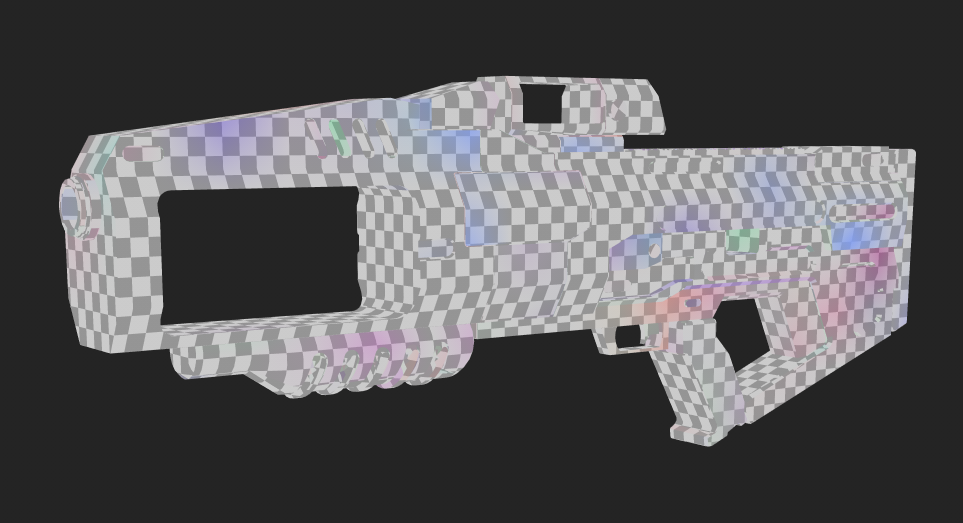
Exported the lowpoly from Painter, some notes looking at the low poly mesh:
- there are hard edges without UV splits, expect artifacts on those edges (wiki Page normal map) - I recommend straightening UV strips where it makes sense. This will help minimize aliasing artefacts along seams () - Some UV sets have plenty of empty space, would pack better. (wiki Page Minimum Padding) I would rethink whether it needs 6 different texture sets. - Some parts were mirrored and have stacked UVs. I would offset UVs off mirrored (and instanced) parts by 1 so they use the same parts of the texture but don't interfere during baking/ texturing. - Lowpoly is has some shading gradients which would get compensated by the normal map. Just be aware the greater the gradients it has to compensate for, the more likely it's to show due to the normal map having limited resolution and bit-depth.
Hi! Yep, I did make some changes before uploading the link so the result was slightly better. Thank you for your tips though, I will test these out! I really appreciate it
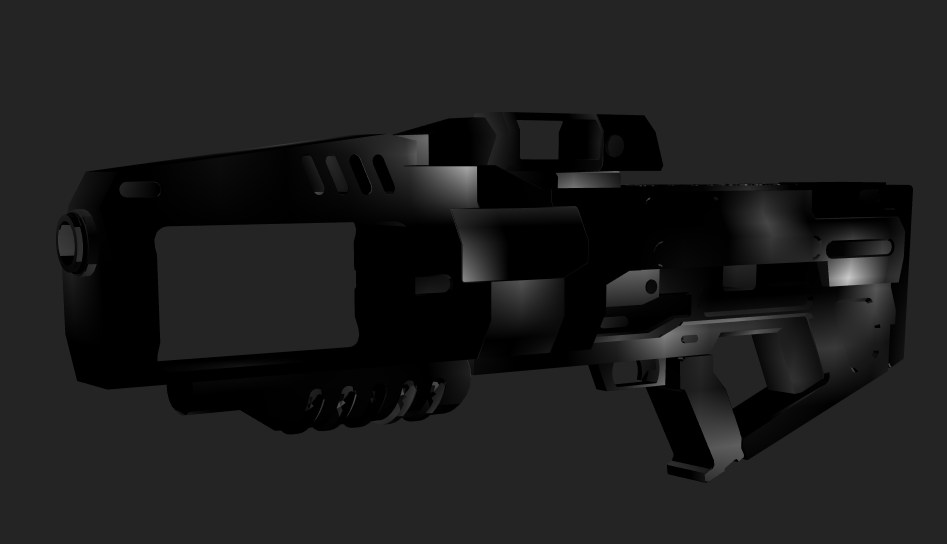
This is the normal map after some experimenting but before you replied. Do you know what exactly is causing the areas that aren't showing? I've tried adjusting the cage but this didn't work.
What channel are you looking at? 'Mesh Maps -> Normal' would be the bake. This is what I see in your attached file:
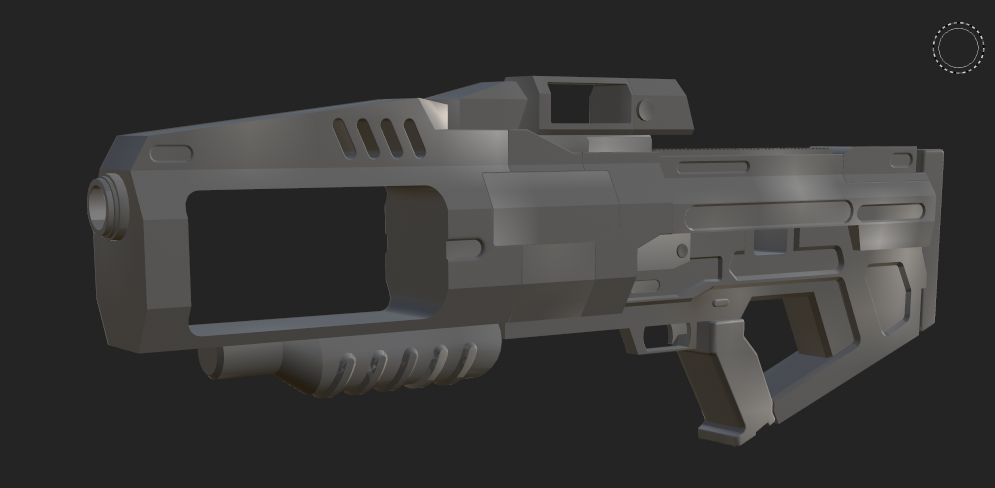
But what does your current shading look like, low poly with normal map applied? I would work on the asset looking at that. What you're looking to learn from the normal map channel? I only check the normal map if something is very off - like here the yellow part of the stock has no UVs. I wouldn't recommend 'fixing' the baked normal map, as you would have to re-do this each time the low poly shading changes, instead work towards a low poly that bakes well.
Hi! Thank you so much for your help. I found out in the end that the problems were mainly caused by my GPU not being powerful enough... so when I changed to my other PC, it actually worked which is why your result is different from mine. However, I did follow your tips and got a much improved bake anyway so not all is lost and I really appreciate you sharing your knowledge. Because of how long I spent trying to fix an unsolvable problem, I did actually learn a lot about baking, so thank you!

Replies
I've attached a link to a ZIP folder with the Substance Painter file and the 3DSMax file with the high and low poly. Any help is much appreciated! MaxandPainter.zip
Exported the lowpoly from Painter, some notes looking at the low poly mesh:
- I recommend straightening UV strips where it makes sense. This will help minimize aliasing artefacts along seams ()
- Some UV sets have plenty of empty space, would pack better. (wiki Page Minimum Padding) I would rethink whether it needs 6 different texture sets.
- Some parts were mirrored and have stacked UVs. I would offset UVs off mirrored (and instanced) parts by 1 so they use the same parts of the texture but don't interfere during baking/ texturing.
- Lowpoly is has some shading gradients which would get compensated by the normal map. Just be aware the greater the gradients it has to compensate for, the more likely it's to show due to the normal map having limited resolution and bit-depth.
But what does your current shading look like, low poly with normal map applied? I would work on the asset looking at that. What you're looking to learn from the normal map channel? I only check the normal map if something is very off - like here the yellow part of the stock has no UVs. I wouldn't recommend 'fixing' the baked normal map, as you would have to re-do this each time the low poly shading changes, instead work towards a low poly that bakes well.