It starts May 12, and ends Oct 17. Let's see what you got!
https://polycount.com/discussion/237047/the-brawl²-tournament
The Polycount Newsfeed
Sherlock Holmes - real time character


 natalia_stolarz
[Finished] Distillery basement
 its amazing being able to finally post it!
Check artstation for video

https://www.artstation.com/artwork/68oay6


 arnov
arnov
Stellaris Fan Art


 Greenfudge
A secret of a photorealistic textures (Making of Bench model).
Hello guys. There are several
photogrammetry artists on
Artstation like https://www.artstation.com/artwork/g2dLa8
and https://www.artstation.com/artwork/lxrkyY
I wanted to make something that looks like photogrammetry. I decided to make a park bench since it has wood and metal – two vastly different materials. I never made wood planks before, so this is a first time.
Result:

Closer:


Process:
Step 1: I made this dummy in 3Ds max. For me it is faster to make this model in Max, then sculpt it in ZBrush.

Step 2:
Pretty basic sculpt in ZBrush.
On metal parts I'm using Trim Dynamic brush to beat edges. And some dents and cracks alpha brushes I found online.


On wood parts I use Trim brushes as well. I also found very good wood alphas on my hard drive. Don't remember where did I get them. Pretty simple process: just drag some alphas on a wood and that's it.


Step 3: Retopo in 3Ds Max.
Mesh:

Step 4:
Unwrap. Nothing interesting here.
Step 5: Texturing. The most important.
This is Diffuse channel:

Roughness:

Metal textures
1. This is a baked mesh with normals.

2. Add some grunge maps on top:

3. Some green thing:

4. Rust (Dirt generator) and Edges (Metal Edge generator)

5. More dirt + some details

Wood:
1. Baked mesh:

2. Slap two textures on a mesh

3. Add third texture on damaged parts (hand painted mask with directional blur on it)


4. Place inverted cavity map on top. (Maybe it is unnecessary. I don't know).

5. Paint:
I've painted this mask using few wood alphas.

+ cracks map on top

And done:

Final result:

Does this model look good? Yes, it does. Is it photorealistic? I don't think so. If you know any secrets how to make photoreal textures and models - feel free to share:)
 Bigglesworth
Re: [WIP] [Character Art] Aristocrats Witch - Gameready model


I realised after that I deviated too much from the original concept art in terms of proportions, so I went back to fix this
 nele_s
[Finished] Purple House - Stylized/Handpainted UE4 Environment
I just finished a UE4 environment art project and wanted to share it. 
Original concept art by OKU - Artstation

And some of my texture sheets


I have more closeups and a video up on my Artstation showing some of the animations in the scene like the windmill, foliage, and little wind wisps
I really enjoyed handpainting the textures for the scene and I spent a lot of time trying to bring all the great shapes from the concept art into my models. I also learned a great deal about Unreal 4 as I experimented with lighting, materials, foliage, particles, and blueprints!
Thank you so much for looking! Feel free to ask any questions, I'm still learning but I'm happy to help
 battleyak
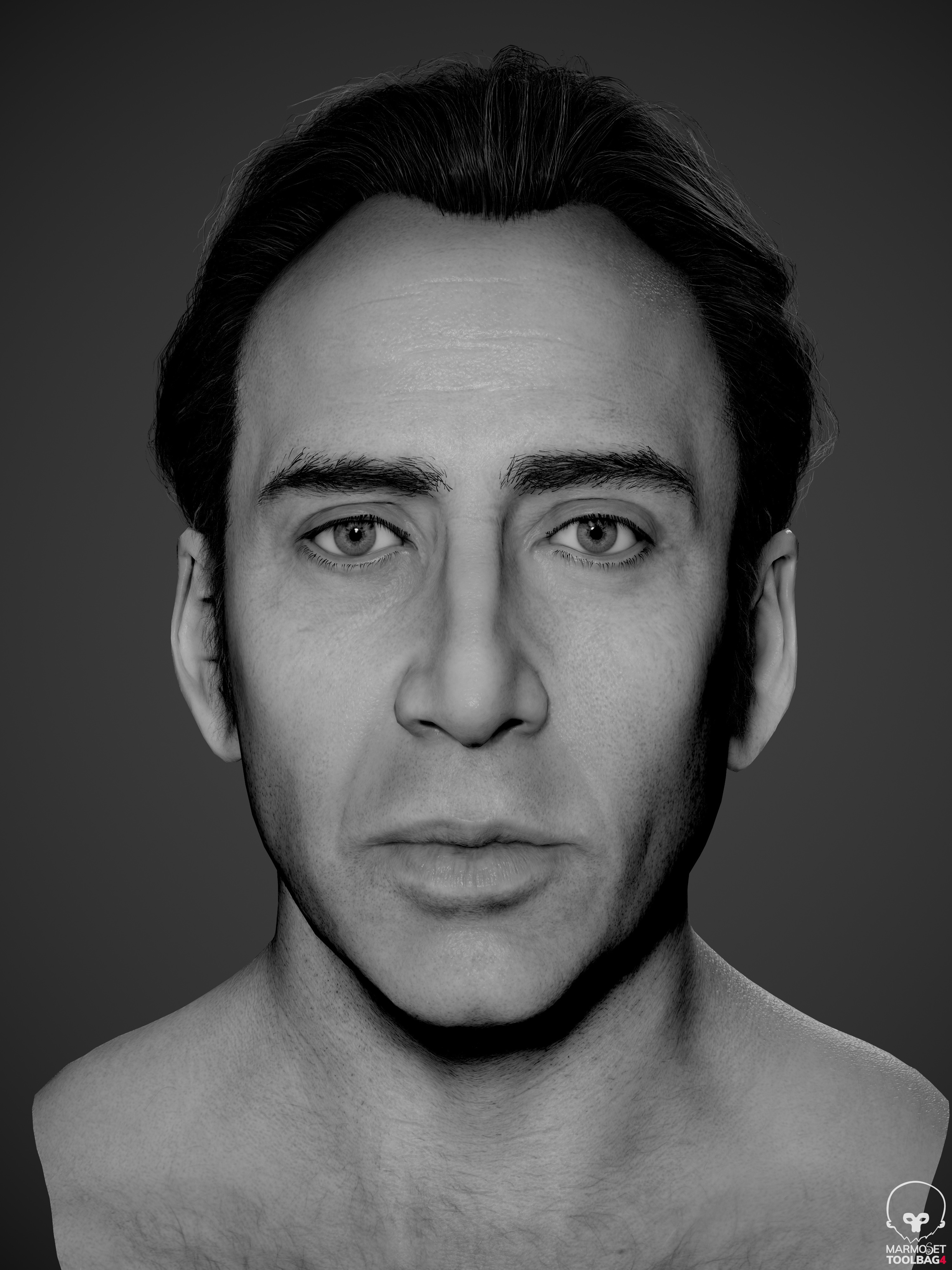
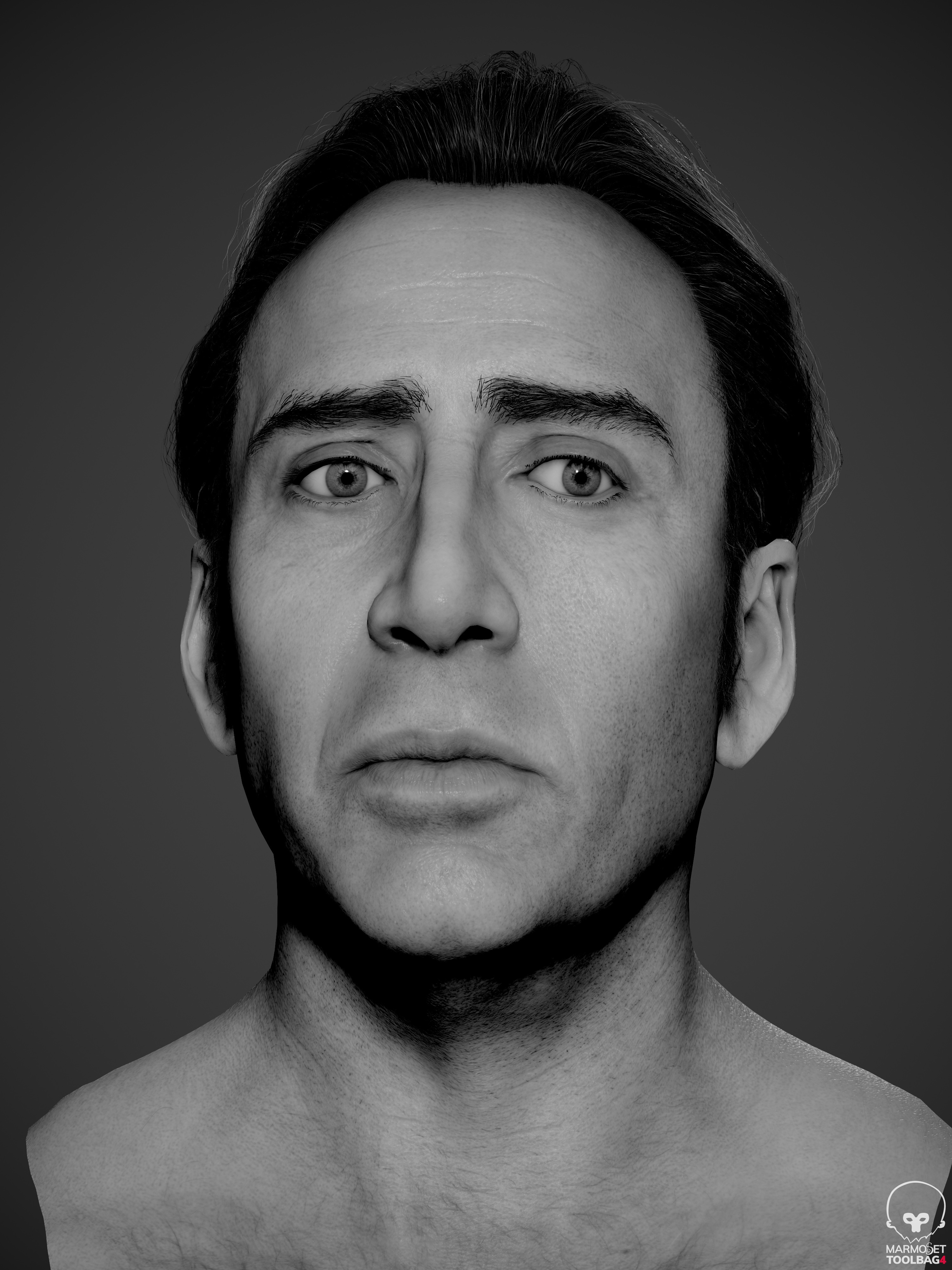
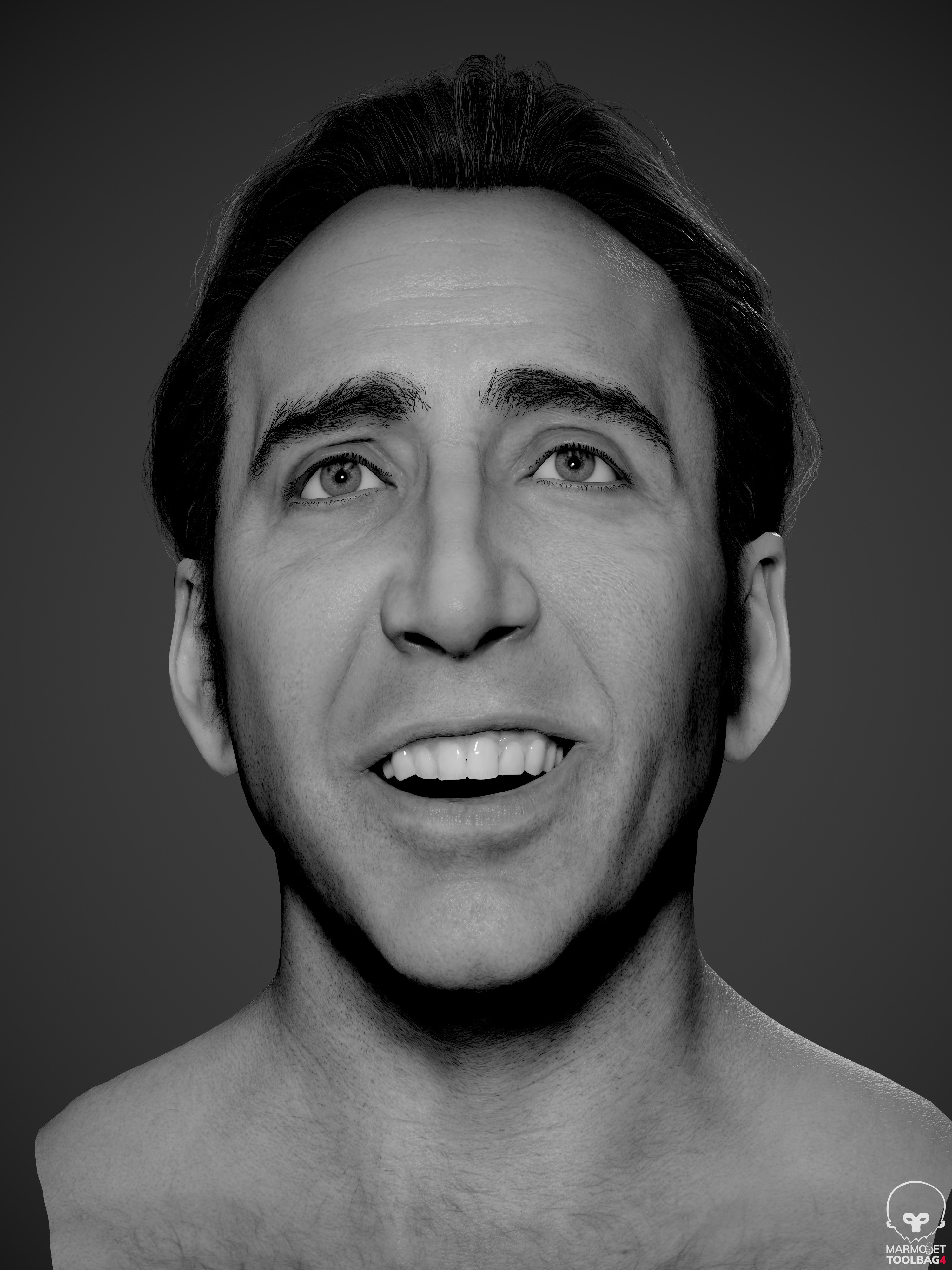
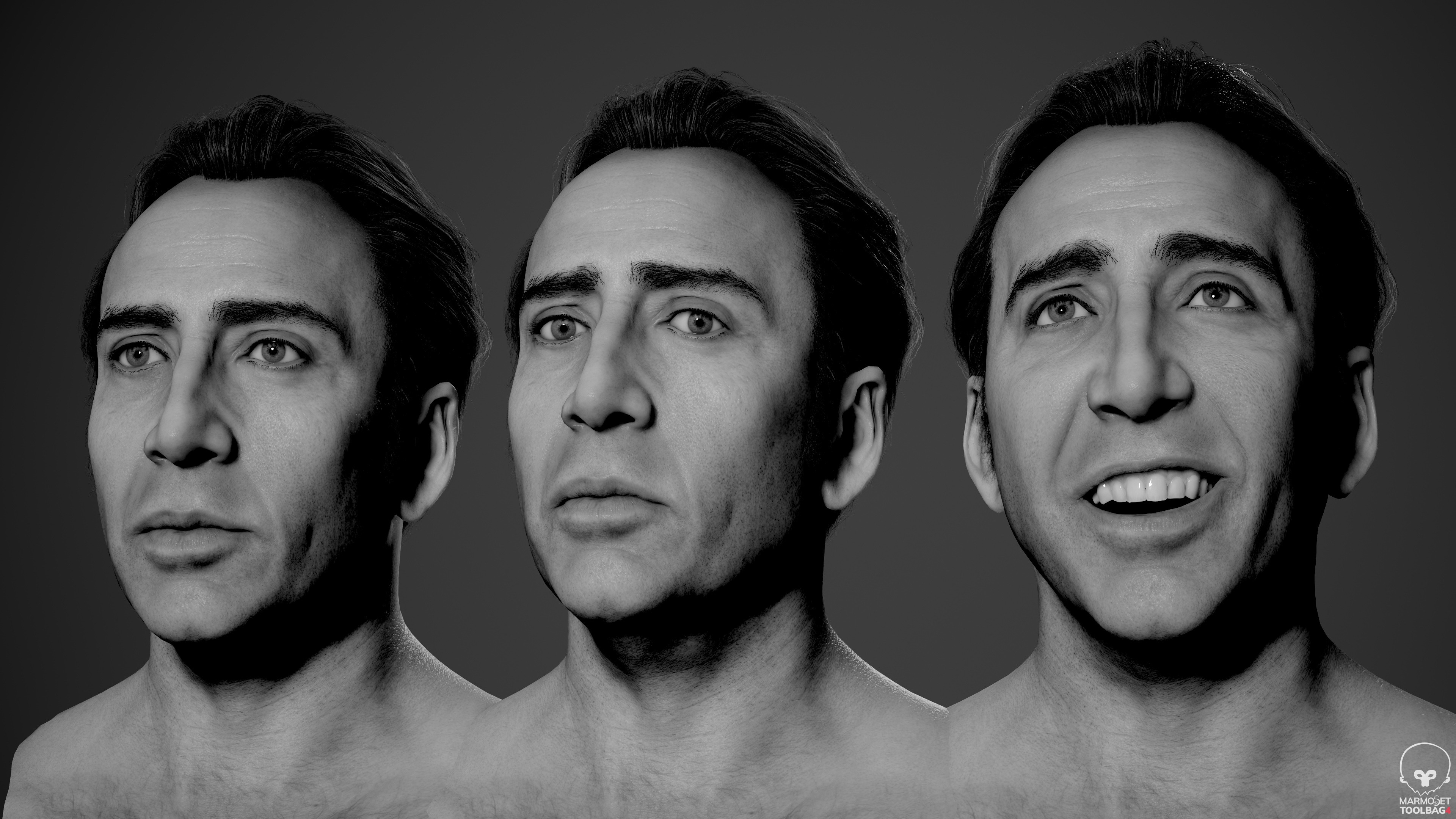
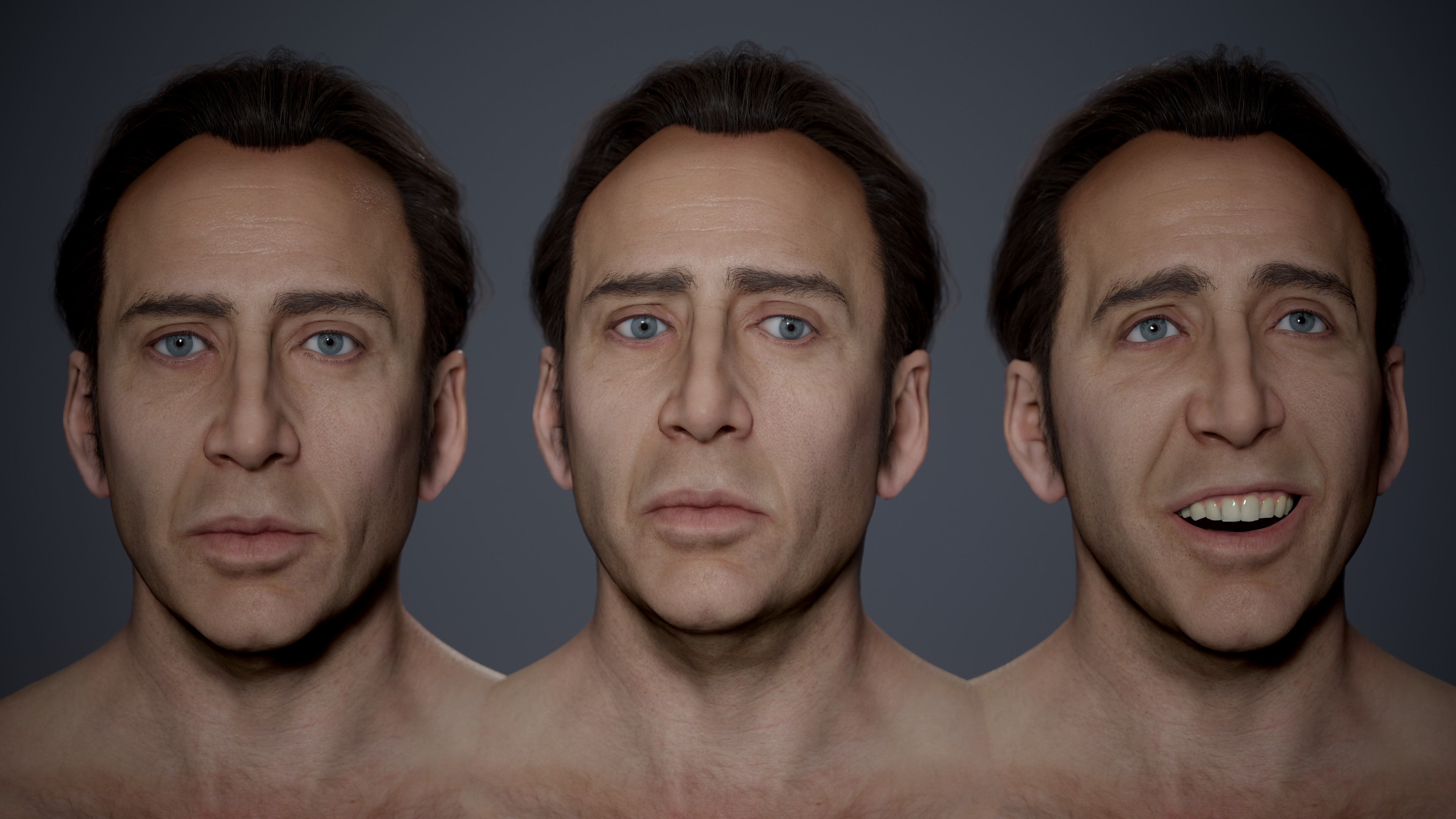
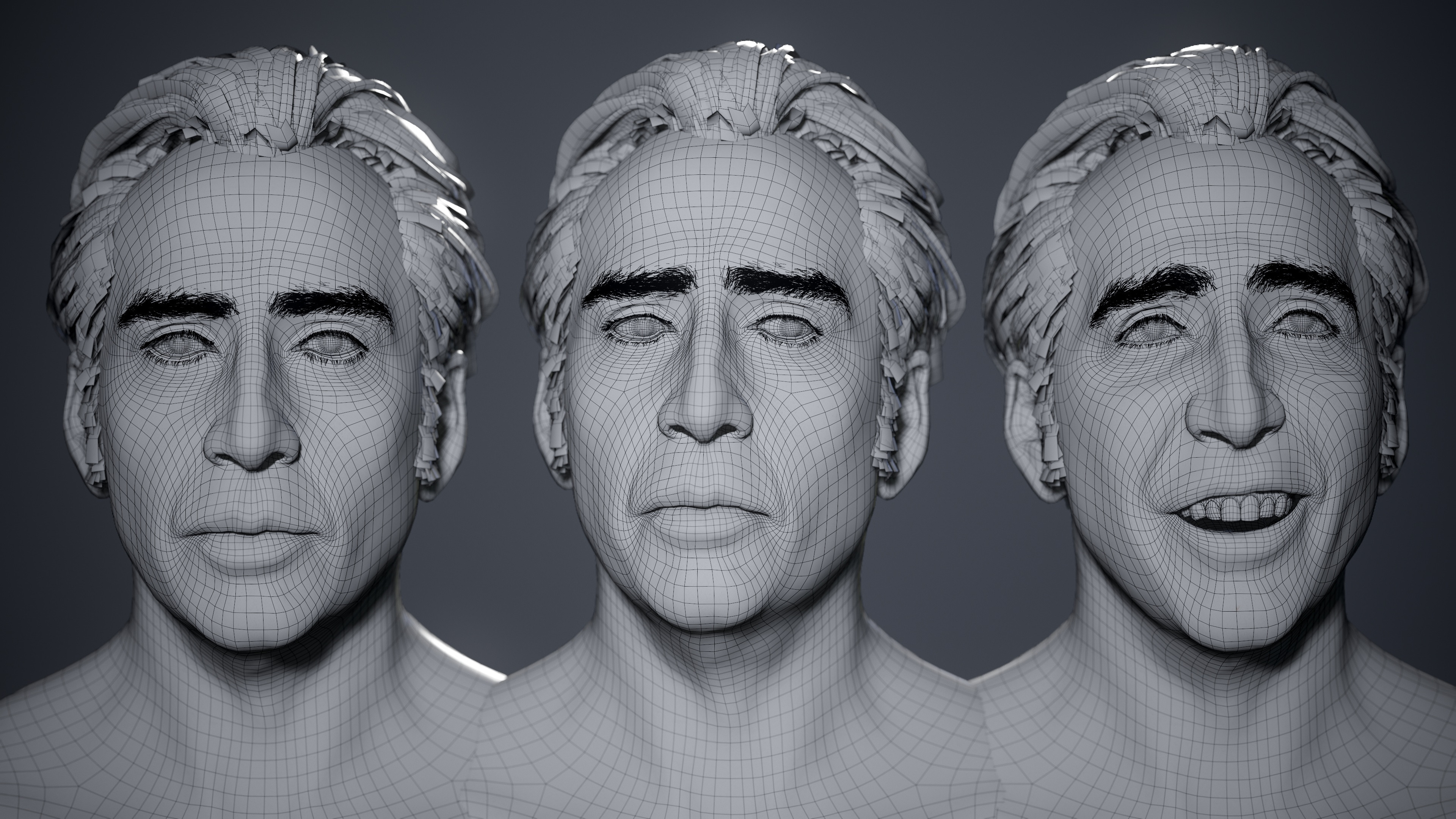
Young Nic Cage - real time head
More images and stuff on Artstation: https://www.artstation.com/artwork/QrV3Rl
The whole process was streamed as usual on Twitch: https://www.twitch.tv/nimlot26
and all the recorded videos will be available on my Patreon: https://www.patreon.com/nimlot
Cheers!
 nimlot26
[Finished] Windows of the soul


 elfronza
Old Newspaper Machine prop


 Ozz14
Ozz14

