Search
-
Re: Unreal Editor Scene Render
 haven't tested it yet... but keep in mind, that the post effects are pixel based so a bigger resolution would need some work on the post effects, if you have like 16 pixel depth of field and you're rendering in the double resolution you'll need a 32 pixel dof
 -
Re: Bunker level kit (W.I.P) feedback wanted

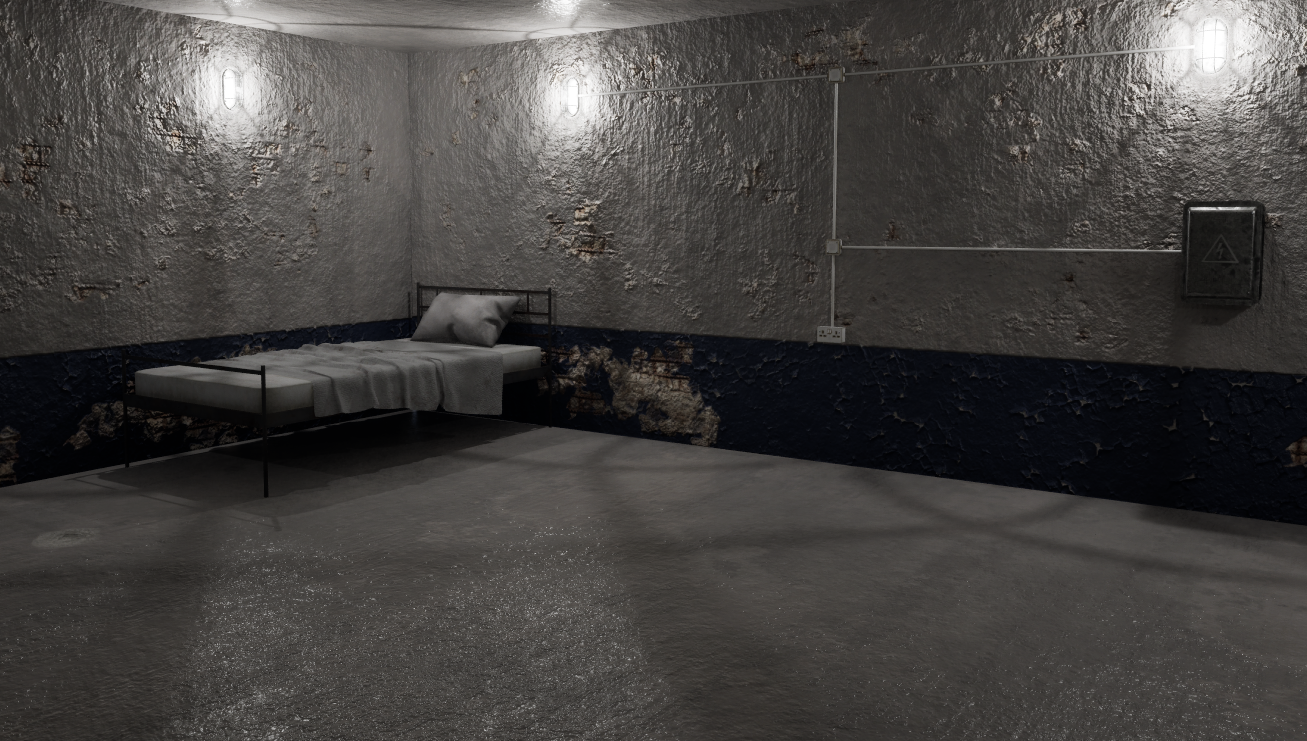 Thanks Eric for organizing my posts. I'm new to polycount so how it works is all new to me and I apologize if I caused any inconvenience. As an update I've modeled and made the addition of a dirty bed to the scene. I've also made some changes based on feedback such as upscaling the textures for the walls and floor so they…
 -
Re: suggestions for buying an LCD monitor.
 Yeah the 1 dead/stuck pixel policy is awesome, some companies you NEED 17!!! dead/stuck pixels to get a replacement. "Contacted Asus support and they told me unless there are 8 or more dead pixels they will do nothing." Also monitors are expensive to ship, about $17.
 -
Re: FF XIII on 360 only 576p.......?
 Pior, dont you mean when you do full transparency by dithering screen-space pixels?, meaning it can do extremely cheap but nice looking transparency by dithering transparency in 1 bits instead of doing full pixel to pixel calculations, that would require correct sorting.
 -
Re: Automatically reducing Overdraw?
 As I understand it with alpha clip the transparent pixel are the problem because every transparent pixel on top takes extra rendering time. While with alpha blend its simply all pixels are considered transparent and add up. Yea, it should trim existing cards. That approach sounds interesting, not so sure if a grid pattern…
 -
Re: Sketchbook: Lucy W.
 Welcome to Polycount! This is great, love your style. I wish your texturing was a bit more sharp. Might have do with your texturing packing. If the whole diorama is packed into a single texture sheet, that really limits you. I would suggest instead packing according to prop type. For example, the computer prop and…
 -
Re: [WIP] Workshop Isometric Diorama
This looks like a fun project! I'd agree that the blockout needs some more work before you progress. This seems to be very obvious, but I don't know why the character would be in there otherwise. So just in case: Not knowing anything else about the piece, the scale seems way off, even if we assume the character stands for… -
Re: Retrieve normal maps difference
 That's very interesting. Another approach, if you're certain that every pixel in the textures except the cracks match, is to write a simple GIMP Python-Fu script to compare each pixel in two layers and make a third layer with the pixels that don't match (based on one of the layers, like the topmost one for example).
 -
Re: Chat GPT and Substance Designer
The robot gets it's information from text on the internet There are almost no written tutorials on designer, the documentation is minimal and adobe burned the forum so it has nothing to work with. Then the robot makes shit up in an effort to keep you engaged and using tokens if you want the robot to help you solve problems… -
Re: NEWBIE NEEDS / WILL NEED LOTS OF HELP!!!
Well its not so much that one passage in particular got me confused... I dont think its written very well for NEWBS, but ... its a complicated prog.. I expect some learning curve. My problem lies in the fact that Im not getting the results I expect when I try things. So thats why my rather general "Help with UVs" thread…
>8815 results