Search
-
Re: Manmade Enviromental Props
 Fixed the Barrel it now sits a 75,000 polys for the high poly. It sounded wrong in my head when i looked at the poly count in MAX but i thought i might hve changed it myself but my friend added 3 extra turbosmooth modifiers last time she came over to my house.
 -
Re: Normal-only shaders? [max, Vray]
 You can also simply load the normal map in a VRayBitmap node with a reserved UV channel that you use for nothing else. Disable Tiling in the node. Add a UVW Map modifier on your model, set to that reserved UV channel, and wire the gizmo to a Point helper so you can move it around, animate it even! Plug the VRayBitmap into…
 -
Mirror meshes normal maps bakeing

 Hi! I baked mesh maps in Marmoset Toolbag and after importing them into Substance Pianter I noticed, that normals where edges create mirror objects looks odd. This is mirrored object, and this normal on the middle is undesirable, it should be smooth there. My question is how do I bake maps in Marmoset to not have this…
 -
Maya 2020, Match Pivot of two meshes

 Is it possible to match the pivot (position/rotation) of one mesh to another mesh? for example: here the pivot of mesh "B" is desired the pivot of "A" is: I know i can "modify -> match transformation -> match pivots", but that only changes the position but not the rotation: any way i can also change the rotation of the…
 -
Re: Sketchbook: Marcus S
 I've begun the block out phase of my project Patrick's body is just simple low poly primitives. The rib cage is one NURBS curve converted to mesh. I tried to use the simple deform modifier to bend a cylinder but it wasn't working for some reason. This method gave me the desired look so I was happy.
 -
Re: Blender Modular Bricks Curve/Corner?

 to follow a curve and not distort your object itself you need to create a small plane, then parent your brick to this plane and enable instancing on your plane. then add array and curve modifier on the plane and your brick will follow your curve without distorting basicly you array your plane and instance a brick on the…
 -
Re: Max/zbrush smoothing topology

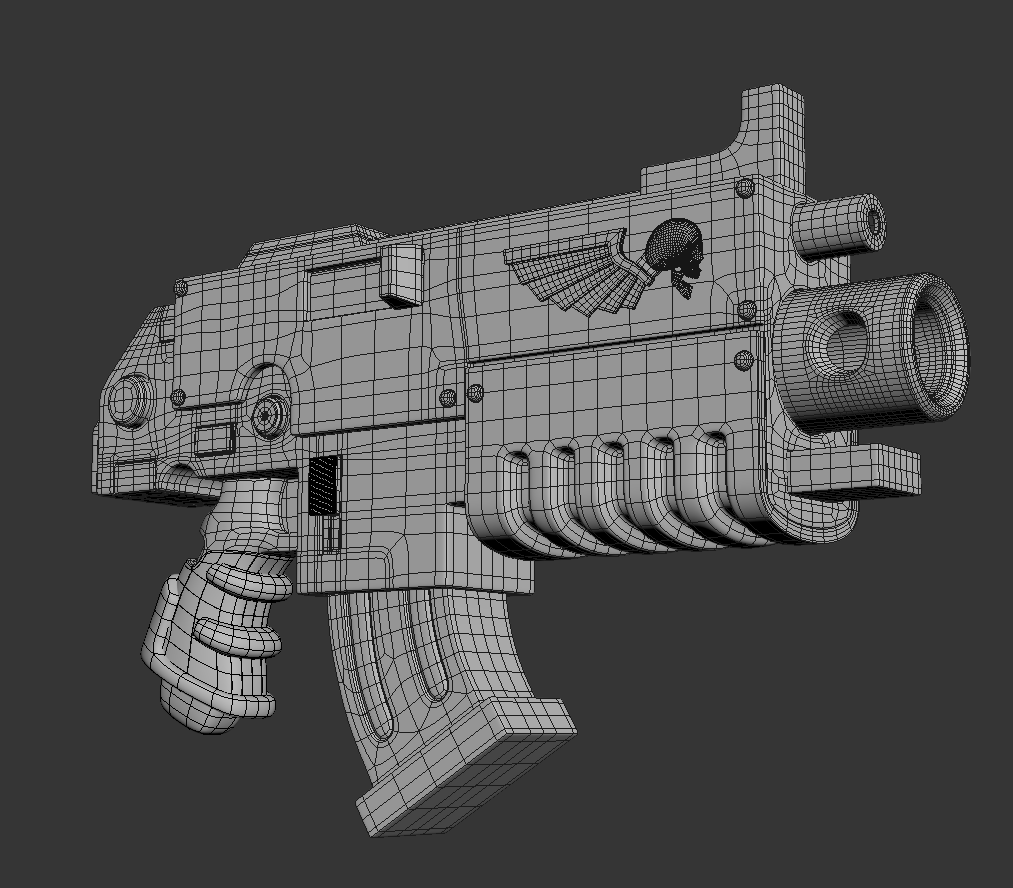 Turbosmooth it 4-5 times(without isoline display) add an edit poly modifier on top and export. In Zbrush, you separate all the pieces into different playgroups. Use Dynamesh at a higher count (700-1000) and you have even topology. You can create your highpoly there, to bake down on a low poly mesh later on.
 -
Re: 3Ds Max inset problem
You might find adding a turn to poly modifier set to force convex faces fixes it. Failing that forcing 3 sided polys should sort it It's also worth mentioning that (at least in slightly older versions of max) you can affect the triangulation by changing the first vertex in the underlying spline -
Modern Modular Home in Norway

 - All images: https://www.behance.net/gallery/97255539/Modern-Modular-Home-in-Norway - Tools: 3Ds Max + Corona https://www.youtube.com/watch?v=JXucoWlFoDY Thank you for watching! Contact us: - Email: deerdesign.vn@gmail.com - Behance: www.behance.net/DEER_Design - Website: www.deerdesign.vn Hope you like our works! Thank…
 -
Re: [Maya] rokoko workflow
 Well here's where I am: I could import the walk using a drag and drop in the viewport window instead of the story track. But I still can't modify the keys using the control rig. I can delete them for sure. It's like the key button doesn't work fine
>11681 results