Search
-
We Got Tired of “Final” Renders Breaking — So We Built a Gate Instead

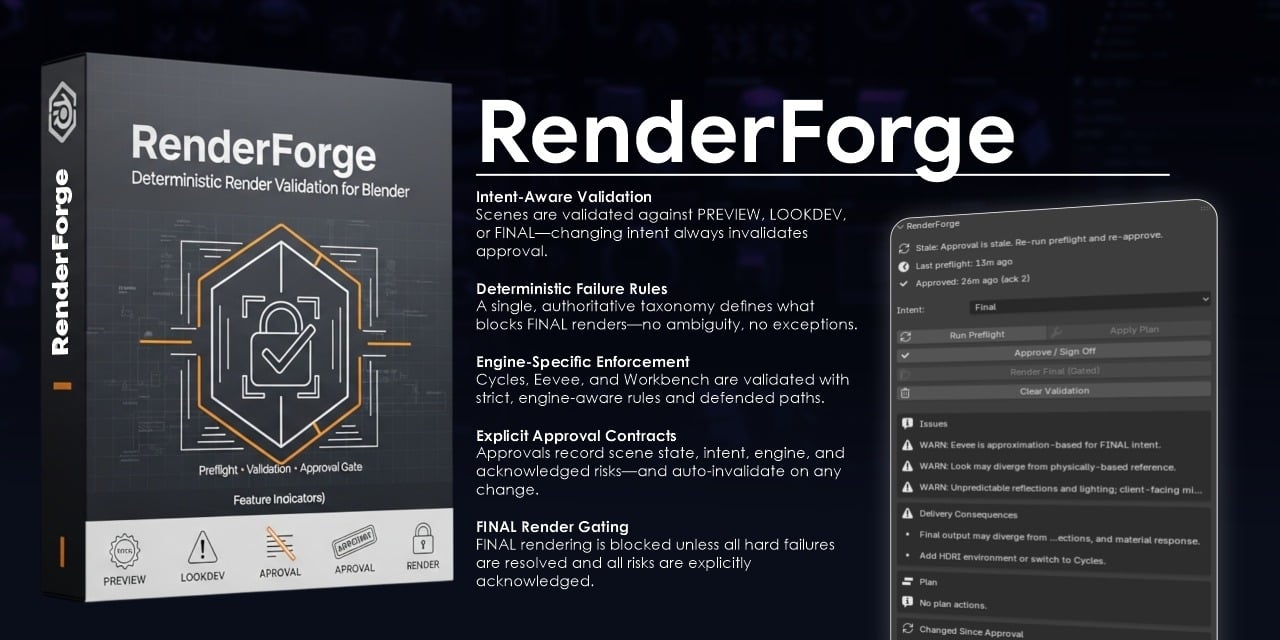 If you’ve shipped enough work, you’ve seen this moment: You approve a render. Someone changes one small thing. The final output doesn’t match what you signed off on. No one did anything “wrong.” But now you’re explaining differences to a client. That’s the problem we wanted to solve. The Real Issue Isn’t Quality — It’s…
 -
Prop Animations In-Engine
 Yo. I'm looking for sweet tips/tricks on rigging and animation when it comes to prop animations for in-game characters in Maya, and how they translate to Unreal 4 and Unity. I understand all the basics, parent constraints, etc., but my latest question pretty much has to do with dropping an item and the rigging/engine stuff…
 -
[Blender] Best technique to do this...
 Hello, I'm making a game asset that is going to (essentially) be an open container full of 'rubble'. I have the container modeled and had planned to use cell fracture (on a cube or something) combined with some rigid body physics to fill the container in a natural (ish) kind of way. Most of the pieces will be mid sized.…
 -
RappaTools3.3 for 3ds Max now Available
 RappaTools3 is an advanced toolset that comes with a great variety of tools for the artist working in 3ds Max. The main focus is to speed up the workflow and to reduce the click count. It offers a wide variety of tools, everything from selection tools to rendering tools. It can help you through the entire process of…
 -
Re: Making objects follow
 I think you may be confusing what they are refering to as a 'link constraint' to the 'select and link' action, because what they are saying will definitely work. A 'Link Constraint' is used by; -selecting the object you'd like to link to something eles (in your case, the hat) -going to the motion tab (the wheel beside…
 -
Re: Character customization + Clothing customization

 Sorry about that. I thought it's best I be brief and straight to the point at first. I've been working on a team project for 3 months, the programmer and I (artist) have been looking into the technicalities for a while now. Without flooding the thread with 3 months worth of links, here's what we've learned so far A base…
 -
Re: GUN shipped!
 Nice work given the PS2 constrains. Luckyly those constrains will be a thing of the past soon (hopefully)
 -
Medieval? Home Interior [contains images]
Hey guys! This is a little game enviro i've been cooking up in my spare time over the last 4 weeks. I have a placement coming up at the end of the year to work in games as a 3D artist, and the guy who offered me the spot hasn't seen any of my work yet, so i've been practicing my butt off for all the obvious reasons!… -
Re: Low poly baking issues (NEW)
 If the rotation isn't applied to the mesh you can work in local axis mode by either selecting it in the transform orientation dropdown in the viewport header or by pressing the axis shortcuts twice if you leave it as global. It works even when you constrain the scaling to two axis by pressing shift+axis letter. Example:…
 -
Re: single or multiple objects into one uv map?
 Hey! This is indeed a useful skill, and we do have lots of resources to help explain it (and many experienced artists here who do it!). An atlas is one way to do this kind of workflow, where all the UVs are contained within the 0,1 uv space. You can mirror and stack UVs to reuse space, for example to UV both left and right…
>8071 results