Search
-
Re: Sketchbook: Tim Smith

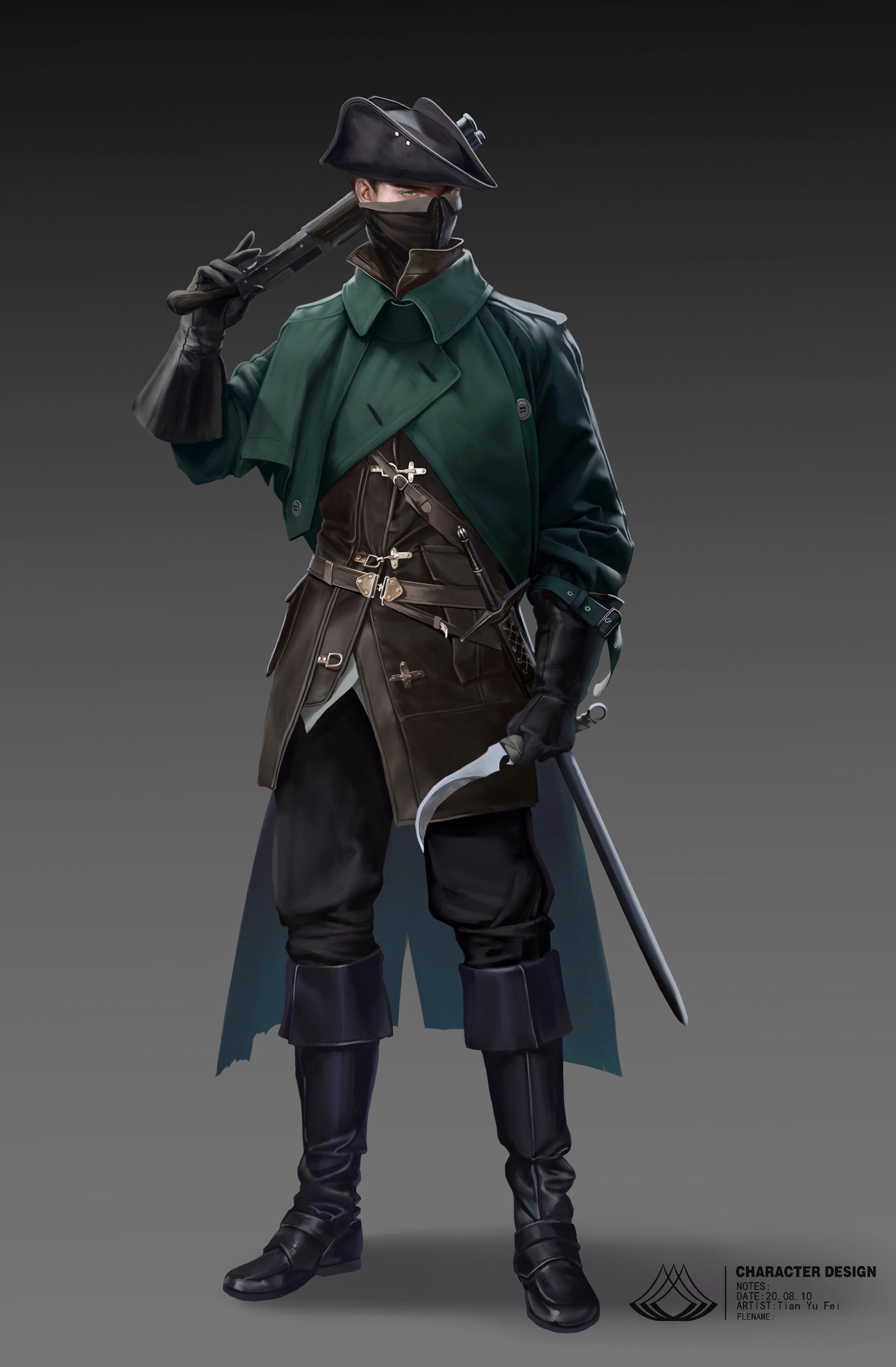 Current blockout progress for the chosen character concept I'm doing. Added some additional elements based on The Hunter from Bloodborne. And went back to sort out the topology of the previous outfit. Sorted out the t-shirt and pants, merged the pieces together, and transferred the details for a cleaner high poly.
 -
Re: 3ds max techniques with splines
 Chaserm2 Drop that sprocket image on a plane, then using a spline line trace out the shape. Since it's a pretty complex shape you probably want to trace out several shapes and then combine them. nufftalon yea splines are pretty cool and have a lot of uses. One thing to keep in mind is that you can turn any edge in edit…
 -
Re: Blender Merging Objects making some textures black?
 Menu -> Object -> Apply -> All Transformations or shortcut Ctrl-A. Could it be that the top strands to have some modifier added ?? Because they do not get merge.. you may have to copy this to the main object first by selecting the main object first and then the hair Object -> Link/Transfer Data -> Copy Modifiers (from all…
 -
zbrush license transfers
 heads up to anyone trying to sell their zbrush license: Effective 27 Aug 2015 it is no longer possible to transfer licenses from one user to another. Pixologic will only transfer license ownership in the case of a corporate acquisition where the licenses are acquired as part of the original companys assets. For such a…
 -
New banner love
 Refreshing the banners! Send these people some love, let 'em know you care as much as we do. In no particular order...* https://polycount.com/discussion/211023/sea-of-thieves-anniversary-update-environment-level-art-dump * https://polycount.com/discussion/221392/sketchbook-frank-polygon/p1 *…
 -
Re: My substance materials
 We've had requests and are talking about a better transformation node that would allow multiple elements to be transformed at once, it's a pretty heavy task though and would require a lot of design work to make it really as useful as possible. So I would say right now, placing elements such as these manually with 2d…
 -
Transfering UVs
 Greetings Polycount, I am currently dealing with an issue with my UVs on a low poly model. I exported it as an OBJ to ZBrush so I could do some basic posing, but when I imported the posed model back into Maya, the UVs were completely gone. I tried to see if I could somehow transfer the UV map on the non-posed version over…
 -
Re: MODO - Transferring UVs?
I'm getting this when trying to use the Transfer: It worked for transferring the morph maps from my original into the properly UVed mesh though, so I'm happy :] But I'd still like to know why did it fail transferring the UVs, or if there's another way of transferring UVs? Cheers guys! -
Z-71 Transport
 Its really huge if you compare the windows and observation deck rails. A person is quite small to the overall size of the transport. It's meant to transport people from one air base to the next quickly. It has no need for landing gear since its clamped into place in the docking bay. When its time to depart the clamps…
 -
Maya transfer maps custom shader
Hi all, Does anyone know how to use the custom shader in Maya's transfer maps to generate a normal map? I know you can already use the normal button in transfer maps but I'd like to use the custom shader for performance reasons (since in Maya 2011 you can use multiple processors for the custom shader in transfer maps)…
>9299 results