Search
-
Re: Vertex painting is distorting my mesh!

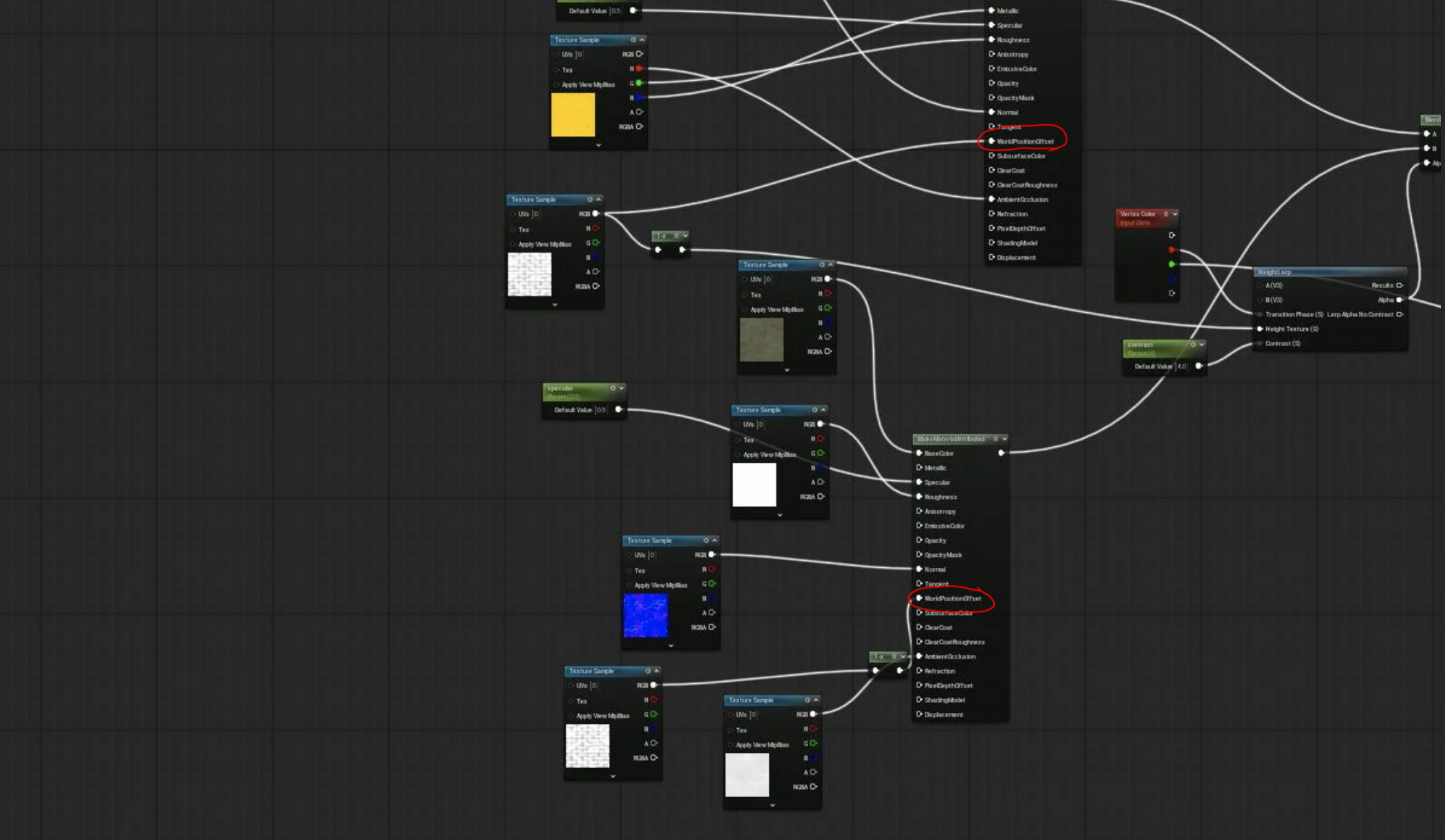 These pins are used in the material are what @Neox is referring to.
 -
Re: ZBRUSH artifacts when smoothing
 if you are talking about what i think you are talking about, you may be referring to the cavity intensities of matcap materials in ZB3. the cavity is very noticebale on say the the shiny skull material or any material at a low sub-d. is this what you are talking about? you can see each poly and every poly? if it is, then…
 -
Re: Multiple Texture Plates
 When they're exported, both UDK and Source will create a "slot" for the material to be put into. With Source, the material is hard-wired to the name of the texture you had on the model. With UDK, each material gets a slot that you can build a material for and link it up (I believe they're imported alphabetically depending…
 -
Re: Nodevember 2021 - Substance Designer

 Prompt 15: Huge For the final prompt I made a stylized moon material and with it I've finished another year of Nodevember! It's been fun figuring out how to approach each prompt this year and I can't wait for Mayterials and Nodevember next year!
 -
[Substance Painter] Normal Map Painting

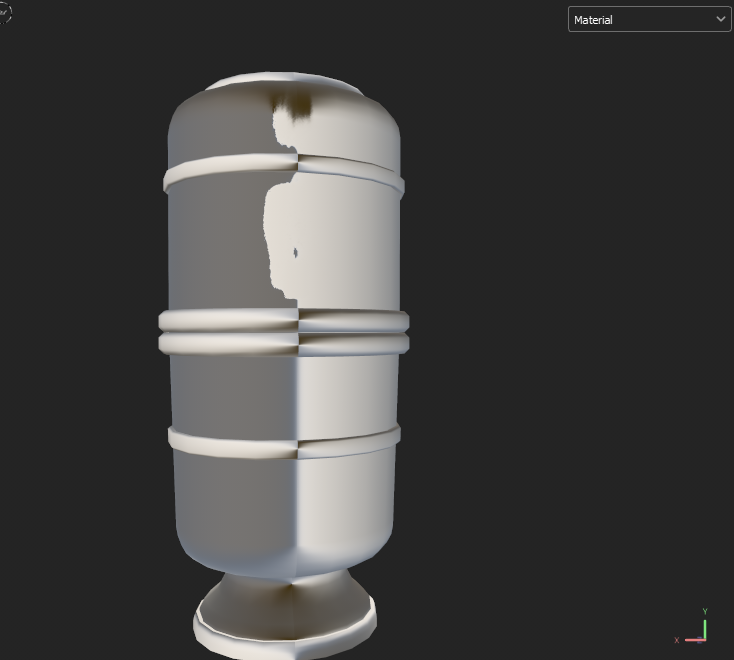 Hi! I've been looking for some answers in the content that I've watched, but I didn't exactly find something that will fix the problem I'm facing right now. I'm following miss Arilizart's process video for normal painting inside Painter, and although I've followed pretty much each step they do, I'm facing a problem in the…
 -
Re: SUITE 1.7 PREVIEW AVAILABLE NOW (Updated: November 18)
 ***UPDATE 14/12*** Alright, so since I've returned to working on my project today, I've found the re-importer works as it should, retaining all of your custom masks - that is, if you created them using the functionality built into the mask editor. If you painted your custom masks into the layer mask assigned to each…
 -
Re: Answered: Quixel Suite 2 a big step backwards for me.
 Every Smart Material generally creates a group. If it doesn't, you can add a group manually by selecting the layers you wish to work with and clicking the group function in dDo's main window. Cavity and curvature are not generated by dDo as individual maps within your *.PSDs. The SUITE will generate a curvature map from…
 -
Re: Basement hall [WIP]
 oh yah, gotta add the shafts too :) not sure how to do the dust particles tho, hmm.. Sandbox has been pretty easy to pickup and imho I think it's friendlier than UE3. It's very similar to 3ds max with how it does the materials. Importing meshes and getting materials on them takes a lot less steps than UE3. Just export…
 -
Re: Archviz swimmingpool in UDK
 Looks real!!! V. nice job matey :) ps: I would also like to see those materials when you have the time.
 -
Re: grass and dirt in substance designer
 Hi! In the substance designer material settings you can adjust the tiling amount on your cube/plane/cylinder to see how well your materials will tile over a large ground surface by pressing materials tab - edit - tiling. This is different from setting up one of the tiling nodes because this effects the uvs of your…
>32883 results