Search
-
Lighting issue in ue4

 What is causing these shadows to repeat themselves in every instance in my modular mesh? It looks fine until I build. I made my own lightmaps in Maya and ue4 is using them. All edges are snapped to grids etc. The maps are good to go... What other factors could be causing this? Thanks so much, -Trav
 -
Hair Study – Shaved Bun

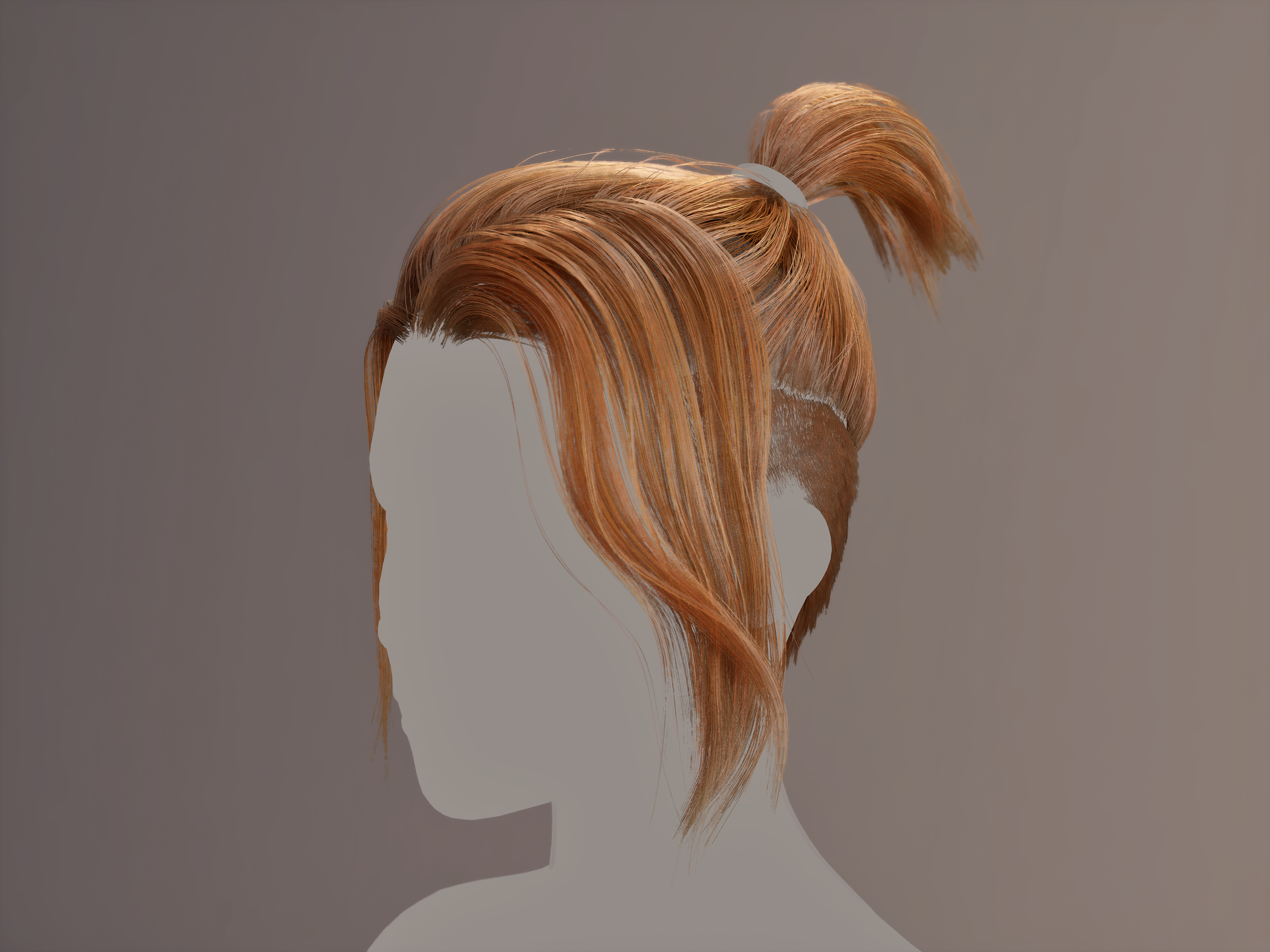 https://www.artstation.com/artwork/zxRxGq My goal with this asset was to practice hair creation while exploring a new workflow that balanced control and efficiency. I wanted to place every card manually for precision, but also work quickly and be able to make changes without losing progress—knowing I'd face challenges as I…
 -
Re: How to make Trim sheets Using Designer
 Usually people use material blends and masks to combine tiling maps. I've built a couple of systems to handle it more automatically /faster but basically it amounts to masking stuff together. It's usually a good idea to work on a grid when you make trim sheets - saves a lot of mess later.
 -
Re: Deselect partial edge loops / rings from a complex selection in Max?
Will do Swordslayer. Btw in Max 2018, are you able to assign a short-cut key to "Toggle Grid Snap" in "Main Menu" via Custom UI? I was speaking to Neil Blevins and strangely enough the button obviously works in the quad menu, yet max script will not execute the command to toggle it.. -
Re: [Question] Regarding Angled Hallways
 I'm sure there's some mathematical way to do this... What I usually do is keep the transform on that angled piece, and snap-move in one axis to either the vertex or the grid. There's still a gap, but the proportion has been kept, all that's left to do is move the straight pieces to meet the first verts.
 -
Re: Snapping the of an object in 3ds max
 Not sure I'm understanding it completely, but do you basically need objects to be realigned to axes of the grid or to each other? If so, the Normal Align tool immediately comes to mind. [ame=" https://www.youtube.com/watch?v=Z_VOD6egFDk"]3d Studio Max tutorial 08 normal align - YouTube[/ame]
 -
Re: Tunnel Diorama
Looks like a good start on the textures. I think the metal grid on the bottom of the tunnel looks a little flat though. I think you could push the normal a bit more or throw more some tri's at it and model out some of the shapes so it stands out a bit more. -
Re: Medieval Dungeon [UDK]
 Great work, and thanks for the mini-tut. It's pretty much how I do it, except I don't have a render camera like that and a plane the size of the grid. Instead I just use a 2x2 meter plane and then render out the maps in Xnormal. Oh well, thanks for taking the time!
 -
Re: modular and baking
Visceral you are spot on :) I'm using max, which does the auto flatten uv and for some reason had left a border all the way round. i basically packed uv's as i couldnt see how to snap a vert to a grid line within the uv editor. thanks for the help :) -
Re: Best/innovative RPG games.
 Perhaps that Arc the Lad collection, it had an interesting battle system that combined turn based grid combat with timed action commands, it's a shame no one played it though. Also the Paper Mario series is rather innovative, with each new title it seems as though the paper aspect of the series gets tinkered with.
>18190 results