Search
-
Re: F*** Gold's Gym (rant)
 Hey dudes don't forget that ILE paid for 50% of our gym membership and now that they are no longer around that COULD be the reason why the price hiked up. Sectaurs you might want to ask Jeff about that. B
 -
Re: DW4 results
 Congrats to everyone! I just gotta say tho, #6? WTF is that.. I'm gonna do a tit monster next year, easy win, 50 or so tits should add up lots of judges points
 -
Foliage texture pack

 I've just released a new texture pack. You can get 50 textures for free and if you pay $10 or more you get another 64. Let me know what you think! https://gumroad.com/l/kPduo high res album http://imgur.com/a/BGFca
 -
[FREE] Modular Stone Walls #1

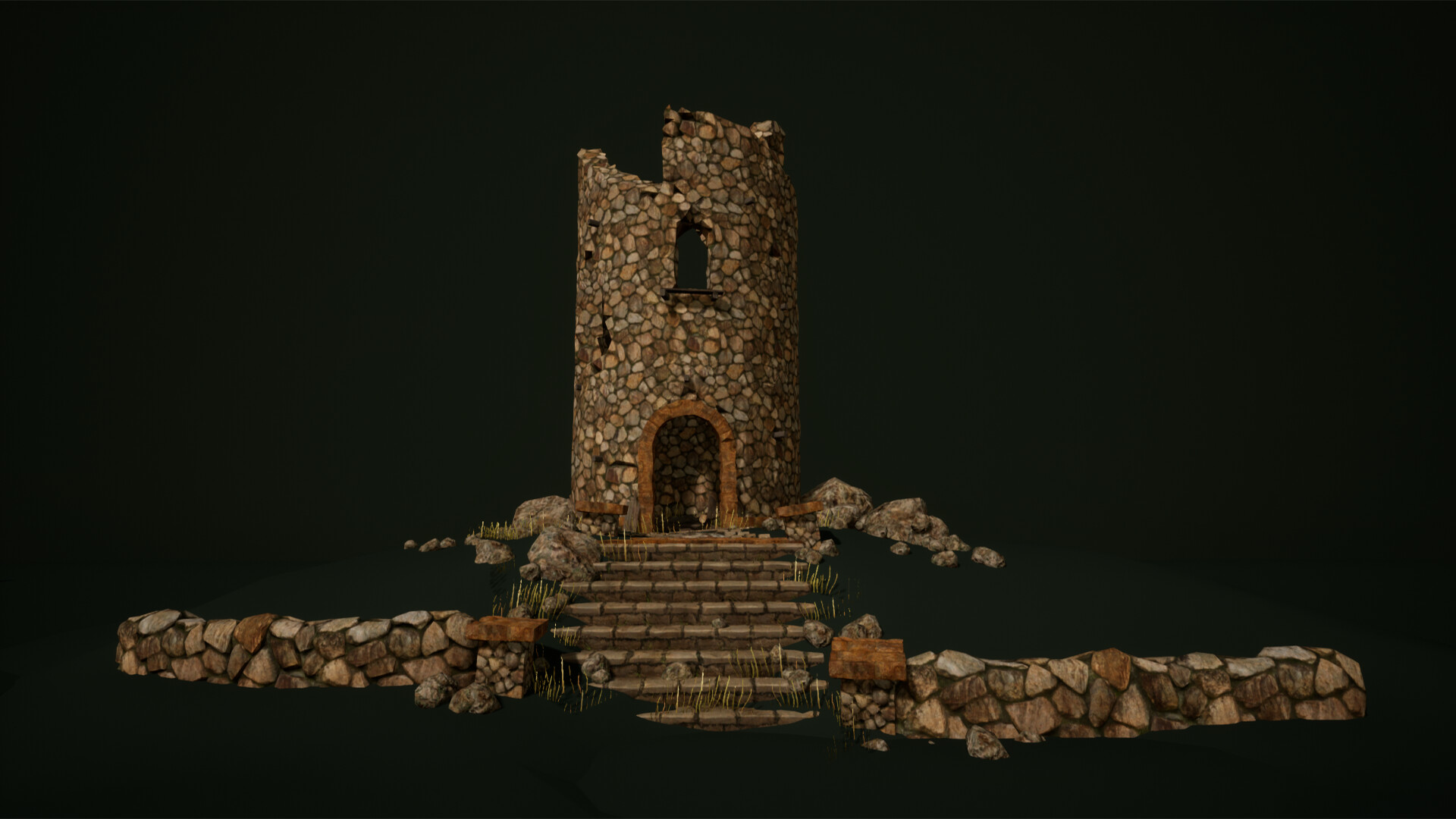 Hi Free download: https://gum.co/BIHLb Please check other packages (50% SALES until June 12th): https://www.unrealengine.com/marketplace/en-US/profile/Arkadiusz+Zygarlicki?count=20&sortBy=effectiveDate&sortDir=DESC&start=0
 -
>_< FUUUU Topogun
 It keeps crashing. I literally am saving after every operation and there's a fucking 50% chance that it will crash after I make a new vertices. I might go back to Zbrush Even one of the videos on their main page the guy complains about how much it crashes.
 -
NVidia Normal Map filter problem
 Okay, I started messing with the Nvidia Normal Map filter in Photoshop, and what comes out isn't a normal map at all - it's a flat greyscale image with everything moved to either 50% grey or solid black. What am I doing wrong?
 -
Re: USCSS Nostromo MessDeck ( READY )

 So... work on the Nostromo Mess Deck is completed. Now the stage of the final render. Here are some ready renders. Rendering a single frame takes 10 minutes. In total there will be about 50 pictures. In the end, I plan to make a short presentation film.
 -
Re: [Riot Art Contest] Shyvana the Half-Dragon
 Reply by WorldMaker · · Home› Contests & Challenges Archives› Riot Art Contest› Riot Art Contest - Character Arti rly like colors. Very good overall looking. But it is too much detailed- For LoL u can freely cut off 50%of details. As 99% of all entries to this contest))) can't understand why people create so hardreading characters.
 -
Re: Maya: Keeping object name when combining
 Take a look at this tool. I think it will do exactly what you're looking for and then some. Keeps the object name, pivot, translation, rotation, and hierarchy. Also comes with like 50 other tools. AttachMaster https://youtu.be/O2mK7I1Errw http://www.thomashamiltonart.com/TTools.html
 -
Re: Non Square Textures (2:1, etc)
 This behavior is expected. UVW space doesn't change with the bitmap ratio. So UV position [1,1] is always the top right, and [0.5,0.5] is always the center. Simply scale your unwrap 50% vertically. Or whatever ratio corresponds to the texture size you choose.
>9879 results