Search
-
[Maya] Mila material difuse texture has to b reconnected each time I load the scene

 Hi, Each Time the scene loads I have to go into the difuse color and reconnect the texture for it to display on viewport 2.0 even though the path is pointing to the right files. Anyone know how to fix this ?
 -
Re: High Pass Texture in Max - How do I setup the Material to change the colour?
 Keen, Its surprising that ive never ventured away from the compact viewport of the material editor. Once in slate mode its very intuitive on what you suggested and Ive found the solution. I havent used slate mode since Maya a long time ago.
 -
Re: The Bi-Monthly Environment Art Challenge | March - April (101)

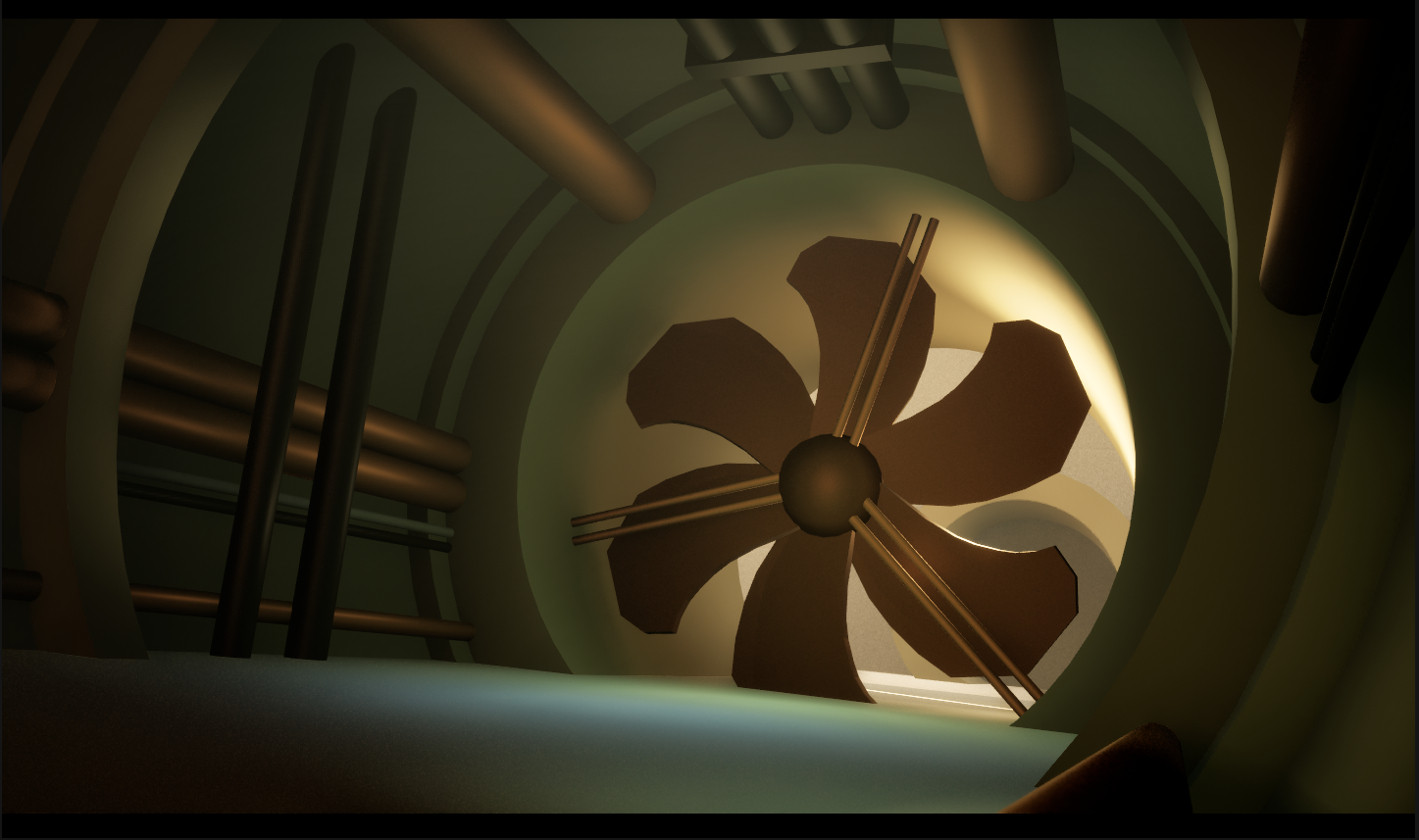 Here's my first update! Originally I was planning on trying one of the props, but since this stylised scene is made of simple repetitive shapes and textures I decided I could bash it out pretty quickly. So far I've blocked out the scene using Maya and Unreal Engine, and added some base materials and lighting. It was…
 -
Dots appear on normal map and material when painted using brushes in SP

 Hi I am new to substance painter and have tried everything to find how to resolve the issue but couldn't find it. I imported a LP mesh and baked a HP onto it and everything looks fine until I add a few layers and keep painting on the same layer using brushes. The model starts to show some dots and as I keep adding layers…
 -
Re: Material definition in Zbrush and weird shadows on normal map
 If I were sculpting a barrel, I would first create a base in Max/Maya the same way a real barrel would be constructed: separate pieces for each wood strip and metal rings. It will help separate the materials and make the gaps between the wood more believable. Without seeing your UVs or smoothing splits, I would say you…
 -
Best technique for creating textures/Materials?
 I'm curious to what technique everyone uses to create textures like rock or terrain? Do you hand paint yours? do you apply normal maps? Personally i'm trying to figure out what the benefit of using certain techniques are. For example the way i texture my models right now is simply modeling, uving, photoshop, then bringing…
 -
Re: [UDK] The Pit (Working Title)
 would be cool if you could show that material setup, kinda like how you did that mater materia tutorial. helped me a bunch and im sure this would too ;)
 -
Re: {Finished} 1996 Toyota Crown Comfort.
That is because I've modelled them to be functional like the rest of the lights. They look funny right now since the entire assembly is marked transparent due to some material overlap with the other lights on the car at the moment. I'll have that fixed once I manually make the alpha layer in Gimp. As for the lights I made… -
Rendering a scene in Maya using Vray GPU(As opposed to Vray CPU) messes up the fur material patterns

 Vray GPU; "Vray" setting (I assume this means to just use CPU for rendering); Literally nothing is changed except the render method, both are Vray. I've been tweaking around with different settings, trying to fix this for over a week. This does seem to be exclusive to Maya/Vray2023 though, as it does not happen in Maya 2022
 -
Re: Andor likeness
 @Eric Chadwick Thanks! :) I ended up using metahuman skin material, which I then edited for my needs. I know it's not the best idea, because Metahuman stuff has so much “bloat”, but for this personal project that I aimed to keep short it was good enough. I edited the material by disabling a lot of stuff and inserted my own…

>32893 results