Search
-
Re: My first try at hand painted texture

 Indeed it looks better! It's a bit softer and more pleasant. I need to try that, thanks!
 -
Re: CryEngine is Finally Back ! :D
 Cryengine uses CryTSpace, a proprietary and undocumented tangent space that gets its name because it makes you cry when you try to get a bake against it to look good. Just throw as much geo at the engine as it can handle and things will look great. Or if you must have a synced workflow, use literally any other engine.…
 -
need a new desktop? try looking glass
 i am usually not for bells and whistles and stuff, but i found it neat that this is a non OS specific desktop with features from windows vista and osx. i havent installed it yet but plan on checking it out. its all 3d and i think i seen something about it before, but now it has reached a 1.0 status.. for more info go here…
 -
Re: Polycount's Sketch Thread!
 Makkon: Bam! wow rocking it man Adriaan: Thanks for the name! I love his stuff, definitely will look at it more :) Erik, Zeno: Looking great! Striker: Son, you cra-cra. Twoflower: Love those colours! Here's a different approach. Wanted to explore the character a bit more.
 -
Re: Z71 Camaro WIP
 Hey man, welcome! Looking nice, I do agree though that the lighting now is too ambient. Try to not make it mid-day while still casting light and shadows to make it more dynamic. You could try throwing it into the cry engine and trying out different times of day there to get an idea what you want to achieve and then…
 -
Cra from Wakfu
 Hi, I am a newcomer so I hope I didn't miss anything before making my first post. I am working on my first "post-studies" piece to fill up my portfolio. It is a character designed by Xa for the game Wakfu MMO. I am planning to make a fully functional game asset out of it messing around with some rigging and animation tool…
 -
Re: Modular brick wall tiling questions.
With more complex materials, I find using pure Red, Green, and Blue (and CMY if you need more colors) useful, because then you can use each channel as a 256bit selection mask (or use channel math to get the CMY masks - find the intersection of GB to get Cyan, etc). -
Re: [WIP] Scylla Von blast [Nudity,XXX,NSFW]

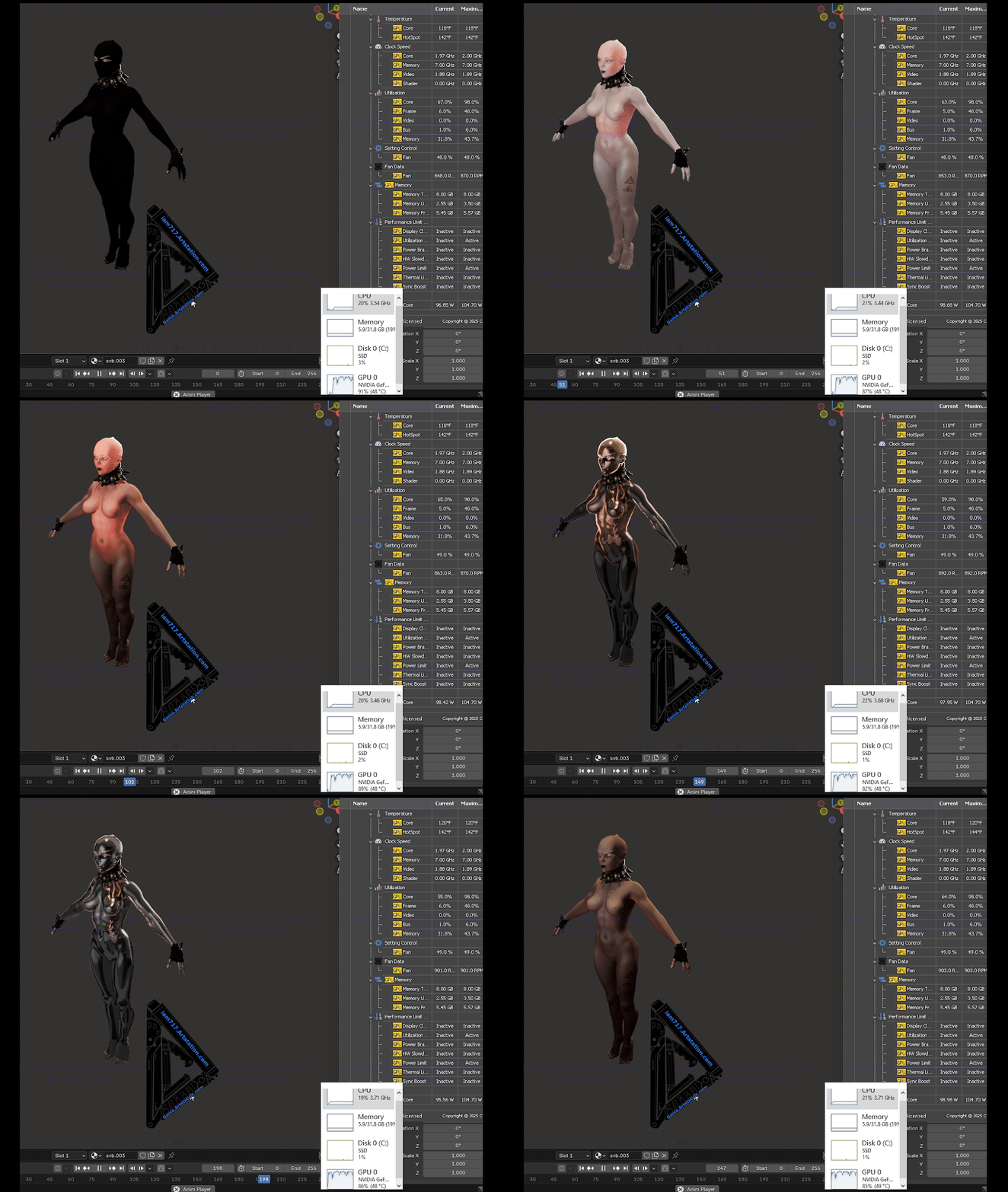 No biggies on the comments, females be difficult yo! (for me) That is why i am learning the, how to's, probably should've done those studies before the dudes but well, as said in the threads i went to "heroic types". Anywho, i said i'd come back and have since this is a long trek of learning things i do not do or nor have…
 -
Re: Trying to align vertices
 :) ok, I'll try again: Say I select a bunch of verts which all have different coordinates in the z-axis. I want to move these verts so they are in a straight line at 10cm on the z-axis. If I type in 10cm in the Z axis type-in box, it won't move each vert to 10cm on the z-axis, it will take the selection/pivot centre. So…
 -
Re: Is it possible to run multiple games per server?
 sry for the late reply, but yup totally. whether it works best to have a red team and a blue team for each side of the board or whether the team structure is flexible enough 64 team would work better. there's probably some way to set it up like that. (I'm moving and I lack internet sry)
>49706 results