Search
-
Re: How can I make my normal ALWAYS pan down?
 for a start - when you mask the RG values of an (0,0,1) vector you end up with (0,0) - which does nothing. Try setting the mask to GB or RB instead? To debug this you could try just plugging the mask into the emissive of your shader. What you're looking to get as an output of the mask node is a gradient that always points…
 -
Re: Zbrush - Surface noise
 Storing a Morph Target's good, but I found it even more useful in conjunction with a MaskByNoise function. After you generate the mask from the noise pattern, all you have to do is to pick a brush of choice and paint over the mask (you can also hide the visual representation of Mask using Masking>ViewMask toggle or by…
 -
Re: Where does Painter's baker store baked maps?
 Ha sorry, I missed the mask question. For the mask you can't paint over them directly for the moment. If you want to hide some additional parts, the best if to create a group with a mask and put your layer in it. If you want add details however, you will have to duplicate the layer indeed and do some manual tweaks on the…
 -
Re: WorldMachine for gameplay terrain
 Our designers will use the in-engine terrain tools to paint a color layer masking off the gameplay space that they don't want changed. We can then export that mask as a bitmap and use it in World Machine to mask out the effects. It takes some fiddling with the mask and nodes to blend between the nice, processed terrain and…
 -
Re: [UDK] Desert Palace - Prince of Persia inspired environment
 Thanks for all the comments guys :D I'm happy to see so many positive replies, considering that it's not entirely finished yet ;) Seaseme: Thanks mate! percydaman: Thanks. I was planning to work on the sand material and add some panning to it, to fake the wind movement. Unfortunately, I wasn't able to finish it on time. I…
 -
Re: (UV Doubt) How to properly UV large architecture for games?

 Hey Ghogiel, thanks for the tips! I didn't think about making 2 materials and blending them together, I could do it using masks and layers in painter and achieve basically the same results right? Or is it more time-efficient to do it via vertex color in engine? Now about the decals, I was thinking about doing the stuff…
 -
Re: How to make terrains for games
 Is it possible to mask out my terrain detail textures with masks I made in Photoshop? I don't want to have to rebuild them by hand in the editor, but i cant find where to import them. I know about the mask by slope angle feature, but why should I remake my masks manually when I already made them in Photoshop?
 -
Re: How to model hard classic victorian couch
 Welcome to Polycount! A good way to learn how to model complex shapes is to give it a try, and post your attempt, like Fabi_G suggested. Then people are more likely to suggest ideas how to improve what you have. For example see How The F*#% Do I Model This? - Reply for help with specific shapes - (Post attempt before…
 -
Re: [Project Showcase] [Dev Dump] [WIP] [UE4] Cepheus-Protocol an independently developed top-down RTS
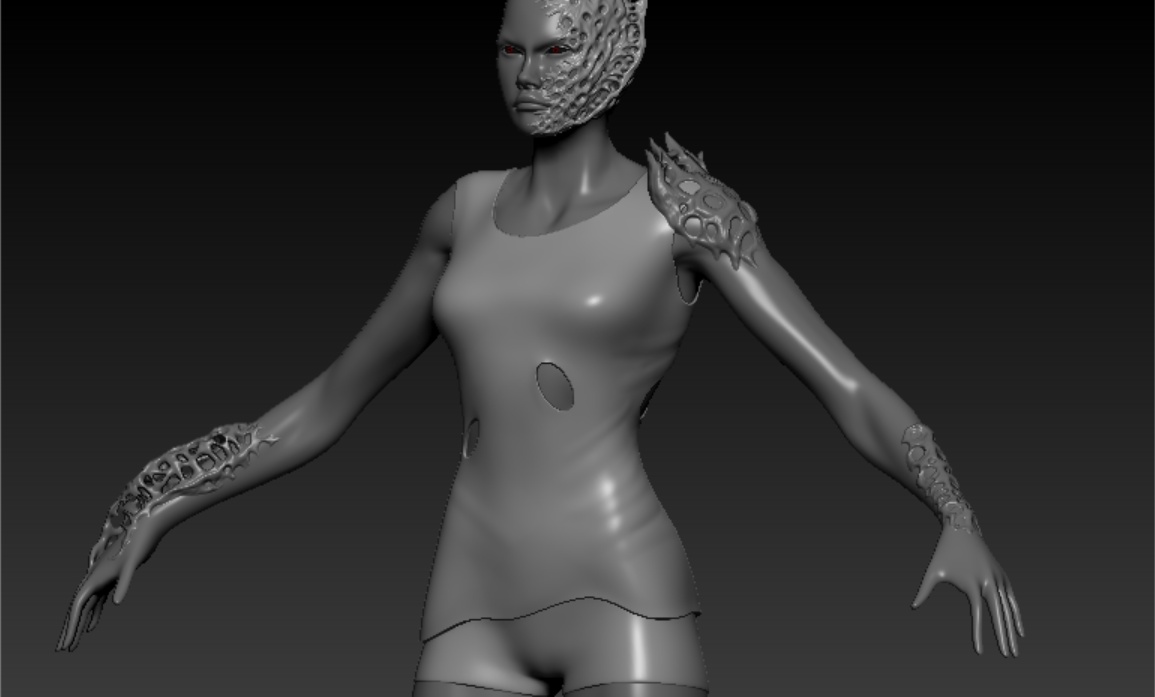 Is that a Fog of System You got there? Dev Update #11 Character Modeling Clara worked on the basic infected and took a few weeks off animation to help catch us up on some character modeling that has fallen behind. Andrew Smith was a recent hire and got started on his task of being in-charge of all player customization…
 -
Do substance designer have an opacity or transluency map option? For foam
So i want to create a foam in a water. But the water is generated in unreal. So im thinking i can just make a plane an put substance material (foam) in that plane. Any tips on creating this effect? Im thinking of using some kinda of mask to remove the water part from the plane. Also, if i can make that mask, what option in…
>40559 results