Search
-
Re: Don’t use gamma on normal maps

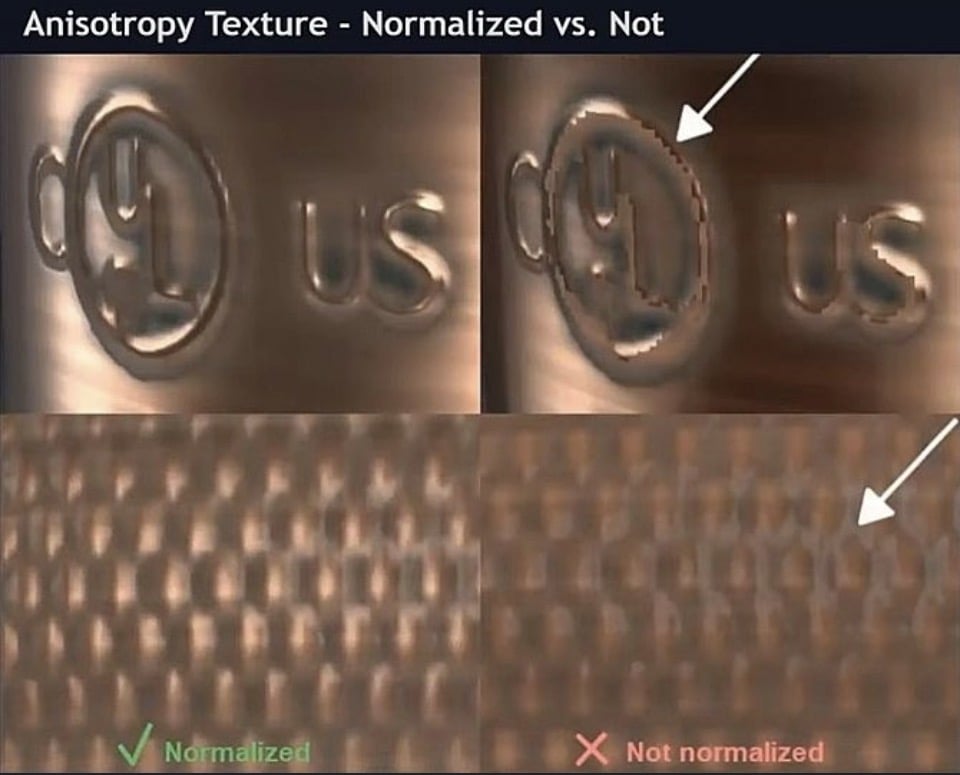 Ugh, yeah lots of tools don’t display normal maps the right way in their thumbnails/viewers. Here’s another tip: Normalize your textures! I made a couple SBSAR procedural filters for normalizing textures, since I couldn't find reliable tools for this. Maybe these filters can help you! Normal maps should always be…
 -
Don’t use gamma on normal maps
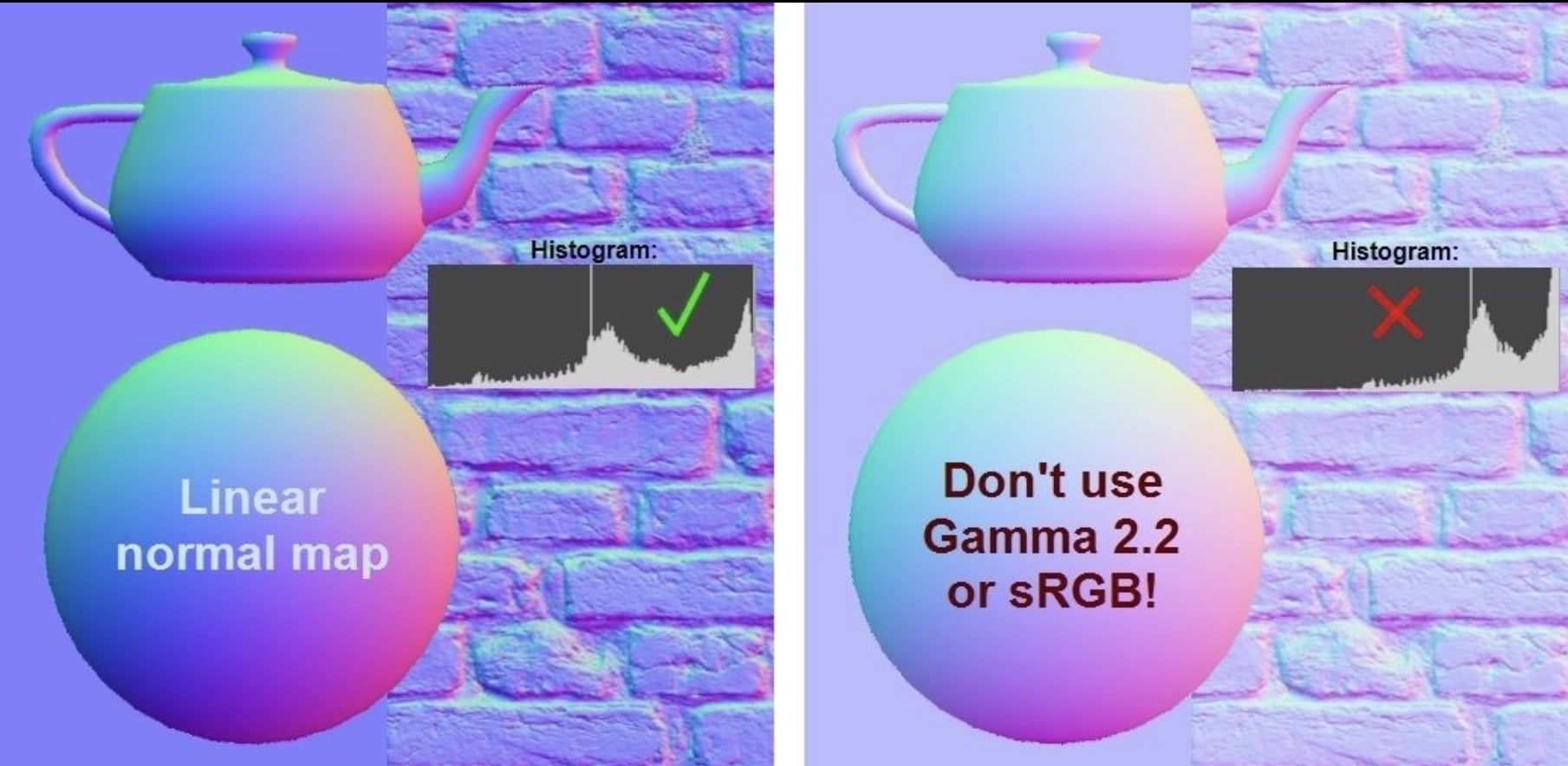 I shared this on LinkedIn, might help some people here too. Don’t use Gamma on normal maps Normal maps should be saved in linear color space, without color correction from Gamma or sRGB. A lot of game PBR texture pipelines use sRGB color space, which is fundamentally very similar to Gamma 2.2. It’s so close, they’re pretty…
 -
Re: Don’t use gamma on normal maps
I made it as a standalone filter, you load it in your software (I usually use Substance Player) then input your un-normalized texture, set the parameters you want (output resolution, bit depth, and file format) and save the normalized file. -
Re: Don’t use gamma on normal maps

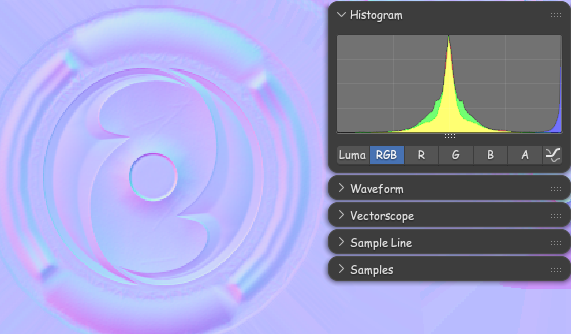 In context of what was brought up in other thread it should be noted: Blender in particular makes the texture look pale when the image Color Space is set to "Non-color", but it will read correctly by the Normal Map node. It can get a little confusing because of that.
4 results