Search
-
Re: Exposing Blendmodes to Painter/Player
 That's right, tweaking the blend mode of a blend node is only possible inside Designer, once your substance is cooked it becomes frozen to the current value. The same applies for some specific parameters, such as the crop areas of the blend node. You current "workaround" is actually the only solution here.
 -
Exposing Blendmodes to Painter/Player

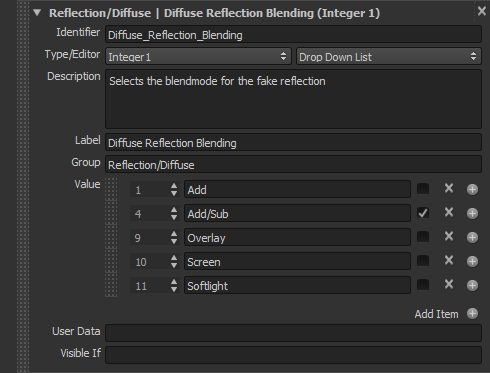 I'M working at a substance material that converts PBR materials to soemthing that works in an old idtech3 game, I exposed the blendmode of a blend node in substance designer, but outside of designer the input parameter simply won't show up. I'm guessing that exposed blendmodes only work inside Substance Designer? here's…
2 results