Search
-
Re: Unity 5.3 - Standard shader looks washed out
 It looks that way because it's calculating a very rough, dull specularity over the entire surface. If you jack up the smoothness you'll see the specularity and reflections more clearly. If you want it to look more like the legacy Diffuse shader you'll need to switch to the Specular version of the standard shader and set…
 -
Unity 5.3 - Standard shader looks washed out

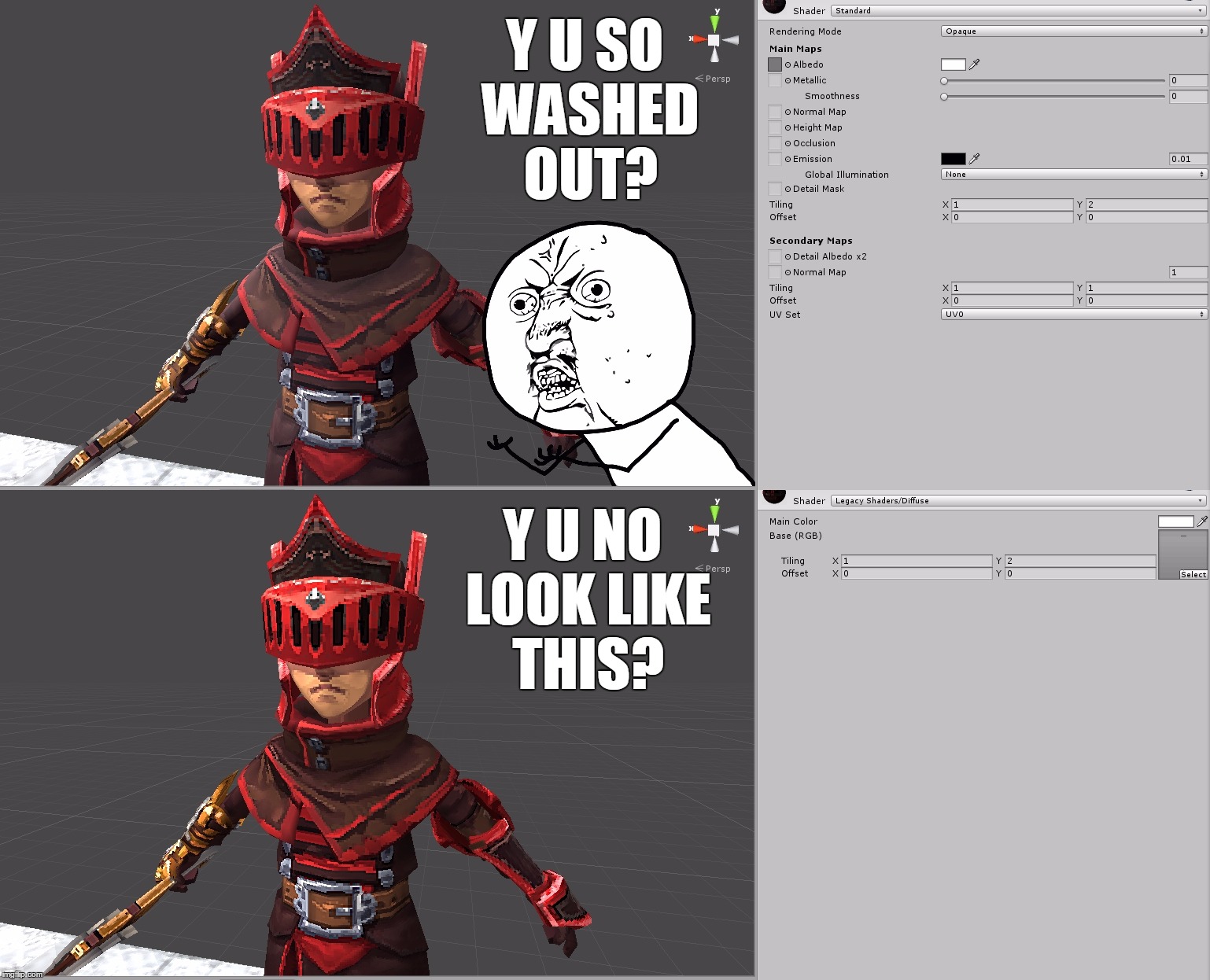 Hey hey. Hopefully someone can help me with this. I'm having a lot of trouble trying to sort this out. I'm using Unity 5.3 and my texture with the Standard shader (top version) looks super washed out. When I switch to Legacy Shaders/Diffuse (bottom version), it looks how it's supposed to. Are there certain settings I still…
2 results