Search
-
Re: Art steps you hate in your Pipeline.
 The whole pipeline... I want a button I can press that spits out cool art with a front page slot on Artstation. On a more serious note: Some kind of procedural grunge and wear generator that looks at reference photos, matches the wear patterns in the photos to the model and normal map data and gives you a bunch of…
 -
Re: Lunar Camera

 Probooleans retain all of their individual operands as live, editable objects. This makes it easy to go into each operand and reduce segment counts, remove tertiary details etc. Note how this is still a Proboolean object and we haven't done anything destructive. Now our problem is unwelded verts, n-gons, and concave…
 -
Re: More shaders for painter ?
I had a few issues with this shader, first off when right clicking and save as it just wounldnt work, Jarc gave me this link https://share.allegorithmic.com/libraries/84 - the code looks the same so my guess was possibly an encoding issue with chrome when saving as? So if you have issue try that link My next issue was the… -
Re: Maxscripts - Stuffs I use and whatnot
 I opened up my old script and think of a way to fix this, and I've come up with abit of a hacky way, but it seems to function ok;( local eInit = (polyop.getEdgeSelection $) as array; vTest1 = (polyOp.getVertsUsingEdge $ eInit[1]) as array; vTest2 = (polyOp.getVertsUsingEdge $ eInit[2]) as array; eTest1 =…
 -
Re: Multifloor Elevator Blueprint
 This won't answer your question in blueprint specifics, but the problem is more of a general one anyway. You want an actor to go to one of a number of points when something else triggers a calling event. There's two ways to approach this I can think of. 1: you have an elevator with a vector array that holds the locations…
 -
Re: Building a Workstation PC
Looks like a good build. I would recommend an external USB 3.0 wifi adapter, though. You'll typically get interference from the case with an internal wifi adapter. Plus, you can move an external one around, and the antenna wouldn't be obstructed. Something like one of these that have large antennas instead of tiny internal… -
Re: Fixing bad geometry from high res sculpt
 I faced this. It is a devil of a problem. I had to move each polygon and then smooth the problems... Later I came to know of these.. If you have an earlier save 1. Try having a morph target before you change the geo and then use morph brush to clean it up. or 2. You could * take the new Geo as another subtool * Divide it…
 -
Re: [WIP] Mavica FD71 - Floppy Disk camera
 149 save next files were born during the creation of this model
 -
Struggling with edge/rim highlight control in Toolbag (hard surface)
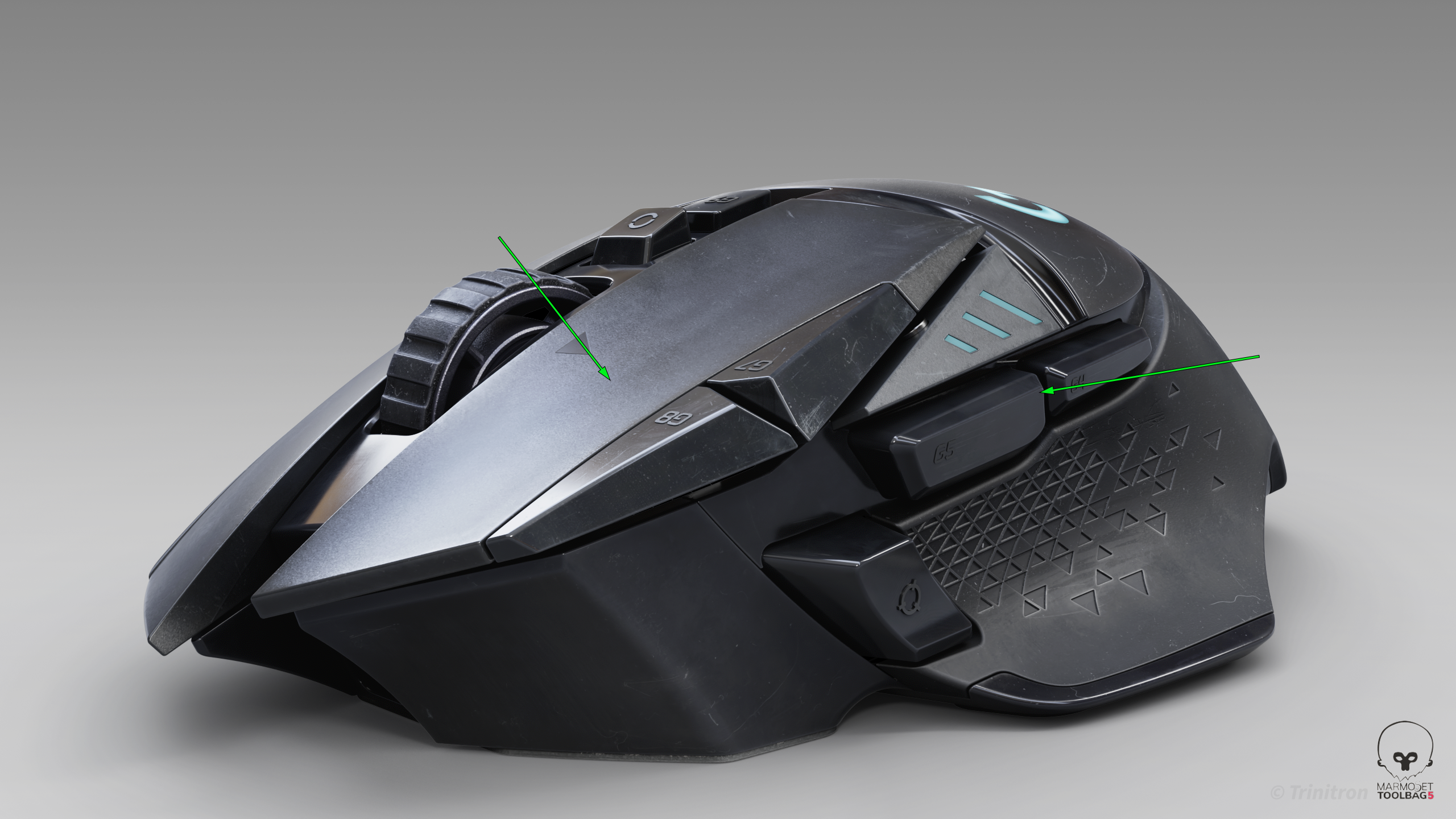 I’ve been trying to get cleaner highlight flow on this model, but I keep running into issues where the highlights feel muddy or break abruptly — especially on larger surfaces and edges. I’m working in Toolbag using HDRI + a few lights. From a modeling standpoint the surfaces should be clean, but the highlight flow still…
 -
Re: Sketchbook: Francois

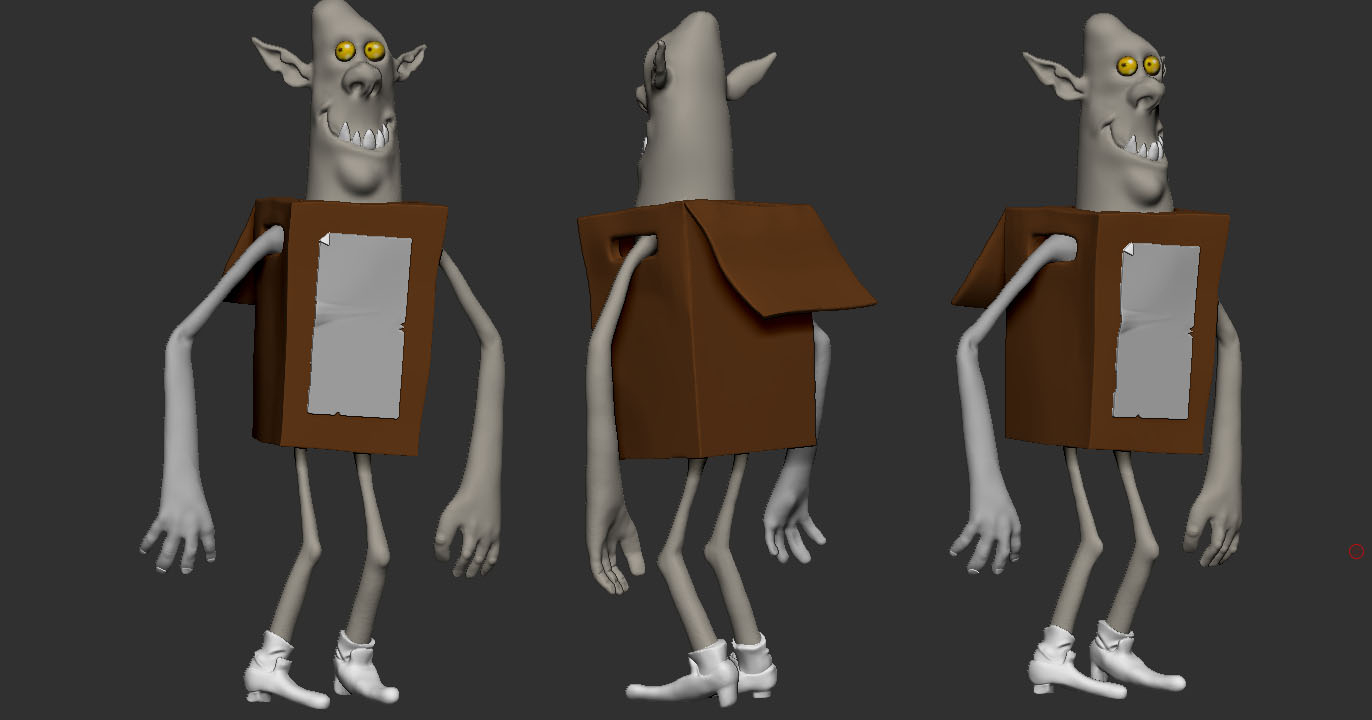 Not feeling a 100% the last few weeks. This is the most I could manage right now.
>144794 results