Search
-
Re: Extrude polygonal faces from a curve in Maya?
 It looks like they're just extruding the edges of a polygon, not an actual curve. You can do that in maya pretty much the same way, make a polygon of the eye shape and then extrude the edges out. Then delete the original polygon.
 -
Re: Limit the draw area of a polygon in OpenGL based off of UV?
This was probably too specific of an idea but in case someone finds themselves in this situation or finds this thread from a search I thought I'd post how I fixed the issue. What I ended up doing was generating an additional UV set at runtime, I'd look at the meshes and generate a list of polygons that were over the… -
Polygons and Maps: In-Game vs CG
Hi, guys! I'm trying to have a further understanding in how game's cinematics are made. Generally speaking, a ps3/xbox 360 in-game character has somewhere between 10.000 to 20.000 polygons and the details are simulated with normal maps, right? But when you watch a game cutscene (cinematic), where realtime rendering is not… -
Hiring realtime technical asset specialist for optimization, mesh retopology and material conversion

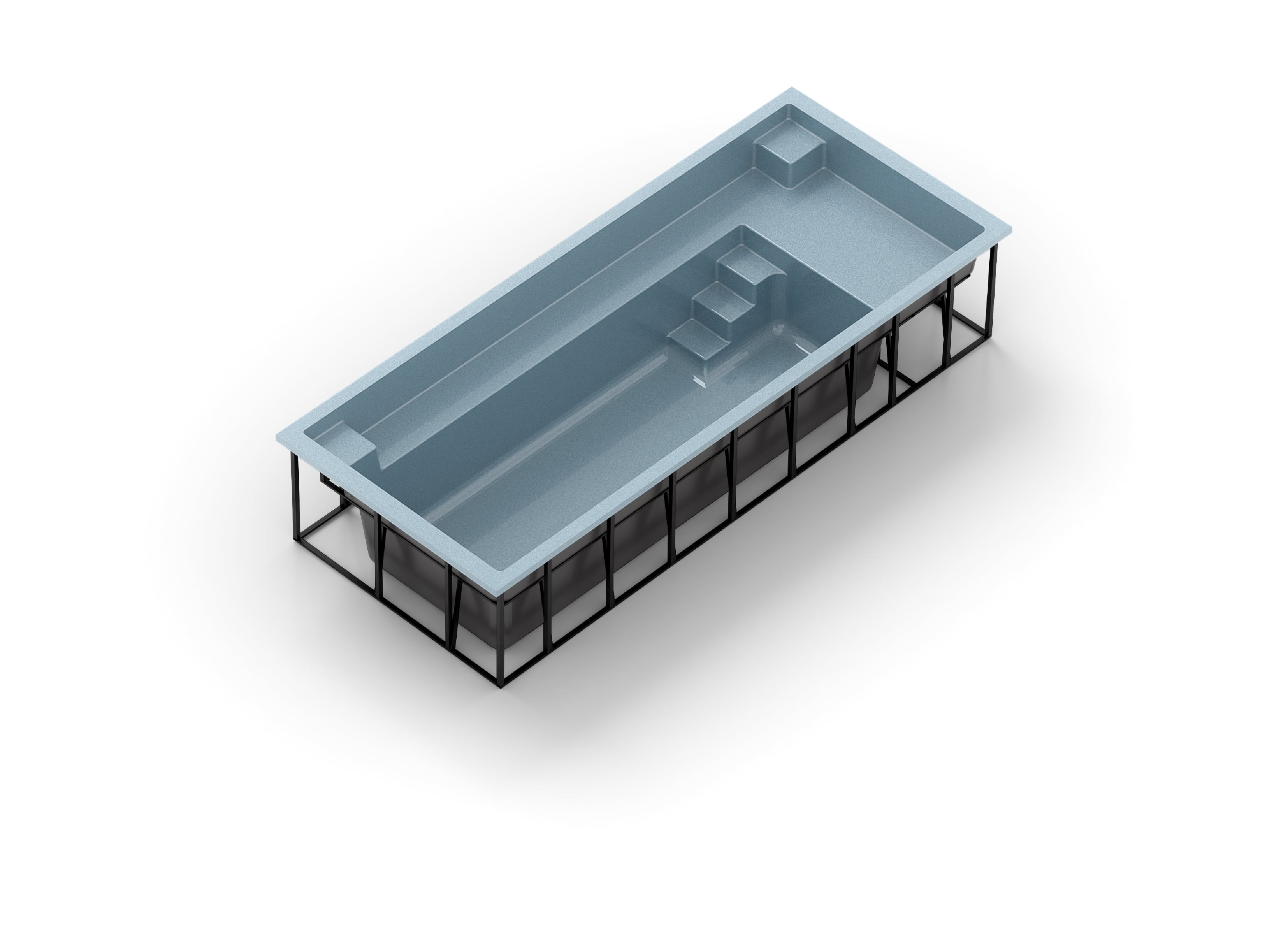 Greetings! We are developing a premium browser-based 3D configurator for fiberglass swimming pools and are looking for an experienced realtime technical artist / game-ready asset specialist to assist with optimization, retopology, material conversion, and realtime rendering workflows. We need someone who specializes in…
 -
Smooth polygons look hard - 3DS Max
 I'm guessing this is something simple, but I can't figure it out. I'm getting these weird lines on my polygons, as if had hard edges. But as you can see it's in a smoothing group. Here's the smoothing group. And here's a wireframe. I have an issue before with some ugly geometry where a shadow would go across the polygon…
 -
Cant seem to combine two polygons
 Hey guys, So I just started learning Maya and I was making a dagger, for that I wanted a circular object at the bottom of the base. Now I was trying to combine the two polygons so I could merge its vertex later. However whenever I try to do that the following error occurs: // Error: line 0: Invalid selection : polyUnite…
 -
Maya 2019 UV/polygons issue

 Hello everyone! I`m modelling a simple house and baking maps in Substance painter but ran into issue on position map so i looked at the uv editor and saw that some polygons on stacked uvs has slight difference in shading - those are the very same polygons which give me an issue on the position map, but i have no clue how…
 -
[Melscript/python] Selecting influenced polygons from a joint
What I'd like to code is: With a rigged character If I select a specific joint. I'd like to run the script, which would return the selection of polygons influenced by that specific joint. (As if I manually went into face mode and started selecting the polygons one by one) Have no idea where to start on this one. Any ideas? -
Re: Softimage polygon selection problem
ok.. if you go to: file > preferences... > expand the 'Tools' menu tree > Selection Then uncheck the "Surround Polygon" in the "Rectangle Select Options". This will enable you to single click select a polygon while in standard polygon selection mode, and allow you to drag-box around multiple. In this same menu you will… -
When is it ok to have intersecting polygons?
 So for a while now, I've been trying to keep all my polygons separate from each other. However, now that I need to start creating more complex scenes, this task is going to prove more challenging. I've been looking at a lot of professional models and I've noticed they have have a lot of polygons packed in front of each…
>10441 results