Search
-
Re: Maya MEL Scale UV shells locally script for anyone that wants it
 Have gone through and made some improvements basically now there is a progress bar in the main window (bottom left corner) you can cancel the script with the escape key if you use edge selection you remain in edge selection mode and so on for the other selection modes
 -
Re: [WIP] Stalker 2 Fan Art - Unreal 5 Realistic Environment & Story Telling

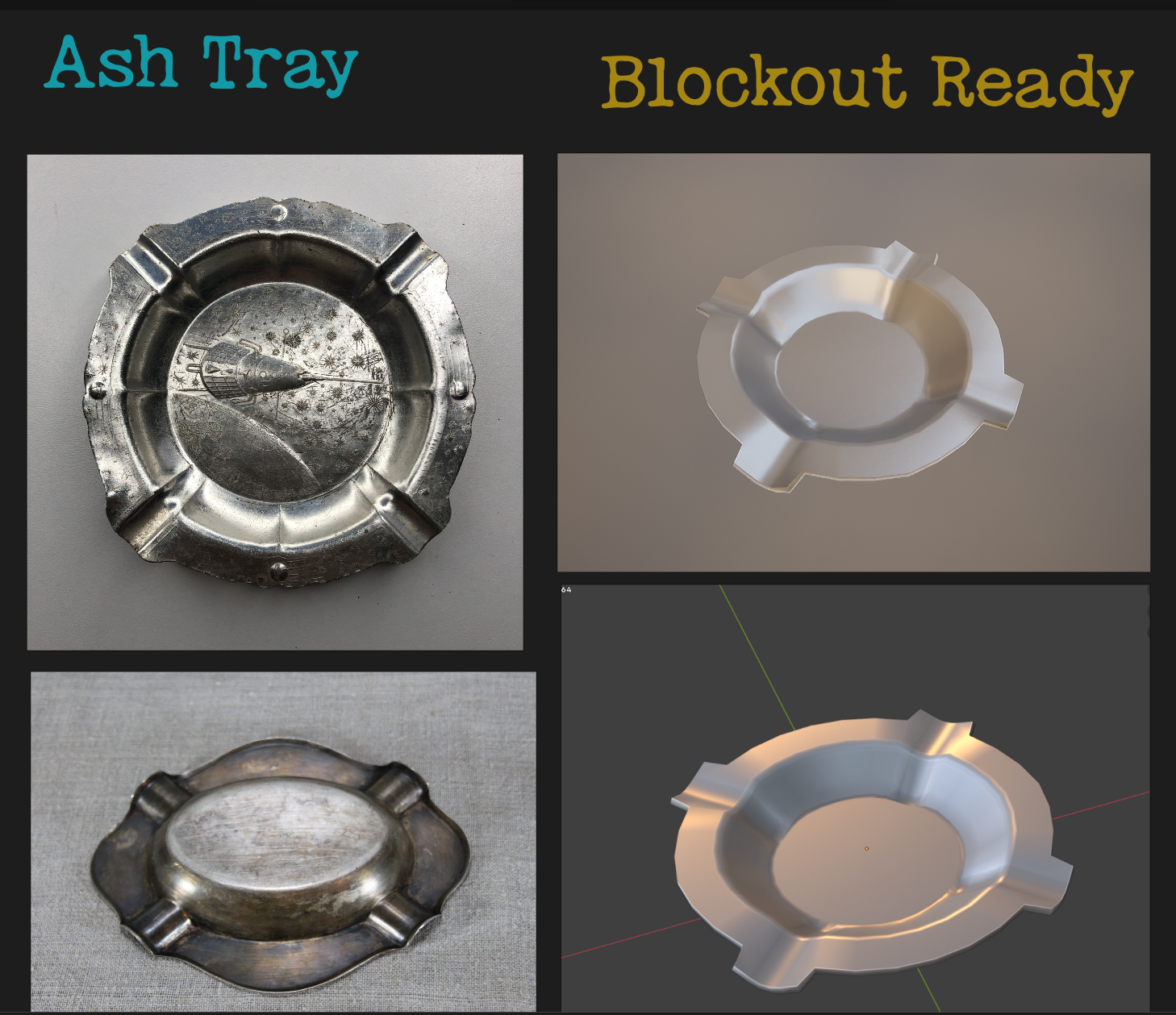 Sharing an update on my custom prop modeling — first blockout versions of carefully selected, thematic objects.
 -
Re: Baking high to low with UDIMS
 If one wants to pack UV shells from the same object across multiple UDIM tiles, then one has to apply multiple materials to that one object and assign the corresponding faces to the materials. This is thankfully quite easy in Blender: * Select all objects and enter edit mode (make sure UV sync selection is on) * Roughly…
 -
Re: Modular Pieces Not Lining Up
 Hi! I think best read up on snapping in Unity. In this case vertex snapping might be of help. You can also set the position of all selected objects on an axis and align that way. When working with modules, I would switch the tool handle position from 'center' to 'pivot'.
 -
Re: UV Mapping Multiple Maps
 Take this advise with a pinch of salt as it may not be 100% accurate . What I would do is take the Head faces and put a material ID on them(ID 4 for the head and 5 for the body for example),basically so you can use the select material ID fuction in the editable mesh/poly rollout modifier and it saves you having to slect…
 -
Re: [MAYA 2018] Get Back UV Editor Tools Menu

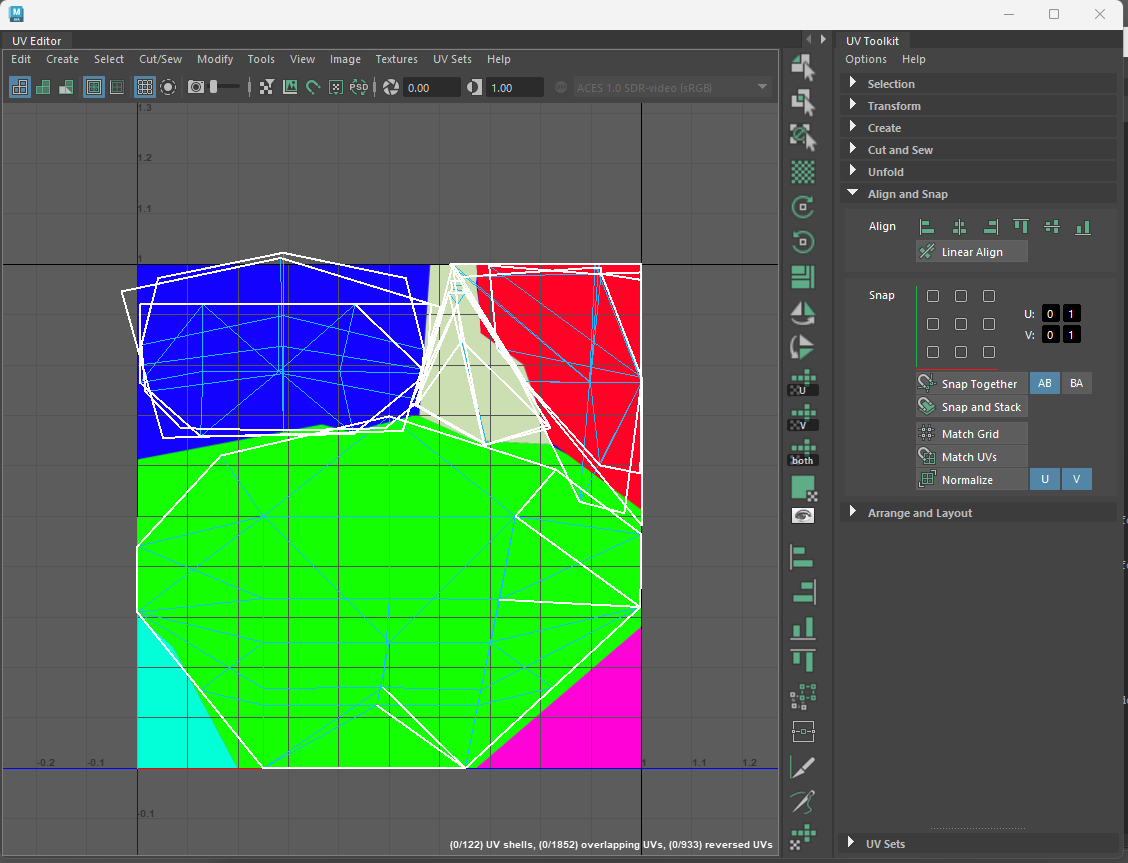 My workaround has been to open the UV editor via a shelf button that adds a custom panel next to the UV toolkit. When I want to add something I look up the MEL command for it and add an entry to the list. if (`workspaceControl -exists PixelBUV`) deleteUI PixelBUV; TextureViewWindow; global proc…
 -
Re: [3DSMAX] Something similar to Blender Mesh-machine Offset Cut?
i usually use surface tools on splines generated from the selection - but yes, not a one click solution -
Re: Best way to model these gun parts?
 Funny I wrote some selection scripts to act like XSI's adjacent selection functions today and you can make this object pretty fast in max now if anyone wants to use them. Here are the steps to make something like EQ's result with modo in Max without much effort. 1. Create a cylinder with height:30 radius:30 heightsegs:10…
 -
Re: Combining creased objects in Maya
 Tried fiddling with this problem for a bit. I don't use crease edges often but when I do they tend to be unstable and get clobbered when combining complex meshes together. Apparently you can't use Select Using Constraints and isolate only crease edges (unless I was using the tool wrong) so I made a workaround script that…
 -
Blender keymap for Maya / Unity / Substance Designer users
 TL;DR: Download Blender 2.80's "Industry Standard" key configuration at: https://gist.github.com/bitinn/22f6fefe026d8d9e83468864edb8f835 ====== Hi there,* Have you ever find yourself tempting to use Blender but just couldn't get the hang of its navigation? * Are you coming from Maya and Unity looking for an alternative…
>15392 results