Search
-
Post Apocalyptic Classroom

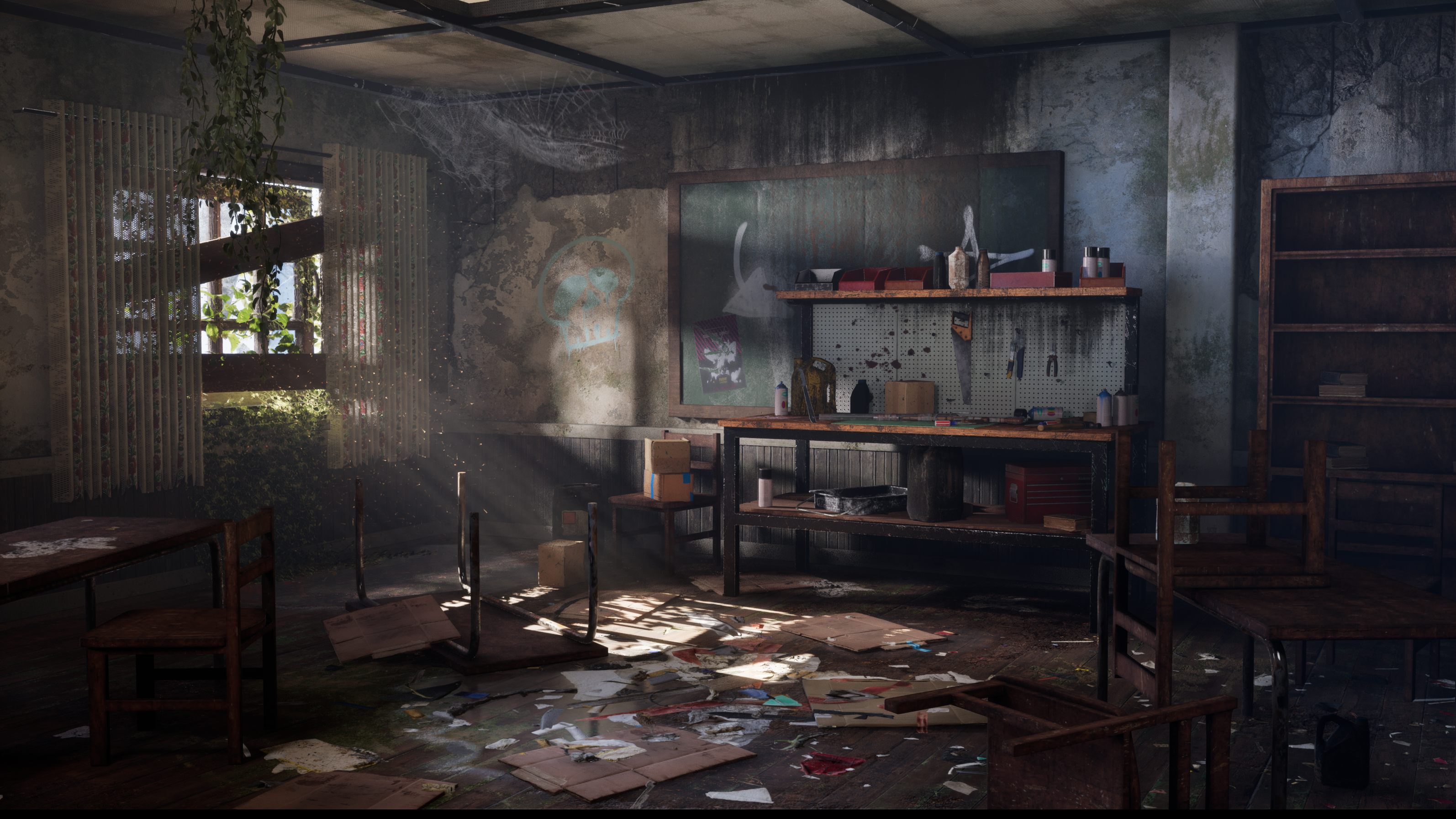 I’m excited to share my latest environment art project: a post-apocalyptic classroom workshop, created in Unreal Engine 5. Watch the Video: https://youtu.be/Uy470_QVEfc Breakdown: https://youtu.be/0OPbNM3nmbw Modeling was done in blender and texturing was done in Painter. I also used Quixel Mixer to blend materials.…
 -
(Paid) Looking for a Rendering Artist / Graphic designer - Fixtures and Fittings project
Hoad & More are industry experts in creating custom and bespoke switches and sockets. Our products work seamlessly with smart lighting controls. We are in the process of developing a configurator to assist our customers in visualising the finished product as they place their orders. Alongside this we will be updating our… -
Maya creasing problem with this particular shape
I really want to like using the crease tool for my sub-div modeling, but sometimes it is challenging to get it right. The right shape of the following image is the base model. the left shape was achieved by using edge loops. The left shape with the edge loops is the look that I'm trying to achieve using creasing, and maybe… -
[UDK] Incursion - Coop Action Hack 'n Slay (Prototype footage)
 Hey Polycounters, just wanted to show you some of the stuff our team is currently working at. Below is a video of our prototype which was developed by our team of 13 students within two months. It shows off really basic gameplay and a mostly blocked out environment. Obviously, features are not yet fully implemented,…
 -
Re: Looking for feed back on first proper sculpt
Whats the best way to create ring loops for boots and shoes laces? -
Re: [Feedback] Barrel Prop – Texture Critique Needed

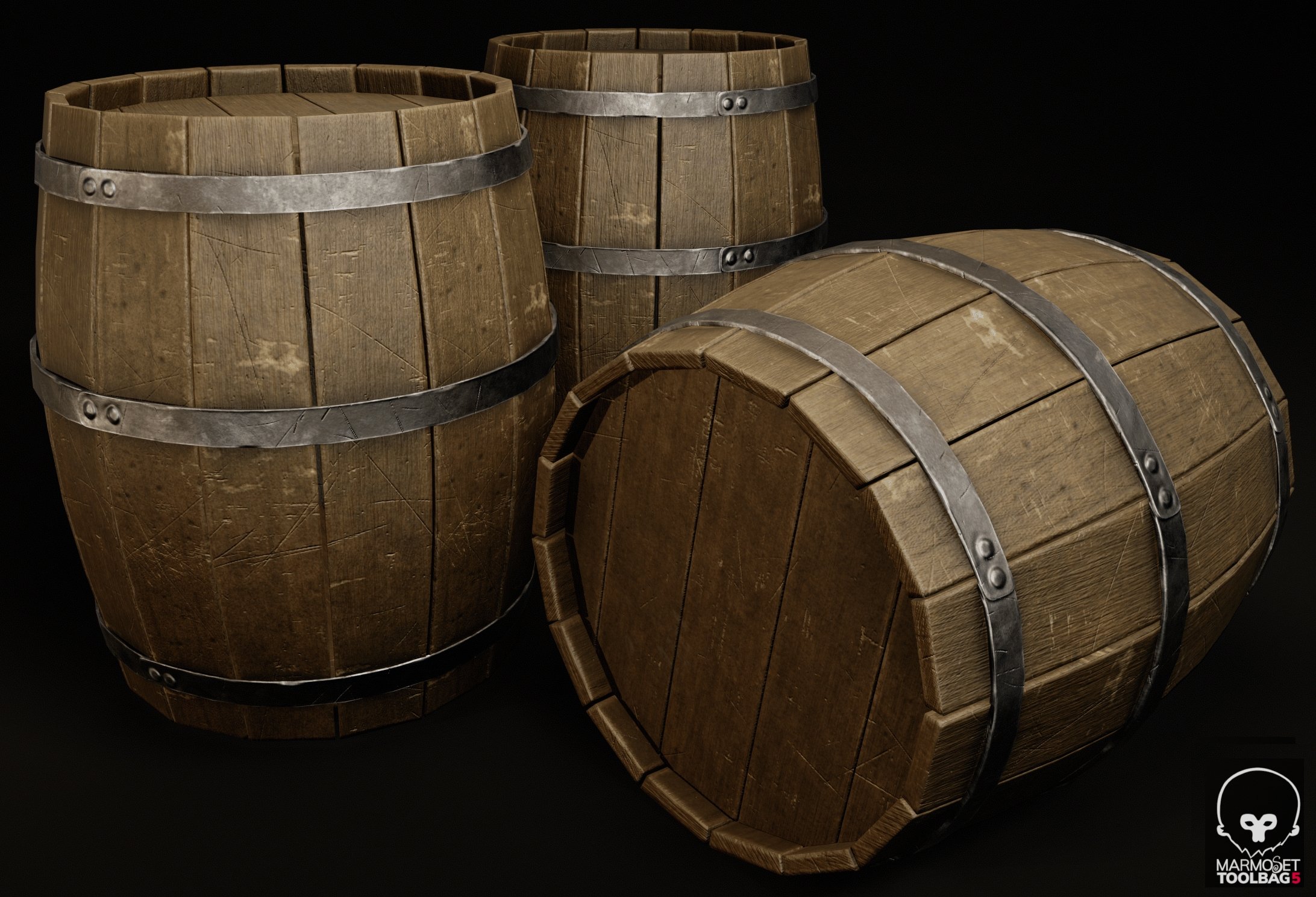 This looks really good for a first try, kudos! First impression is you could crop more tightly, and use less blank space. This will make the props larger on your audience's screen, which is always better. For example: Another thing is they could use some staining on the wood behind the iron hoops. Usually you see some dark…
 -
[PAID] [REMOTE] Technical Animator | R16 Interactive / Tale's Edge (Unreal Engine 5)

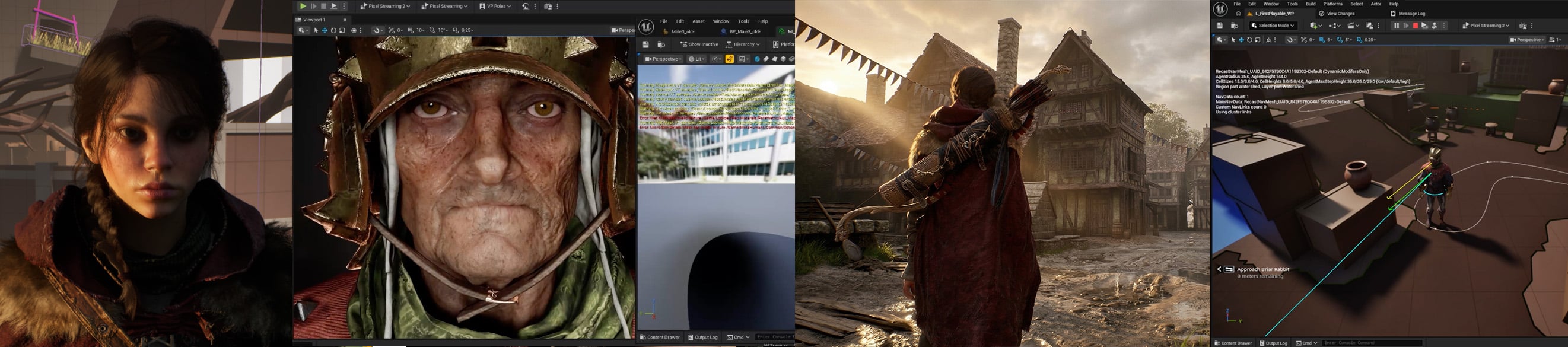 Studio: R16 Interactive Project: Tale's Edge Role: Technical Animator Type: Contract (hourly or day rate) with opportunity for full-time if deemed a good fit for both sides Location: Fully remote, global applicants accepted Rate: Competitive based on experience, engine understanding and location. Please share your…
 -
Re: Crappy looking normals
 Soooo after (way too much) trial and error, I found it was a combination of things. The edge loops on my high poly model were way too tight, I redid my uvs so that every time the model went over 45 degrees angle change I made a new uv island which seemed to help, and also I put proper smoothing groups per UV island. Thanks…
 -
Re: Looking for 2d practice Pals
 And so this is our current schedule, the study change based on day of the week: Environment -> Props 1 -> Human Gesture (full figure) -> Architecture -> Animal Anatomy -> Props 2 -> Human Closeup -> and then it loops back. I figured seeying the schedule would help you decide if you want to join our daily challenge :)
 -
Re: How to retypologise collectly

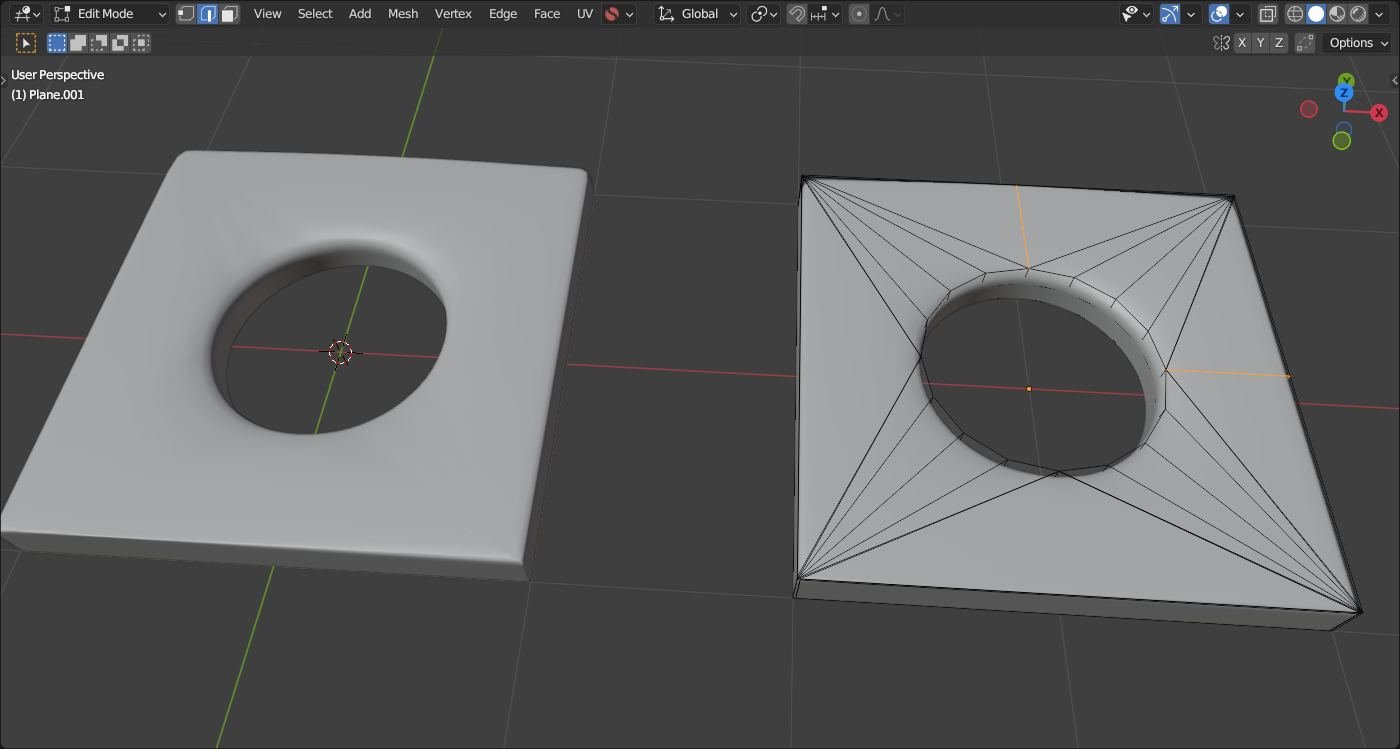 This may depend.. top and right with additional edges; inside bevel via control loops could be "sharper"..
>108964 results