Search
-
Some UV questions

 Hello everyone. So I know the basics about UV unwrapping. I make smoothing groups, then add seams based on those, unwrap and use an unpacker to maximize the texel density. I am a hard surface modeler so I often have lots of symmetrical geometry to which I make overlapping islands to maximize the texel density. So I know…
 -
Re: Asmodeus Mech.WIP
 What? No wireframe view?? Anyway, there appears to be a nasty seam on the head of the model. When dealing with texture seams on metal props you could try disguising it, but I think it would be better if you just took that piece and changed the UV so that the seam is hidden from view. It will make it look better and it will…
 -
Re: Low Poly Aircraft Pack
 I agree. It was by necessity that the needles are seperated. These are designed to work with UnityFS and other flight sim packages that require some of the needles to be geometry that can be rotated via scripts. They are actual moving readouts just like in Microsoft Flight Simulator. They aren't modeled, they are alpha…
 -
Re: Production Pipelines and Professional Asset Workflows
 That’s partly why you have source control for content. And instilling good hygiene around adding submission comments. The source control takes care of names and dates, and lets you retrieve past versions at any point in their history. We’re dealing with this in the Khronos Group’s GitHub repository by enforcing standards…
 -
Re: [WIP] The Legend of Zelda Inspired UE5 project- Goddess Statue in an Underground Cave

 Thanks for Neil and classmates gave some really nice feedbacks to me, here is the list of things that I should fix: Hero assets: - change the wings shape - scupt more cloth folds (refer to references by Neil) Enviroment: - add some (pillar) (refer to Zelda’s game) - add some ruins around the water near the wall - fix…
 -
Best way of dealing with transparent & opaque within one material
 So i've got a few assets on a project rite now that have glass overlapping metal (like a coffee table for example) and i'm trying to figure out if there's a more efficient way of setting up my materials while avoiding sorting issues. Currently what i'm having to do is split the opaque and transparent pieces into sub…
 -
Re: Dirt Road Blending Help
generally speaking i use landscape splines with meshes on them and depending on project specs I'll use a dbuffer decal material, virtual texture fiddling or sneakiness to make things blend nicely - what are you doing? -
Re: TDS "Equalizer" - Fractured Space
 184k tris and 8 materials (4 hull materials, 4 decal materials). All the texture inputs (aside from the manufacturer decals) are greyscale, tinted in the engine with 3 tints per material (masked via pure R, G and B vertex colour). Looking at a 2048 normal map, a 2048 multimap (diffuse-roughness-dirtmap-transparency) and…
 -
How do you deal with dust around your desk and cables?
 How do you keep stuff clean? It's too difficult to get to with a big broom when you have lots of heavy cables, and if there's a smart way of going about it other than cleaning it with a wet cloth constantly, I'm all ears. I was thinking of getting a handheld vacuum for this, the dirt devil scorpion: https://goo.gl/J1SmNB…
 -
Re: 1900's Western Fields

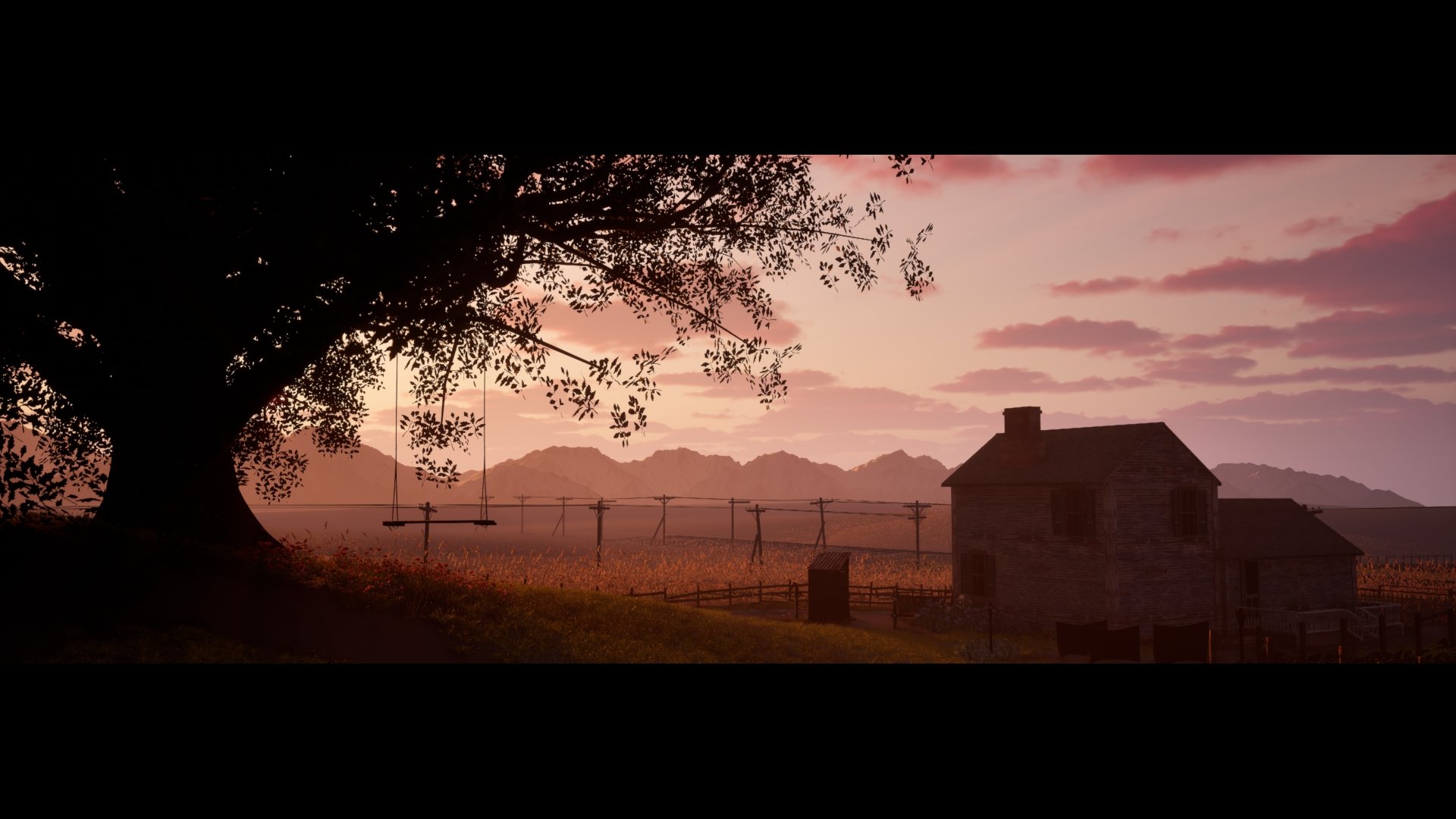 Update: I'm calling this done! Just have to make some minor adjustments and add decals. I very proud the way this turned out, spent about a year on this project.
>16847 results