Search
-
Re: [Finished] Numenor Inspired Environment UE5

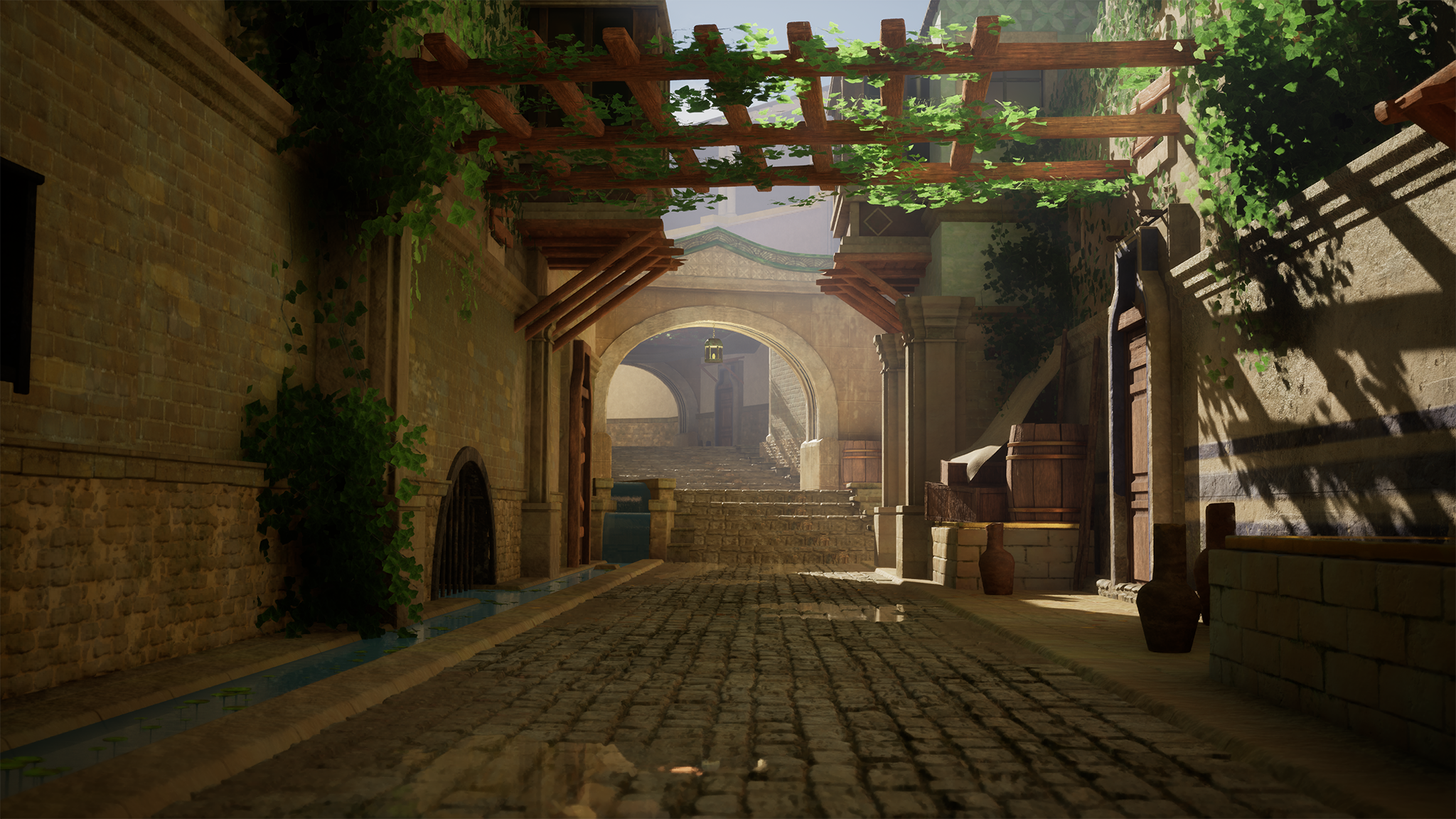 Making more progress! Started adding decals to the different areas and working on some buildings for the far background, loving how this is looking so far
 -
Edge loops for elbows and knees
 Hey forums! I'm tasked with re-modeling a character for a prototyping assignment we have at school. The first model had some errors when it came to rigging - the knees and elbows just werent deforming correctly. Are there any tricks out there that I should know about before tackling this again? I do understand the concepts…
 -
panel loops and curve brushes for hard surface modeling
 Hey gang, In the process of getting ZBrush 4r6 and I was looking at videos of panel loops and the curve brushes. How effective are they for hard surface modeling? Take for example, this armor that I'm working on for this character:
 -
Re: Loops vs Grid
 Jesus christ, thanks so much, especially @FrankPolygon! My issue with support loops is that with lots of different details it becomes kind of a puzzle to resolve everything into another in the end, and i'm working on my portfolio right now and need some good looking topology, although i know that even ngons or tris could…
 -
Re: 3dsmax + dreamscape + bake texture loop
 It's been a loooong time since I used Dreamscape. I only recall carefully adjusting my rendered frame range to match the wave frequency. It does loop perfectly. Most video players do not play looping videos perfectly, they add a pause. Quicktime is the best at this I think. For the height map render, I applied a sideways…
 -
[PAID] Freelance 3D Artist - TrueBeam Radiotherapy System
 Hi everyone, We’re looking for freelance 3D artists experienced in creating realistic 3D models. Task: Create a model of an advanced medical system for high-precision radiation therapy and radiosurgery, use the main reference for modeling: https://frtt.ru/upload/iblock/e09/vod5s09679750zjuvd7srh5yav9wotj1.png Completion…
 -
Re: Abandoned Dacha Environment - Modular Kit with interiors
 Hey everyone! Just wanted to share a quick update on this project. I was recently invited by the 80 Level team for an interview and a deep-dive technical breakdown of this environment. Since it turned out to be a massive 19-page piece, I won't cross-post the entire text here, but I really wanted to share the link with the…
 -
Re: Don’t use gamma on normal maps

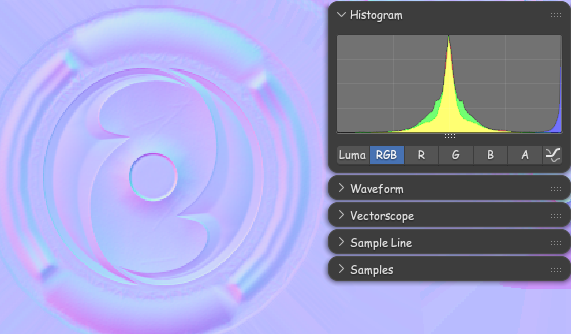 In context of what was brought up in other thread it should be noted: Blender in particular makes the texture look pale when the image Color Space is set to "Non-color", but it will read correctly by the Normal Map node. It can get a little confusing because of that.
 -
Blast from the past, 2002
Found this again today, featuring some of the old crowd, and a bit of what Polycount used to look like, back in 2002 when we were all trying to figure out how to make normal maps https://ericchadwick.com/examples/files/polycount_2002_messageboard.html -
[3ds Max] Unfold Strip from loop maxscript?
 Is there a member function or function in maxscript to do the same as pressing the button in the Unwrap_UVW modifier panel "Unfold strip from loop"? I have looked over the maxscript help file but can't seem to find the solution. Any assistance with this would be appreciated.
>108906 results