Search
-
Forest Environment - Unreal Engine 4

 Final Screenshots (see post on page 3) (Many of the image-link in this post are broken, have a look at my website for a complete breakdown of the scene) http://oskarselin.com/forest.html (original post) Project Overview Hello fellow polycount users! In this thread I will share my progress on a forest scene I’m currently…
 -
Re: Star Wars - Environment Art Questions
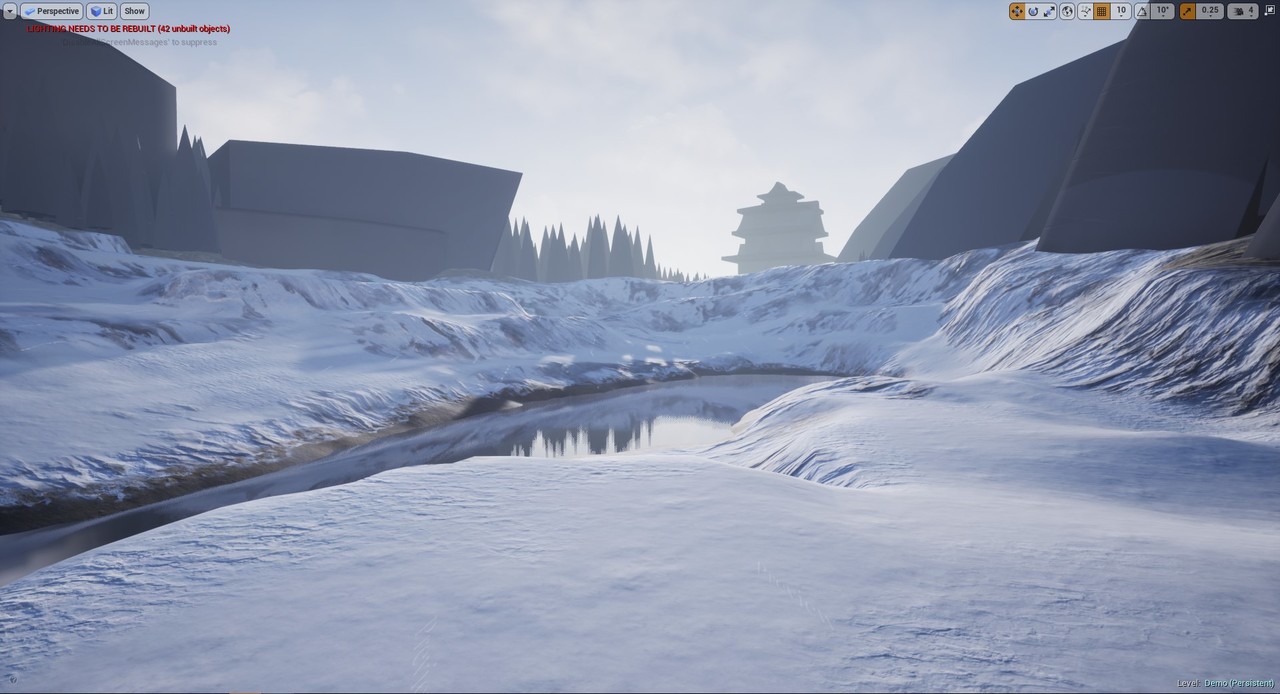
 Rock uses the same texture as landscape. Then actual textures for rock are added on top of that using a world aligned blend node. Landscape texture is using a world aligned texture node for 3D projection in both landscape and rock.
 -
CGMA - Organic World Building in UE4 progress

 Hi everyone, I started to document my progress and share what I've learned so far in the CGMA course Organic World Building in UE4 taught by Anthony Vaccaro https://www.artstation.com/autocon known as @Autocon here in PC. So far it's been a great experience and I highly recommend the course. We are on week 3 and I started…
 -
Re: (Finished) Research Outpost - Unreal Engine 5 Environment
 Hi! Nice to see progress :+1: Personally would be most interested to see the interior blockout get more refined. I think currently some shapes look a bit too simple/ cartoony and some elements display strong shading gradients. I suppose one challenge will be to find a cohesive shape language/ style tying all the assets…
 -
Re: [UE4] The Great Marsh WIP

 I ended up having to remake the entire map because of the issue with the landscape, and tons of crashing when painting on the landscape with foliage. Fortunately I was able to set up the landscape material to be somewhat procedural with spawning foliage to save me some time.
 -
Re: Thread of Awesomeness, Hilariousness, Off-topic, Youtube
 Here are some really nice HD time lapse landscape videos by Dustin Farrell. Landscapes: Volume One Landscapes: Volume Two An underwater video by the same guy with some cool shipwreck stuff near the end. Key West by Crew West: A 5D Mark2 Underwater Video
 -
Re: Braided river, streams ?
 Seems like you might need a system that feeds back into and deforms the landscape so your random branching feels deterministic?
 -
Re: Layer blending gives me a blocky result
The landscape layer masks are 1 pixel per vertex so yes - the squares are there because the landscape resolution is low. Increasing it is not the solution though. You need to fix the height blend but that should be simple enough if you look at the input textures. it's probably a good idea to autolevels the height map for… -
Re: Ue4 - Terrain Mesh Normal Blending with Virtual Textures Guide!
 Hi, RVT blending is very interesting with posibility of auto texture color blending from the landscape. Do you know is it possible also blending with RVT between meshes/assets? Under is an example of blending landscape-sphere and landscape-megascans asset. But how to blend between sphere and asset?
 -
Re: Modeling out a trench system?

 Yep, it would work in unreal. Create a landscape component. Add landscape spline, push it under the terrain and set your width and falloff. Then deform the terrain to the spline(s). In 3dsmax, make a profile spline (pink) and sweep it over a simple 2 vert path spline (blue). Be sure to set your pivot below the lowest point…
>2858 results