Search
-
Freeform tools, push to mesh?
 Hey, I saw my lecturer use a tool somewhere in one of the tabs in max 2012, in the ribbon. I believe it was in the Freeform options. Basically he could push a lowpoly mesh to match the mesh of a highpoly mesh. Does anyone know where this is?
 -
SciFi Energy Pistol
 Hi, during my vacations I scribbled a few sketches and decided to bring one of them into 3D, making a portfolio piece out of it. The plan is to create a ingame model using Max, dDo and some paintovers. The sketch: The HighPoly Version: Comments & Critics welcome. :)
 -
3DS Max/Zbrush/Substance Workflow Tutorial

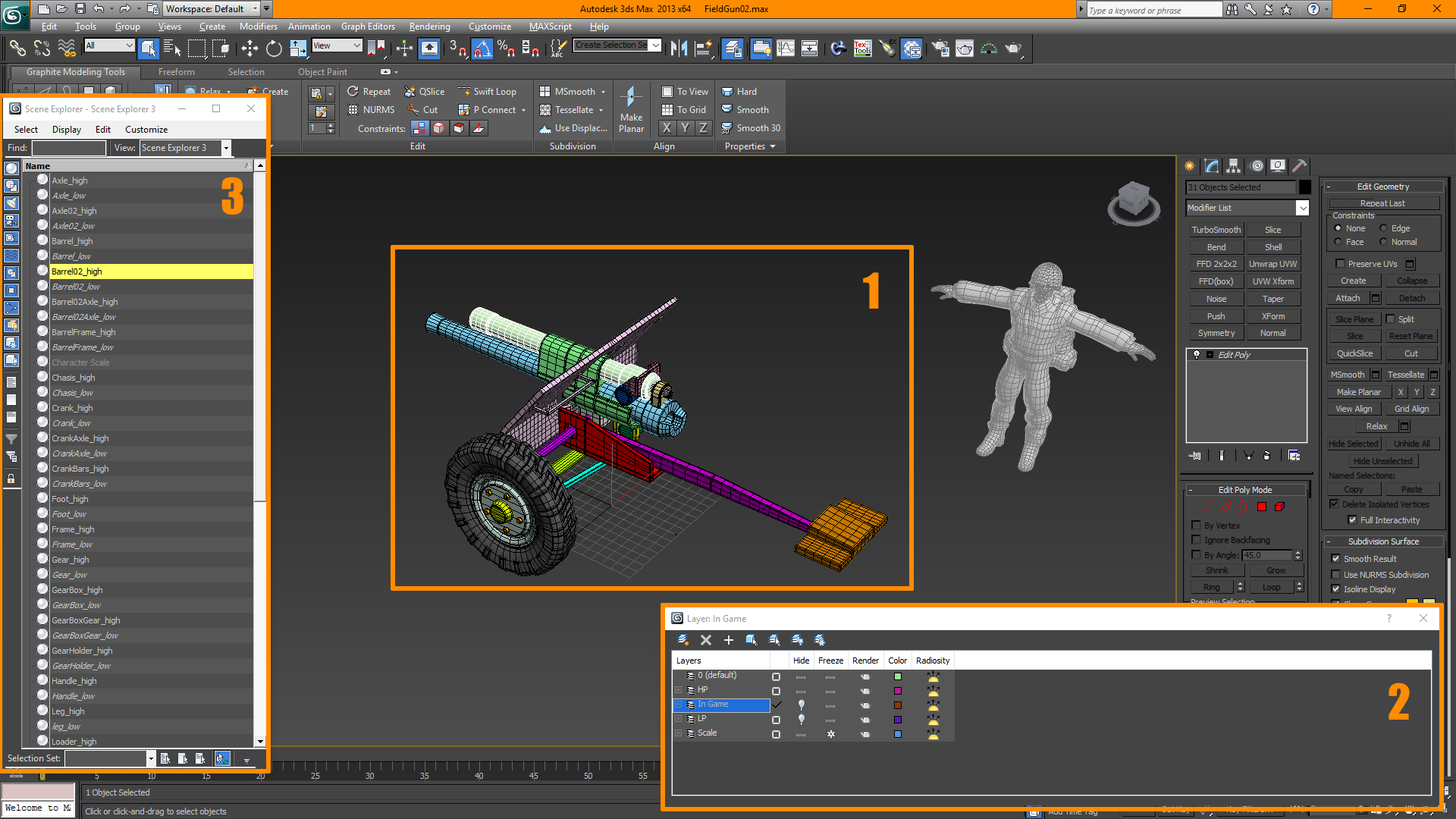 3DS Max > Zbrush > Substance Workflow Tutorial Note: This was made several years back, and My knowledge of these programs has increased greatly. Most of this pipeline is still relevant, and I hope that you find it useful (9/12/2019) My name is Adam and am responsible for the vast majority of assets in the upcoming game…
 -
Re: The Bi-Monthly ENVIRONMENT ART Challenge | January - February (64)

 @blot12345 Looking really promising already. I went with the hotdog truck, finished the highpoly. Taking it to zbrush for further detail and edge polish. Stil debating wether i should work on the interior or not, and make opaque windows.
 -
Re: [Blender 2.8] Bevel shader normal map baking artifacts on flat surfaces
 You didn't show us the highpoly with bevel modifier, but I suspect it's just its topology which is wrong (artefacts looks like ngon-not-really-flat). Also your normal map resolution seems low.
 -
Re: Environment Art Portfolio
i didnt meant to say that you needed highpoly models for beauty shots but more to show that you're able to respect the level of detail needed to tranfer real world assets to 3d and so on. Anyway great work. -
Re: Baking Vertex Color from HP to LP as Diffuse in Max
 If you have vertex color on your highpoly model, and you want to bake it to a diffuse map, you can make a material for the HP with a Vertex Color Map in the diffuse channel, and this will then bake into your Diffuse element in RTT.
 -
Re: [WIP] Abandoned Room UE4

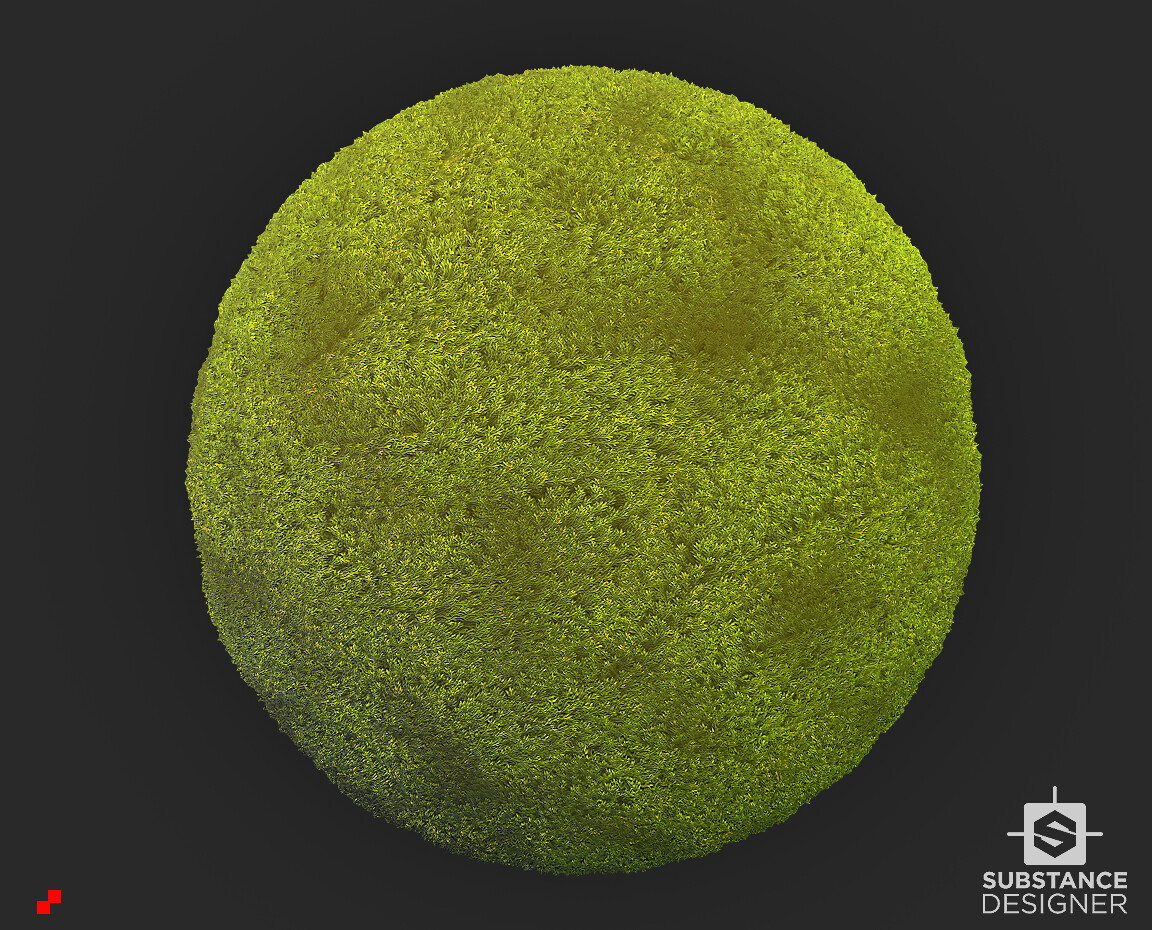 I decide to remove second room (that one with piano blackout box) and change into corridor area. I'll show you results soon. Newest stuff I made is moss material and piano highpoly (still wip).
 -
Re: Starcraft II
 I'm guessing it's quite alot of handpainted diffuses with highpoly generated normalmaps, since it's very clean and distinguishable colors. but then again, there are uses for photo overlays even in handpainted stuff. edit: found an image showing an unshaded hydralisk:
 -
Re: 3ds Max partally twist or rotate a spline
 If you would model a flat geo strip of that shape and unwrap it, you could use this method aswell: https://simonfuchs.wordpress.com/2014/08/17/tutorial-adding-detail-to-your-highpoly-objects-using-the-slideknit-script/
>13681 results