Search
-
Re: Script to select overlapping UVs?
 Make sure you deselect everything first before running "select overlapping". If you don't, I think it only checks what you have selected for overlapping polygons. Since you're using max you don't have to offset them, 3dsmax has uvW, where other editors are just U(vertical) and V(horizontal), 3dsMax has W(depth). Which…
 -
Re: Coder wanted c# for a hobby project
 Hi there can you email me at rottingcircuitsdev@gmail.com and we can speak there Many thanks
 -
[Volunteer/Portfolio] 3D Character Artist Wanted - 14-Day Horror Game Jam Demo - Malice Paradigm
Malice Paradigm is officially initiating core asset production today for our upcoming T-rated psychological horror game, "Teratophobia." We are starting with an accelerated 14-day development cycle to build a self-contained 7-minute Game Jam Demo. Voice talent casting is already locked via Casting Call Club, and we are now… -
Re: [WIP] Vintage Hand Drill

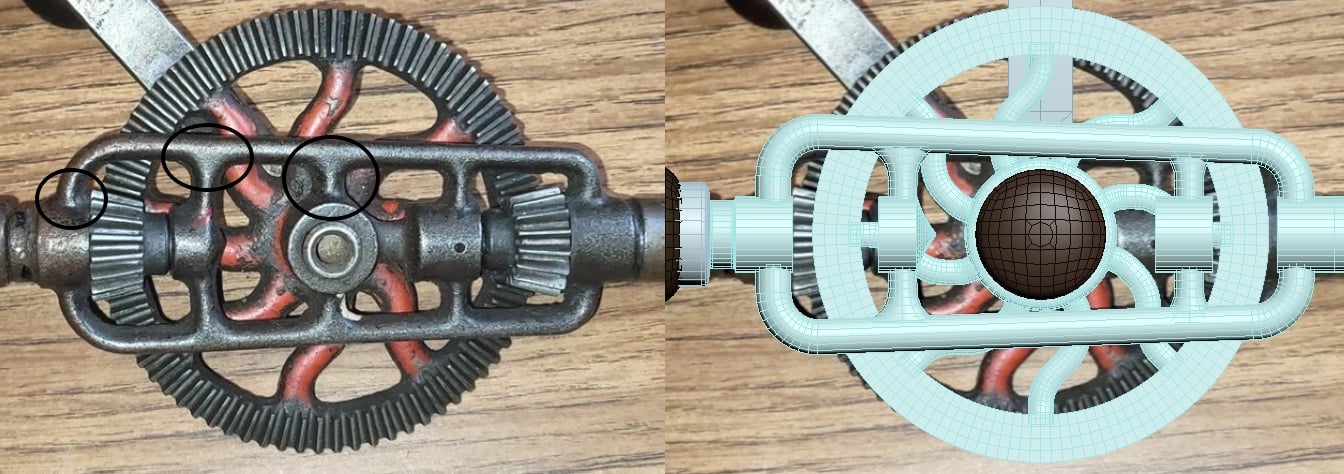 This is looking great so far. It'll be important to get the metal joints looking smooth, sub-d would be the best bet for this. Fortunately you have a ton of good reference (reverse-image searching on your ref board pointed to some ebay listings)
 -
Re: I want to join Game jams or other projects as 3D artist
 Hey there! Would you like to join the Critical Mass team? Building a physics-based multiplayer vehicular combat and shooter game. https://discord.gg/XRGxY3ypd
 -
Re: Help with lighting map for environment!
 What you've got now w/ the light and shadow map is pretty much an AO map, or so it looks. Try baking out w/ a 'Complete Map' w/ your current light setup. You should exactly what you see in your scene but on your texture map. Good luck. -Tyler
 -
Re: [WIP] Makeshift Radio
 whoa i like the update, high quality looking piece.
 -
Re: Tiny UVS in 3ds max
It's worth knowing that max has a W coordinate for uvs. Some operations such as peel can have an effect in the w axis and cause funny looking results from later operations If weird shit happens, switch to uw view and flatten enything off in W -
Re: Concept artist available for work
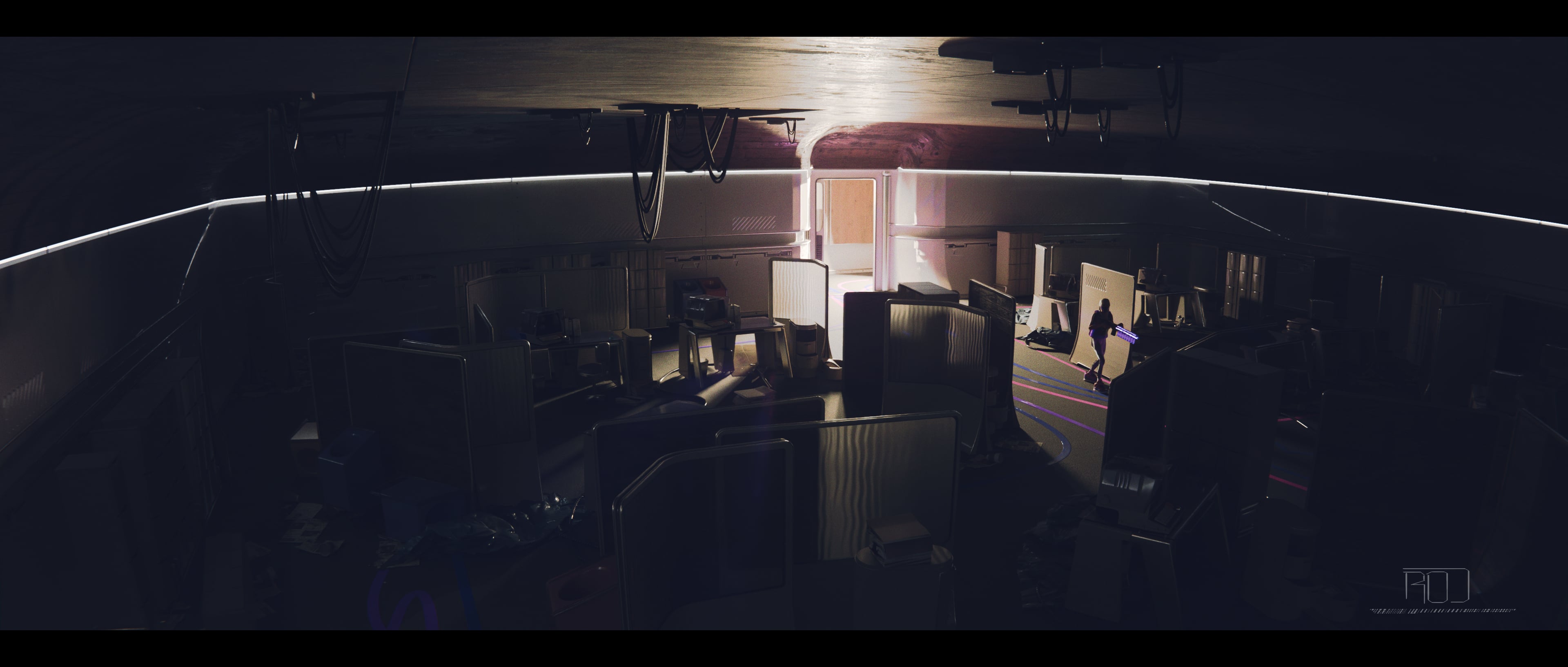 Open for work! mutt.illustration@gmail.com
 -
Re: [WIP] Miss Peregrine - Eva Green Likeness (Realtime)

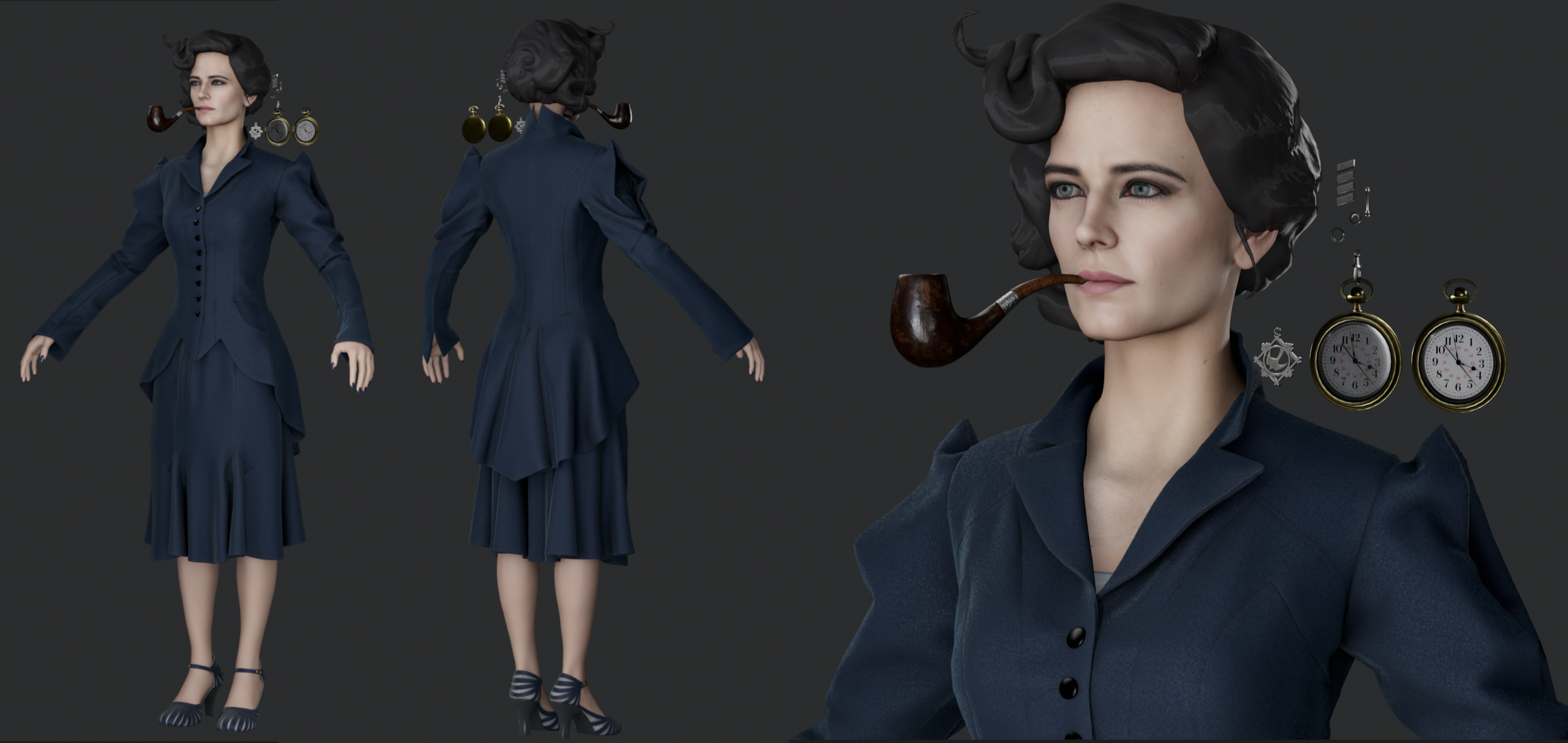 Quick update! Got some low polies/textures going for the clothing and props. Back to working on the likeness some more!
>165865 results