Search
-
Re: Teenage Demon
 Took my sweet time to do a small paintover to help you a bit, (and I need to practice teaching people) win-win!! 1. You want to paint as much ambient shading into the texture as you can, and in the "standard" case you'll have shading under the head, so that the head doesn't look like it has no neck. 2. Blocking out more…
 -
Re: Wacom tablet input and opacity
 Looks like your spacing is set way too high. Under 'Brush tip shape', set it to 0%, this can be set in the same window you can change the pressure sensitivity settings. You can disable Size jitter' under the 'Shape dynamics' of your brush settings, and change it to 'Opacity jitter' under 'other dynamics'.
 -
[WIP] Overwatch Widowmaker Fanart Skin
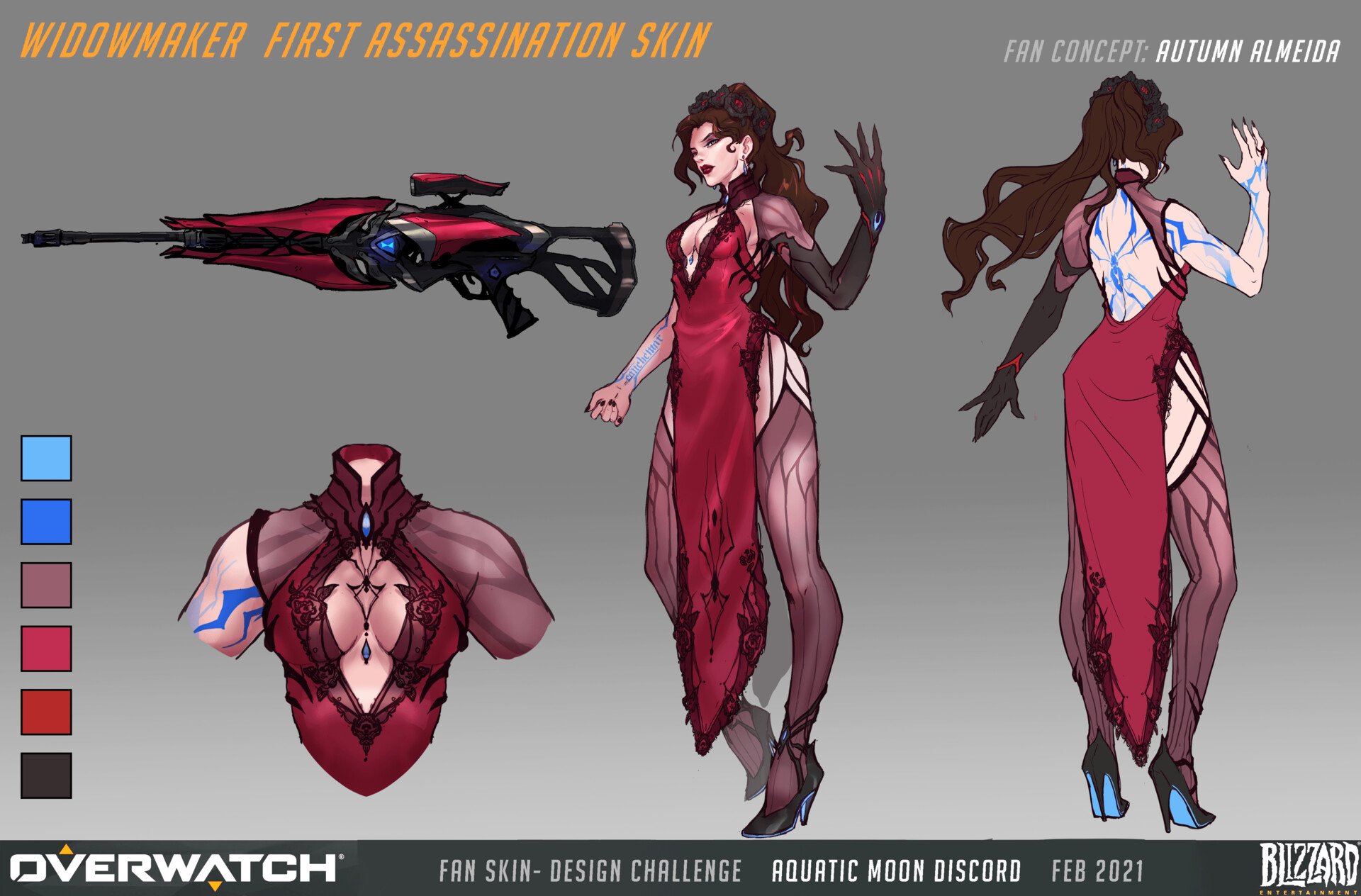 Hello to my fellow polycounters! I’ve been working on a character in the evenings after my day-job, in hopes of pushing my portfolio forwards. In the past I’ve either had a fairly generalist portfolio, or the chosen designs were not visually strong. I’ve reflected a lot lately, and decided to push forwards with a stylized…
 -
PS question!
 Hi this is gonna be a quite unclear question ^^;, So i have this problem with my texture i use the sliders under blending options to break up the texture above the one under. problem is that i want to mask the remaining viewable texture for spec purposes but well this doesnt work as it reads the whole image and i cant get…
 -
Re: Maya : geometry warp when I rotate an object - need help
Typically this is caused by the object being under the hierarchy of another object or node that has also has transforms. It could be under a group, and parented under an invisible transform node. Easiest way to fix it is to hit Shift P(i think thats the universal hotkey, otherwise do it from the Edit menu) to unparent the… -
Re: 3Dmax8 lost feature : Remember the Poly selection from editable poly to Unwrap Uvw ?
 Sage did you took a look at my video (A few post over). I'm doing exactly what you say but it's not working under Max2010 on my computer while it was working under max8. (that's why i'm asking somebody working that way under max2010 to make a video). If the behviour is different running Max2010 over different machine -->…
 -
Re: FPS Hands
 Looks awesome and about your question : What you can do, is unwrap your low poly, then you can load an alpha and under the Masking tab, under the tooltab, you can press mask by alpha. If you have a tileable alpha you can increase the HTile and VTile under the alpha tab to make it smaller if its to big That's the way I…
 -
Re: Electronic Arts Pays Overtime
Points of note: 1) This isn't definitely happening. It's under consideration 2) Artists and engineers wont fall under this system. That doesn't leave too many people. 3) It's still unclear as to wether or not those people will have to go under this system or might have the option of staying with the old system. 4) *edit*… -
Re: So what are you working on?
well, just before I go to work I've done couple of tests still under CINEMA 4D 9. (A change of some values) "A" is an origin. under crits , finally I like the "B". Anyway - how I've sad before - I will try AO under 3DS MAX. Daz - thanks for comments , as always - in the right moment at the right place -
Re: Itlatoani in ikalpol in tlauilli Leader of the Tribe of the Light
 Insane level of detail, nice job! What are you rendering in? It looks like you're using only point or directional lights, as the unlit parts are pure black, like under his right eyebrow. I wonder if adding an IBL would help this. Looks a lot like Wes Studi, was he an inspiration for the face?
>17693 results