Search
-
Re: Staffs Uni Ankylosaurus Project
 Update on geometry and Polypaint: Its pretty obvious that the mask by cavity has been left on by accident, so the dark crevices are a lot darker than they should be. Here is a un-masked skin shaded view: Any advice from everyone would be great thanks.
 -
Re: Sculpting Stylized wood [Zbrush]
 A good way to get edges to lift up and/or overlap is to mask off all but the section you want to move, and use the move brush on it. Like with the planks, you would mask off all but the one plank, and use the move brush to drag it up and over.
 -
Re: Chun-Li Live Trace and Smooth Edges demo
 This seems like a whole lot of effort to convert it in to vectors then 3d then clean it up. Why not just use the Bevel FX on the black and white mask in photoshop and Normal Map Filter it and if needed mask it further with gradients to make certain parts taper off differently?
 -
Re: Creating realistic eyes in Zbrush

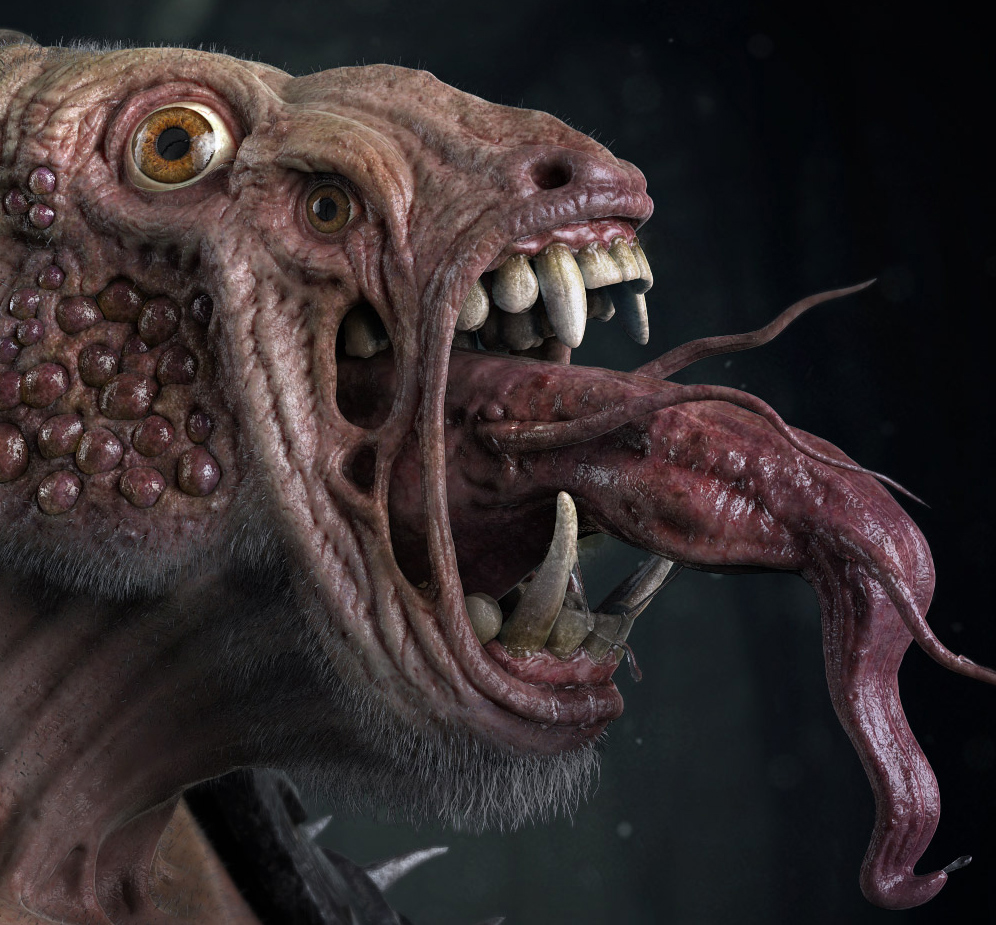 Also, once you've polypainted the eye you can mask by intensity and sculpt the mask as displacement which enhances the realism of the reflection. Here's an eye that I made in ZB recently as part of this creature. You can see the displacement effect that I'm talking about.
 -
Re: Does anyone remember the cartoon?
 It also sounds a bit like the mask intro when they get their masks on, but they werent robots. [ame] http://www.youtube.com/watch?v=M0BzBFWt8V8&feature=player_embedded[/ame] Also... silverhawks yeahhhh! [ame]http://www.youtube.com/watch?v=mzAQu23t19A&feature=related[/ame]
 -
Male anatomy sculpt asking for critique

 Hi, this is a male anatomy study i did. I'd like to have some feedback/critique. If possible not just for the sculpt, but also for lighting and showcase. Thanks in advance!
 -
Re: 3D texturing for concept art purposes
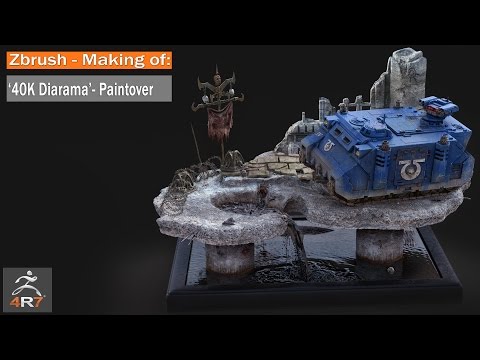 Welcome. The concepting workflow of render layers/paintover is well established. I did it myself for a long time creating illustrations before moving into game art. I still do concepts for personal work as it's so enjoyable and frees me from the constraints and technical workflow that you have to adhere to when creating…
 -
Re: Arch Viz Work.
 Thanks Jet Pilot. I am using Corona renderer. I did read somewhere about using CA with a layer mask making ca to be slighly prononced around the edges of the image. Same thing with sharpening the edge part of the image using masks.
 -
Re: Z Brush topology
 Is it possible you inadvertently masked your entire subtool? Try Tool > Masking > Clear. If by "topology work" you mean you were retopologizing using ZSpheres, if you edit your preview mesh, you lose the ability to revert to Edit Topology mode.
 -
Re: Mountaineer Character
 I think his face is taking up too much space on his head. Like if you just masked his face, blurred the mask, and then shrunk it a little I think it would work much better. It's a nice realistic model for a first try!
>40567 results