Search
-
Quad mesh only for baking? Wont I lose consistency?
 I'm working on an asset for someone but they want me to bake high to low and they said not to use a triangulated version of the mesh, only quads as this is being animated for a short film. I do games mostly so I keep everything triangulated because a quad can be split in different ways and it wont be consistent if that…
 -
Re: un-named Valken-like game: progress thread

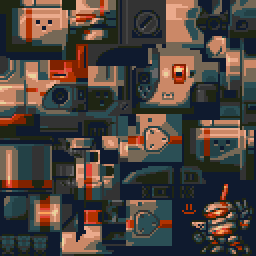 finished the caldwell test model textures! This took a bit longer than intended, but It's about as good as something like this could get. texture sits at 128x128 with 16 colors total (was expecting to add a few more shades but never did!) Your browser does not support HTML5 video! https://i.imgur.com/dtU8Lbm.gifv Let me…
 -
Re: Thin Black Lines in AO bake
 I know you said the normal bake looks good but just for the sake of trying another aproach what if you put your whole model on 1 smoothing group and just see what sort of result you get, I know when I've run into issues before that has worked. Not for every situation mind you, but it's worth a shot. I'm not versed in the…
 -
Re: WIP - Deep dark wood - (Block out Phase)
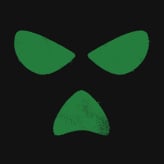
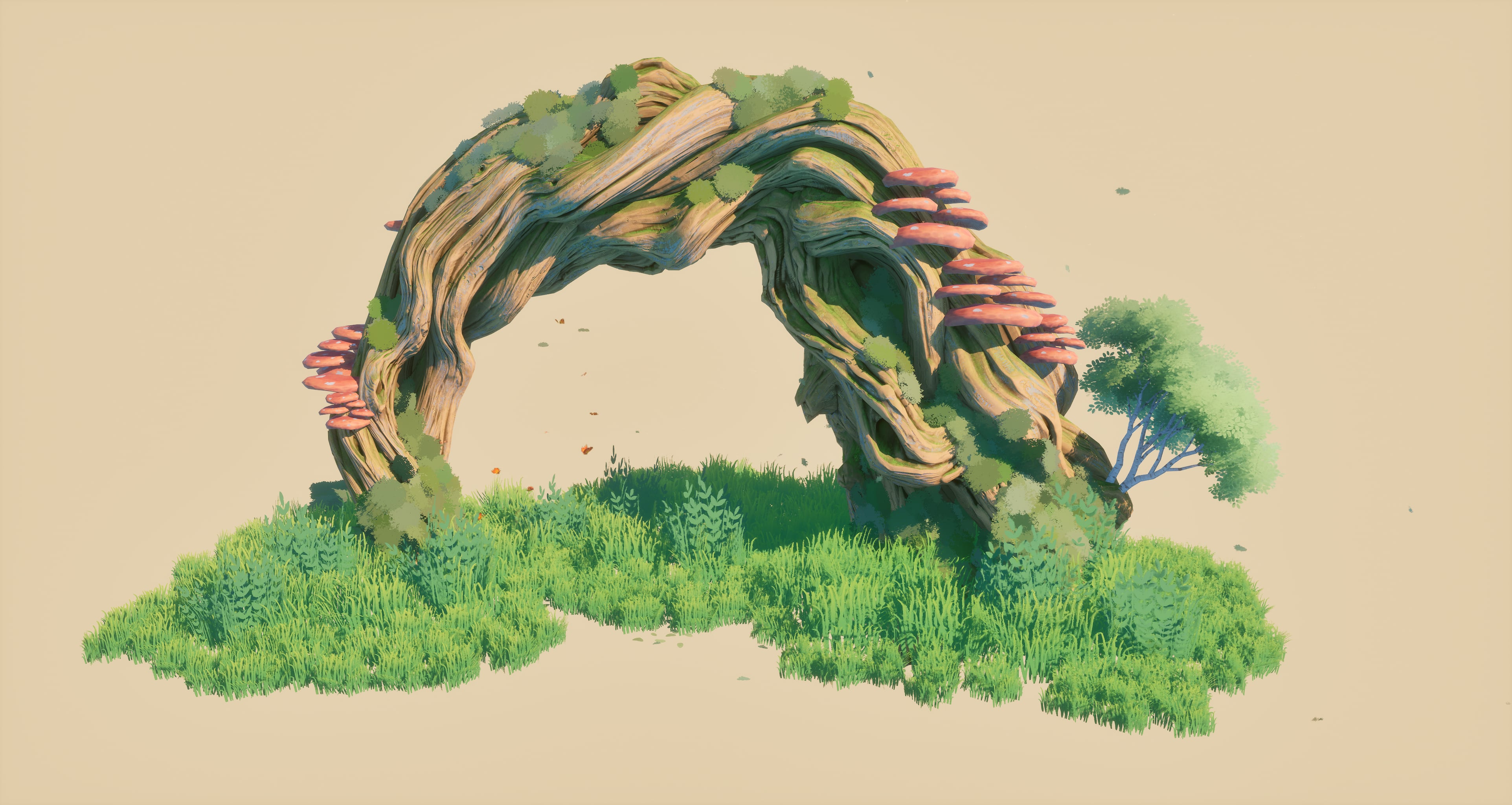 Using some deformers in unreal i can take this tiling mesh and make different shapes quick. I can pretty much rebuild my block out like this moving forward.
 -
maya mental ray ambient occlusion bake weirdness
Hi all. First time poster, long time lurker here. I'm encountering some weirdness while using batch bake(mental ray) to bake ambient occlusion for a ground terrain object in a level in Maya. If I bake my 1k map within my working scene file, i get a massively blurry result with no fine detail. However if I copy/paste the… -
Re: Normal Baking - Curve Waviness
 Oh yeah, needs more geometry - more segments that make the low poly conform better to the high means less black gaps (for the left side) and less waviness in the right side. Have a look at the "who put waviness in my normal map..." thread. One solution is adding two edge loops, left and right of the right edge, baking,…
 -
Fur in video games_how to make or fake fur
 hello , i have been wondering about how to achieve a FUR effect on a game character and whats the different methods and the pros and cons for each methode :\ by FUR effect i mean the fuzziness that surrounds the silhouette ... is it a shader or some texture trick ? :poly141: this is an example : Conker Live and Reload
 -
Substance Painter- Normal Map baking Problem
 Hi, I've recently finished modeling gun and started texturing. Unfortunately I have baking issues. I made my model in Blender and It seems to me that there is some problem either with topology of my low-poly model or shading smooth problem (or both). When I'm just using shade smooth option and export model to substance…
 -
How to bake the difference between 2 meshes?

 I've been trying to figure out a way to bake out the difference between 2 meshes but can't really figure it out. Say I have 2 meshes like the ones below, on is a clean mesh, and the other is damaged or chipped up. I would like to be able to bake the difference between the 2 of these out somehow. My reason for wanting this…
 -
Is this a good bake?
I did a simple test on a table to see if I could bake properly, since I am pretty new to it. I came up with this: Im not sure if it is a good bake or not because there are some shading errors, maybe someone can help me?
>114943 results