Search
-
Re: Procedural Displacements for Source Engine
 Source Engine needs to get updated to PBR, before it's interesting to use again... if modeling and texturing for Garry's Mod or Source Filmmaker, I mean. But cool to see someone is still developing helping tools for it.
 -
What's Your Modo?
 I thought it would be helpful to new users in particular to share how I've customized my Modo for direct modeling and UVing Unreal Engine 4 game assets: Preferences Defaults > Animation Frames per Second = NTSC (30.0) Defaults > Application Group Selection Cmds = Uncheck Item Index Style = Item_2 Defaults > Auto Save Time…
 -
Unwrapping and texture question on model

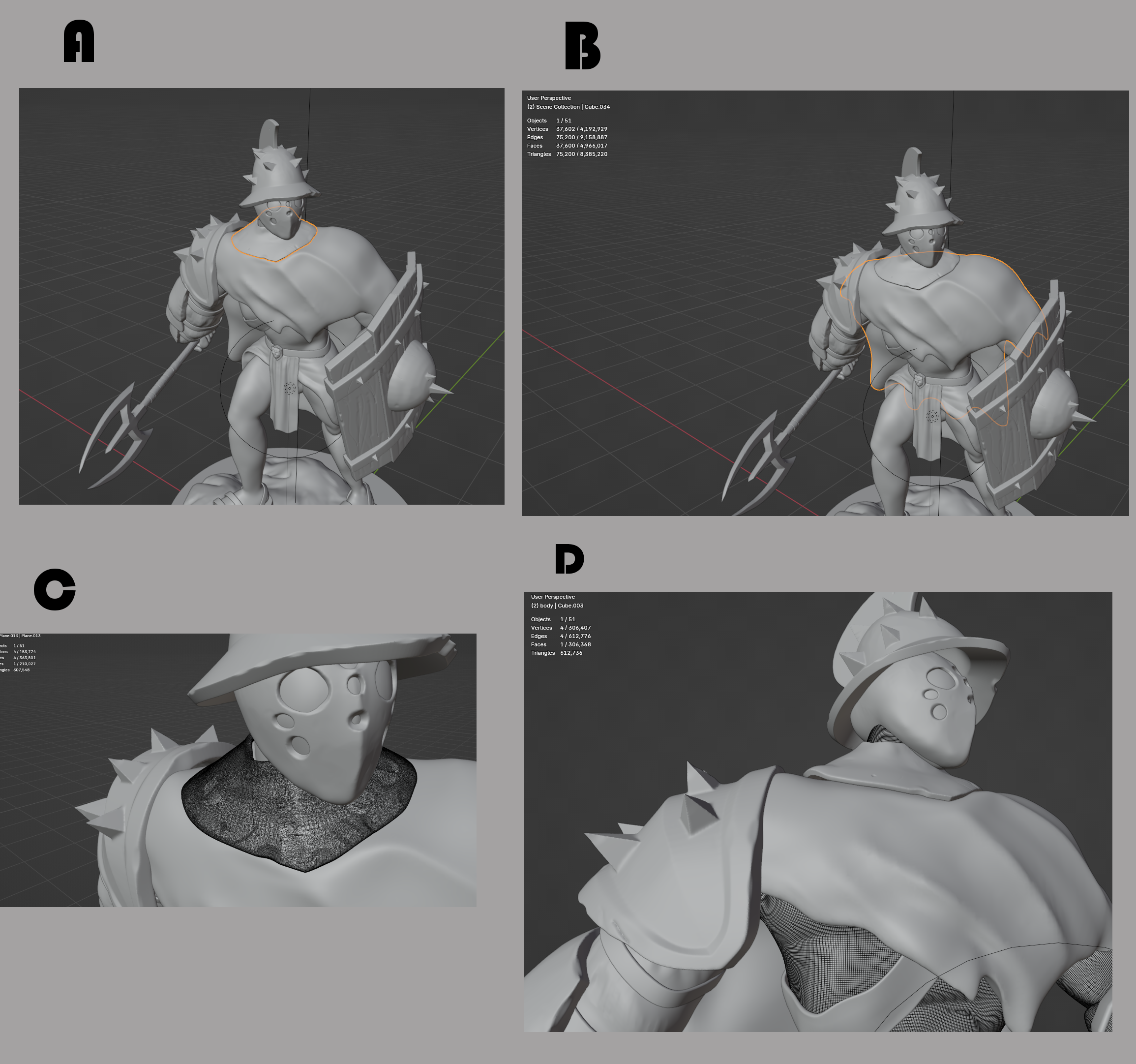 Hi there so I got this question and bare with me if the answer is so obvious. Just I like to make sure or see if there is something else I should keep in mind for the future. I'm full of questions and get better understand of the pipeline :) So I finish following this tutorial of this model that turned out well. Now I like…
 -
Re: Softimage stuff
 Are you working in supra mode? Sticky versus Supra (temporary) keys Softimage always has an active tool. There are two ways to activate a tool in Softimage, sticky or supra. You can use tools in supra (temporary) mode by pressing keys down as you work. To activate sticky mode you quickly press and release the key. When a…
 -
Re: How I feel about Maya
 Max Pros: - connect tool - edge extrude with shift - snap tools (compared to maya) - mirror tool (compared to maya) - UI not as cluttered - shell modifier - autogrid(better than make live in maya) - biped Cons - material system (kinda limiting at times) - broken cut tool - x-form(equivalent to freeze transform in maya)…
 -
Re: Modo scripts
 A bool tool that will blow your mind (once you work out how to use it:) From ylaz of course:poly121: Download & info: http://community.thefoundry.co.uk/discussion/post.aspx?f=37&t=67482&p=906147 Instructions: Cheers
 -
Re: importing into zbrush?
-
Re: Max 2010 announced!!
 Maybe I'm reading this a different way, but I took that note in imply that normal 3DSMax would have all the new features design has minus the light analysis tool, pretty much the same way 2009 worked.
 -
Re: WIP - Old General
 Looks great even at such low poly! Really good job. What did you retopologize in? I retopo'd my character a few weeks back and it took me days of work in Max using the Graphite Modelling tools!
 -
Re: Sketchbook: Noel Cower
 very cool! you can see that you know how to do the art part, just gotta learn the tool some more. When you do you'll be creating all sorts of awesome :D . keep it up!

>63138 results