Search
-
Re: Normal Map Issues at UV-Seams

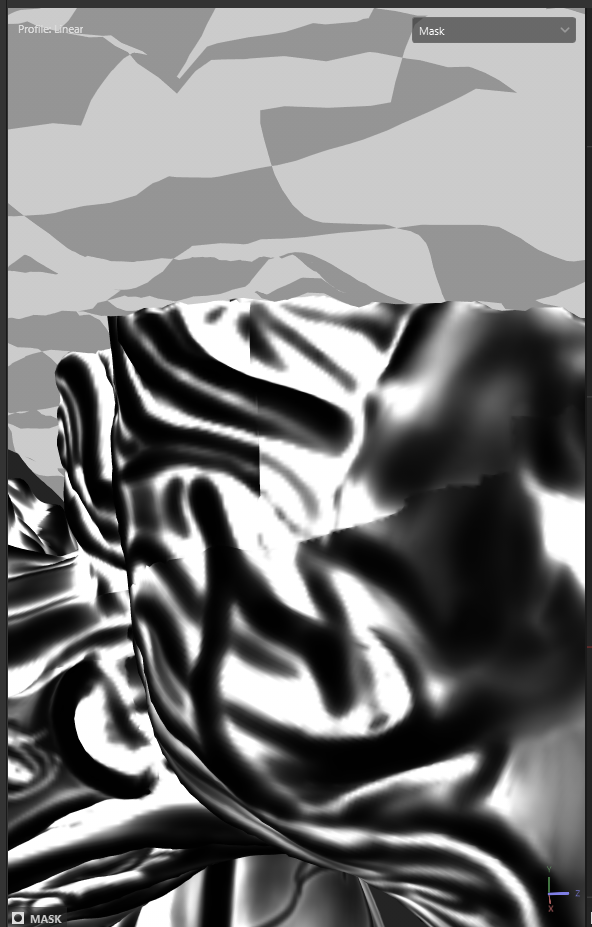 Hi! Certainly a simple example would be best way to get familiar with how tangent space normal maps look/ behave and to set things up in the soft that's being rendered in. Checking the shared Painter file, it looks like the seam showing in that face area is exacerbated by seams/ discontinuity in the curvature map (and as a…
 -
Re: Bethlem (Asylum) Texture Set Wip
 The idea is to make a UT2007 map with these, so the engine is UE3. I am currently testing them in RoboBlitz and getting a good idea of what I want to do with lighting. AdamBrome: I will try to fix that. and two more: the top one tiles in all directions, and the bottom one tiles into the top.
 -
Re: Cerberus(FFVII Gun) : Next gen asset giveaway
 Thanks for the breakdown on this piece! Helps those who don't fully get how a PBR workflow is like.
 -
Re: rock gen
 What app? What tri count? How big? How close will the player get? What kind of rocks? Rounded river rock, craggy blobs like a gold nugget, sheets of flaked off slate? Squared off boulders with hard angles? Blast debris or building rubble? Ideas: - Quadsphere > Noise - Box > Sub-d > brush deform > push/pull - ZSpheres >…
 -
Re: [Chivalry] Mason Man-At-Arms - Iberian Set
 Reply by MALicivs · · Home› Contests & Challenges Archives› Arms & Armor, Chivalry: Medieval Workshopsmall progress, getting the overall shapes of the sword done. now that i look at the image, I'm probably gonna remove that little thingie in the back of the handle, kind of stands out a bit too much.
 -
question about a job i got

 Hi. ive been given this job, where i had to completely remodel a chair i had to also uv unwrapp, texture, and sample render the model. The thing is im new to freelancing and i didnt get my head around where to aim yet. The job took me about 7 to 8 hours, but something tells i bit too much .since the employer is requesting…
 -
Re: New to Micromesh, have a problem setting it up
There are two buttons for this called Spin Edge and Align Edge. Second one should get all the micromeshes pointing in the same way and the first one spins the micromesh so it points in the way you want. -
Re: 3d coat brush settings for hand painting
 I've adjusted the brush sensitivity in preferences fairly low to get the feel I like. I've been using it for about 2 years in a production environment and do about 95% of my painting inside it.
 -
Re: 3DS Max - Set working pivot to Object?
 But is there a way to align the object's pivot to a face/edge? Adjusting the objects pivot manually by eye is kind of useless. I can get the desired working pivot but I cannot find a way to transfer this to the object.
 -
Re: [Chivalry] - Mason Knight - Ornate Butchery Set
Thanks for the crits guys! Agree on all points, my next step is to get this on to the base mesh (above was just my own generic head). And i'll definitely adjust the back to allow for looking up.
>93924 results