Search
-
Re: Substance Painter Baking Issue

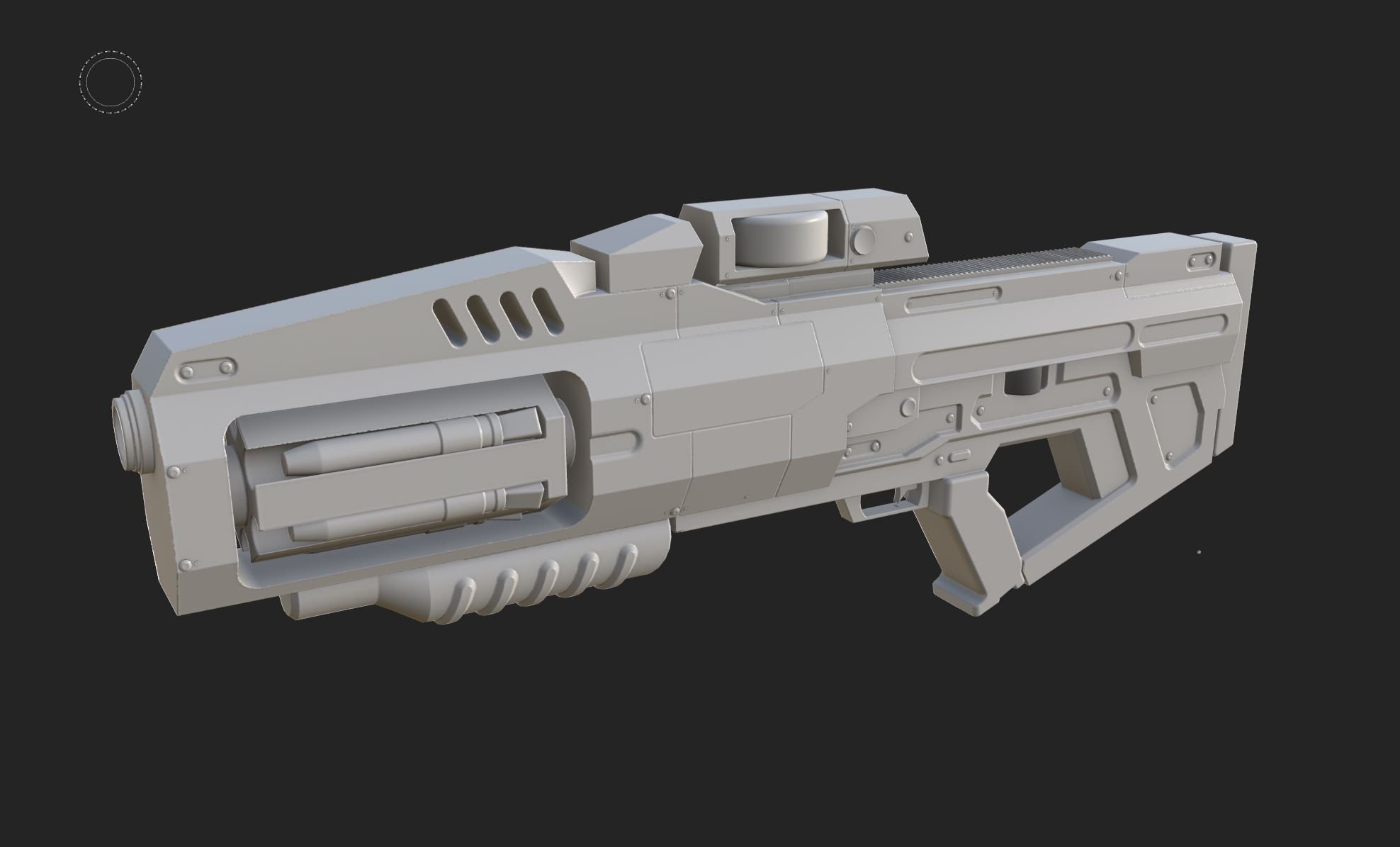 Hi! Opening the Painter project, what I see is different than what you shared in your initial post, so I suppose the original post is outdated? Since I don't have a Max license, I can't check the highpoly or rebake. Exported the lowpoly from Painter, some notes looking at the low poly mesh: - there are hard edges without…
 -
Re: CGI still life scene (Finished)

 Thanks @Nuclear Angel I'm having so much fun during the process, I can write Python or Vex to generate and control the parameter which is just awesome :o my next step is to make those carving patterns on the table by using wrangle node and copy stamp node.
 -
Re: The Photographer - A Studio Sixsquare Production
 Hi guys thanks for the kind words im glad you like it! @kohg The tiles were made in substance designer. The unevenness was achieved with a tile pattern used with the Normal node. but the tiles texture itself was also given randomness with a number of different nodes that helped break up its appearance.
 -
Re: filter made in designer gives me errors in painter
 An effect is a filter that take an input, alter it, and then output something. This means you need an input and output node for every channel you want to modify. You can't simply put an input node alone in a graph, it would be discarded during the cooking for optimization purpose. That's why the switch si required.
 -
Re: From Blender to Maya Questions.
 @throttlekitty I didn't actually realize Maya was based on nodes. I've always liked nodes will have to check that out. In regards to keying in values yea I can do that but it feels sooo slow... would rather have a hotkey. Yea I'm sure the shock will wear off eventually...
 -
Re: 3ds max Vray To Unreal Engine Converter script
 How is this vray? I mean you preview your material in Max with a vray material and then you export that in a weird way. You are just setting up pbr values in vray, and export that to unreal, right? And those "specular" and other nodes are really just custom nodes with a component mask, right :p
 -
Re: Particle material delay
 yep in your material add a vertex colour, to anythign you want controlled over time, and wire it;s colour and alpha channels up. than once in cascade, add a colour over life node and a alpha overlife node, which cascade can use to control things in the particle material.
 -
Re: Is it possible to generate SSLR in substance designer?
I've done some pretty strange things with the pixel processor but it rapidly becomes unmanageable. the limiting factors are the fact that you cant loop (and thus can't sample other pixels effectively) and that it takes a shit load of nodes to do anything. Eg. It's possible to make an auto levels node with it but you'll be… -
Tutorial - Creating highpoly meshes for Nanite, using editor modeling tools and displacement (UE5)
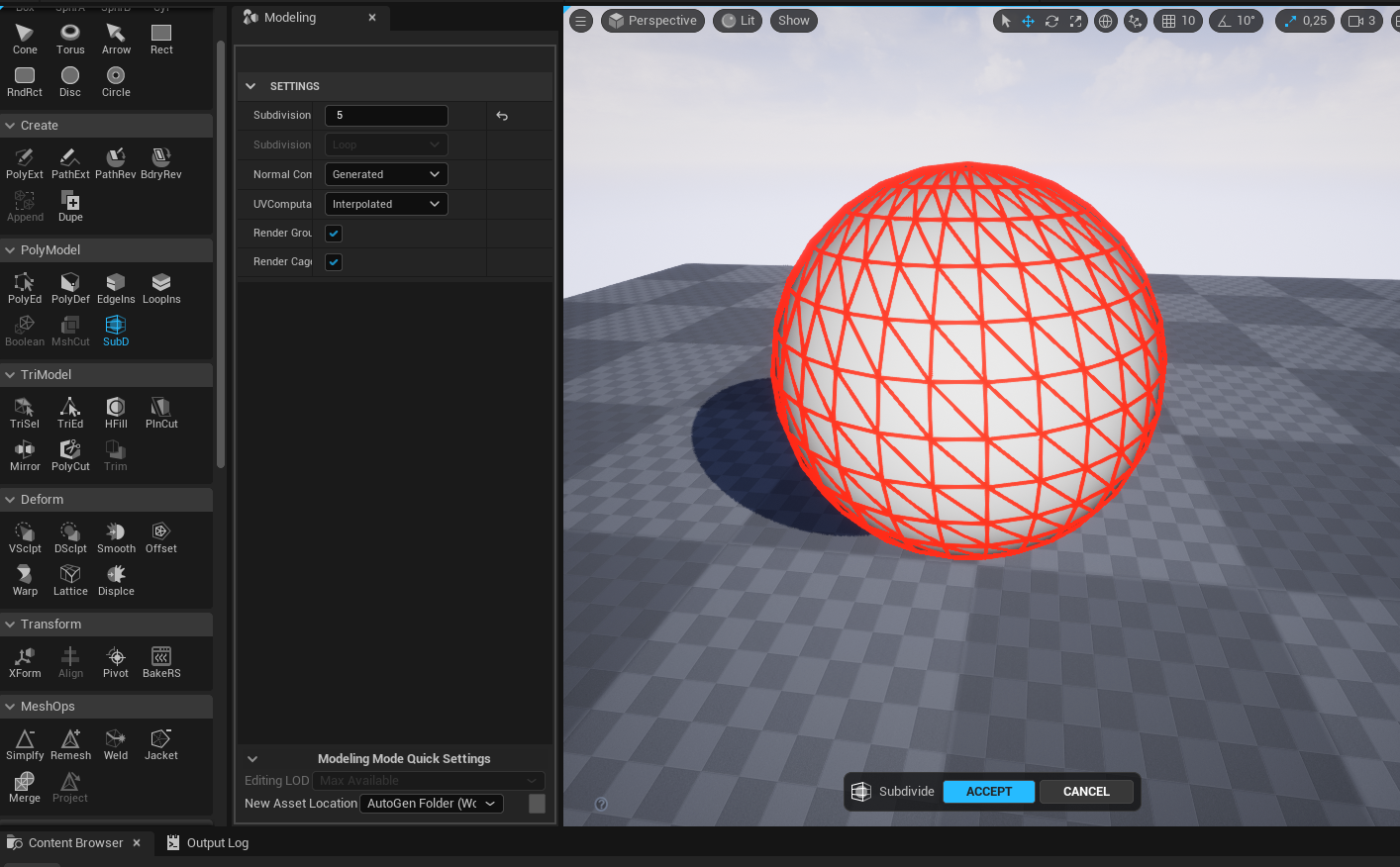 I thought a lot of people would appreciate this so I made a mini tutorial about it. So there is a simple and fast way to bake displacement and subdivision into lowpoly meshes inside the editor, using the editor modeling tools. It goes like this: 1. Enable the editor modeling tools in the plugins settings. This will require…
 -
Re: RGB merge for export help
 Actually you have an output right there, it's just transparent because the default alpha, like all greyscale input in SD, is black if nothing is plugged in it. You could modify the RGBA Merge node to add a switch for the alpha or make a second node that would be a simple RGB merge without the alpha channel.
>37264 results