Search
-
Re: Hi All... Care to answer a few easy questions?
 Your on the right track with much of this azmodii, although some of your questions fall into a grey area of case by case soft rules. For example, "Concept - From story to gameplay, right down to the basic stuff such as play styles etc Art - Concept art, low poly placeholders, basic rigid structures etc Design - Polishing…
 -
Re: Stylized Goblin Diorama for a friend
 This is looking cool so far with those bottles! We have some examples of face wireframes, in case that helps: http://wiki.polycount.com/wiki/FaceTopology
 -
Re: Problem with viewport in 3ds max
 Sorry, somehow I kinda missed the fact you're working off wonky photo ref. When you don't have nice orthographic images planes aren't actually that useful There are various camera matching solutions (there's a rudimentary example supplied with max iirc). Usually they rely on knowing something about the way the image was…
 -
Re: Looking for critique on my stylized material sculpting
 I wasn't necessarily referring to the hammering (though pinching is a very good keyword) but that's probably my bad for not expressing it better. Basically, the lamp isn't one big chunk of metal, and while nicks and notches (like the one in your sword) and blunted bits might be found as well, it's much more likely to dent…
 -
Re: closed
@Neox Thank you very much for your reply. I don’t have any knowledge of 3D modeling, and since I’m the one who commissioned the work, I have the modeling files. What I’m wondering is simply whether there are any issues with the current sculpt when it comes to creating a cartoon-rendering style model like the images above.… -
2D Noob Challenge August 16th-31st, 2013
 Welcome to 2D Noob Challenge August 16th-31st, 2013! To be clear, if you're bad at 2D, this challenge for you! It's all about learning! The objective of these bi-weekly sessions is to allow people to teach one another the practical skills needed to be a concept artist for video games and entertainment. As opposed to just…
 -
Re: Unwrapping a Sphere?
 In your example you pay with heavy distortions where the seams are
 -
Re: xnormal 4.0 features
 Latest version: (disclaimer, the "visibility" icon is ripped right from Silo, I'm too lazy to do my own yet!) <u>Overview</u> - My main changes here are shuffling around all the existing tools and settings into a more standard Windows interface. - All of the "most-used" features are in collapsible headings on the…
 -
Re: Bake artifact - Help pls

 Hi! Yes, it's the "Mark Sharp" command. With objects that have angles of various degree, I like to set the autosmooth to 180 degrees (all smooth) and then manually mark edges sharp where it's necessary. Due to the Auto Smooth angle in the "Object Data Properties" panel being greyed out in your image, I think the mesh might…
 -
Re: Apex project

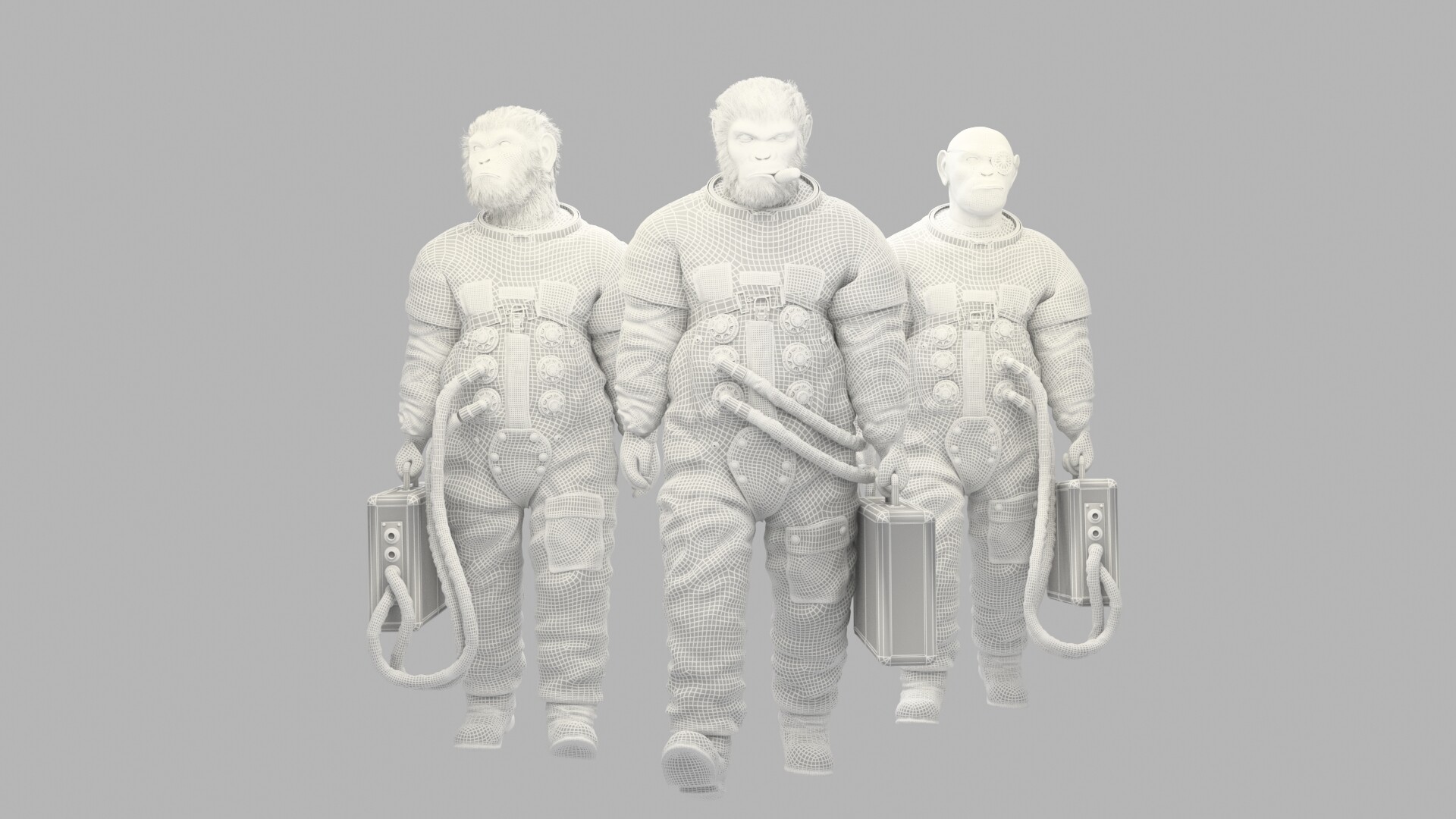 Wire apes example wire head example
>27392 results