Search
-
Re: Trouble with normals + baking
 you do not have to set key frames to do this if you just duplicate your mesh. but this is an example of exploding a mesh for baking. https://www.youtube.com/watch?v=bgYoXF6QmWw
 -
Re: [CE3] Garage Redux
 I love this, very few critiques, if any. I really like this. Some of your UVs look stretched, the workbench for example. Glad you're finishing this up man.
 -
Re: New PewPew Project *WIP*

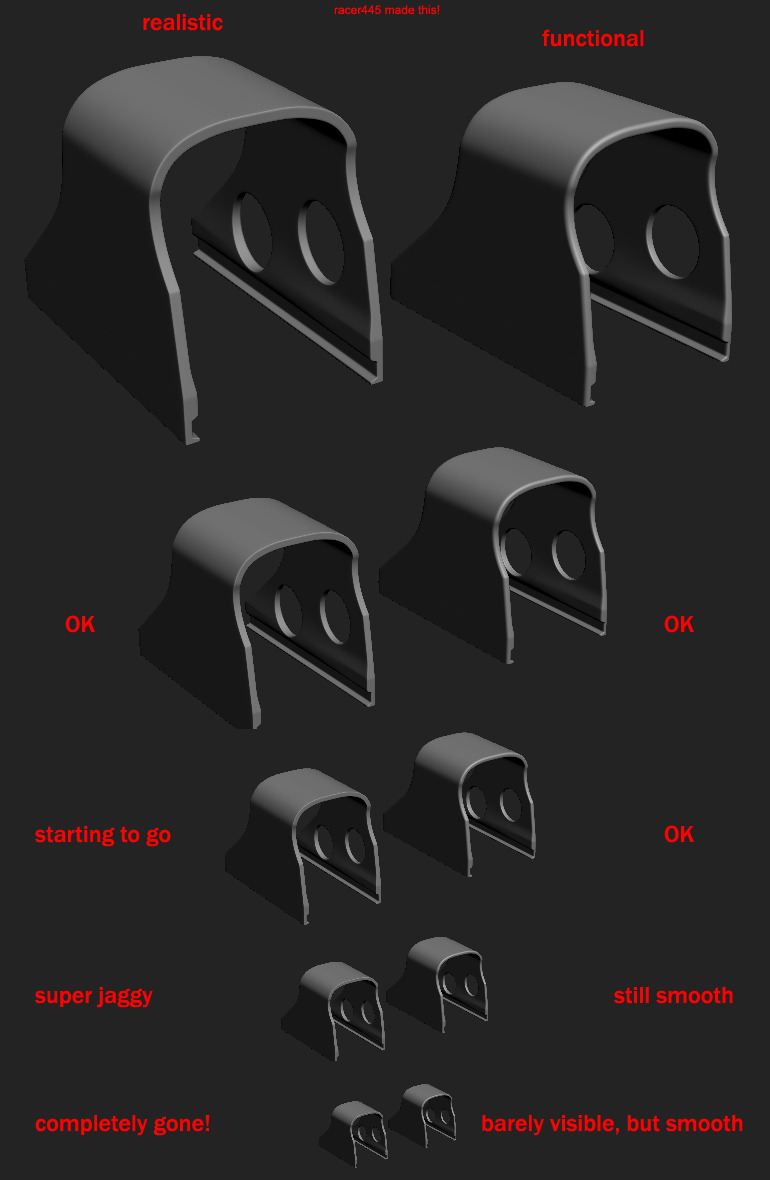 Nice model so far! I personally think the edges are quite thick, exaggerating them a bit you will get a much better bake. Heres an example by racer:
 -
Re: UDK character Morph
 The only example of facial expressions from Epic I can think of is Gears of War, they used bones to animate the face. http://www.unrealengine.com/files/downloads/Jeremy_Ernst_FastAndEfficietFacialRigging2.pdf
 -
Re: Porta-Pilots: Plunging Through Time - Art Dump!

 I was basically 'unwrapping' in an incredibly messy way to quickly apply flat colors to the right faces to save texturing time and be able to iterate a lot on the palette. Quick example:
 -
Re: PC-CSGO | POLYGRID
 @Relic Can you give me an example of picture "pair of Ray-Bans"? I don't know much about it cuz english isn't my primary language.
 -
Re: best workflow with detail maps?
 Just create a new usage. You can name it "detail_normal" for example. You need to change the usage for your second graph output and your second texture sampler.
 -
Re: A better solution to 3DSMAX?

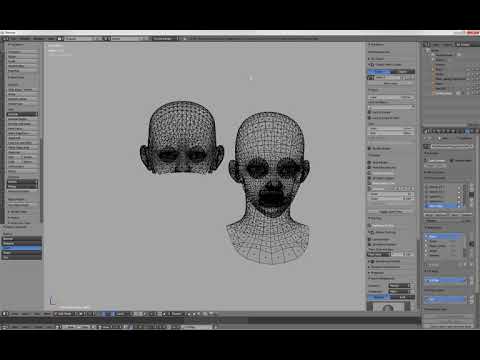 Here's a practical example of the above applied to blendshapes : https://www.youtube.com/watch?v=BUG3QwRjABY&feature=youtu.be As said this also works for skinweights, vertex color data, and so on.
 -
Re: Animating lowpoly grass clusters

 The right way to go is with a vertex shader. But I suspect Sketchfab doesn't let you import your own shaders. For example https://www.youtube.com/watch?v=B4j5tzAIflU
 -
Re: intuos stuttering
 - got VIsta+ ? then perhaps disable the tablet/writing recognition feature in the OS - try reinstalling the drivers - if it is just zBrush and not for example PS or msPaint check knowledge base at zBrush
>27408 results