Search
-
Extracting Normals - High Poly Hard surface
 Hi, Im currently trying to figure out the workflow for creating game normal maps for hard surface objects. Ive build a low poly mesh and a high poly mesh. The high poly mesh is built up of many different pieces that simply intersect and I cant seem to figure out how to get a decent normal map by using the transfer maps…
 -
Maya 2017 anim picker

 Hi guys! Im new in wirte python scripts in maya ( it is usually in programming ) and this is my first "bigger" project. It's in still under development, but if anybody want to try or use it, it's avalible to download. The only required library is Tkinter, here is an installation video: https://youtu.be/F3XbeCPdStQ The…
 -
Xgen Fur Issue No Geometry Found
Issue 1 Trying to create description on multiple objects (identical such as legs but with different names). When selecting all the objects and creating a description the first object will have the fur working (yellow stuff appearing to edit with) while the rest of the selected objects won't with an error File "C:\Program… -
Re: sama Mel-Script
 hi! a new tools! //Memorize Selection Maya 2008// Often, when we want to switch between vertex, edges or faces modes, we lost the current selection. In 3dsmax, the program keep in memory of your vertex selection when you swith between this differents modes. With the SAMA_MemorizeSelection you can save all type of selection…
 -
Re: [WIP] Tiger I
 The reason for the slanted turret rear was because (and i didn't realize this until recently) - the reference diagrams I was initially working from were from CANCLED prototypes of the Tiger I: I'm glad to see people object to the angle because now I'm forced to fix it ;) even though it will be a pain in the butt to do.…
 -
Re: Hard Surface Blog: Sci-Fi Processing Station
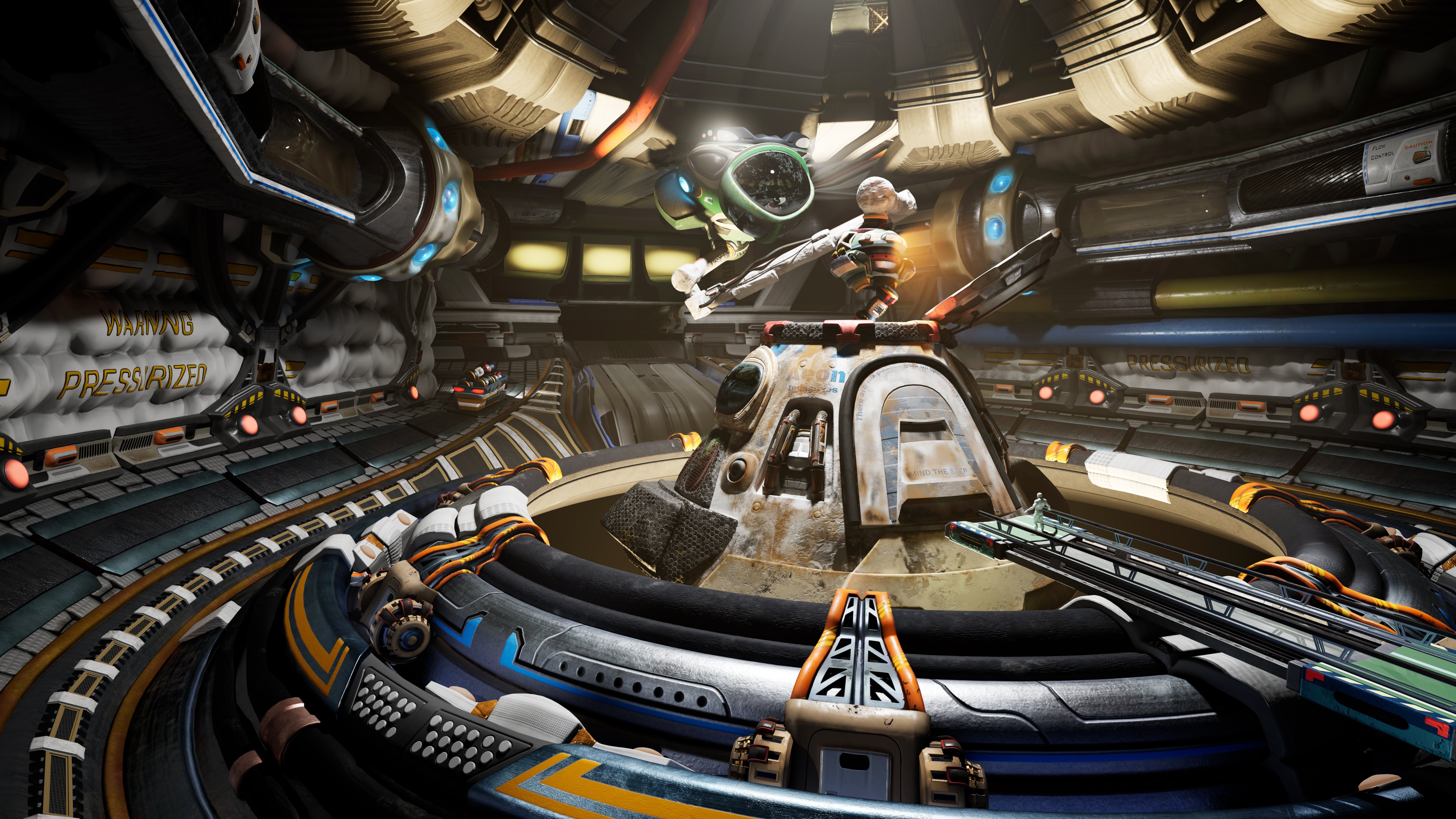 Updated lighting with some rim lighting, some is real effecting all things in the scene, some is fake rim lighting. Utilizing channels in to affect certain objects and not others to help bring out certain details forward to the foreground with more light on it. This way I don't contribute to the indirect lighting as much…
 -
Re: simple 3ds max script needs testing! Default wireframe and material colors...
 Tyler: I did notice a small issue with the script...If you have a material assigned to an object and duplicate/instance that object it will still assign the gray-shaded to that object. Gets a bit annoying to have to re-apply the mat to any object that is copied.
 -
FBcombine MELscript
 I know this is tiny :P, but tacit math reminded me that I've always hated the default behavior of maya's polygonal combine tool, so I wrote this script to have more options - specifically for the pivots. Maybe some of you guys will find it useful :) grab it here: FBcombine.mel just drop it in mydocuments/maya/X.X/scripts…
 -
Re: Randomly assign mesh colours in Max 2011
 Yay for Googling after posting questions... sorry. For those having the same problem; It's a Max Design thing, it sets new object creation (therefore object colouring too) by layer rather than by object. The prefs has an option to assign by object and not by layer.
 -
Re: Texturing - Siege Of Orgrimmar - WOW
 hey meshfx i think there is a quite good breakdown on th efirst page like here as you can see there is a zBrush hipoly created, which then is baked in xNormal onto a lowpoly. There are no normal maps, but a heightmap. The AO map and or cavity is usually used as a layover for the low poly and is the BASE for the hand…
>26394 results