Search
-
(Solved) Terrible normal map shading errors inside UE4, expert advice desperately needed.

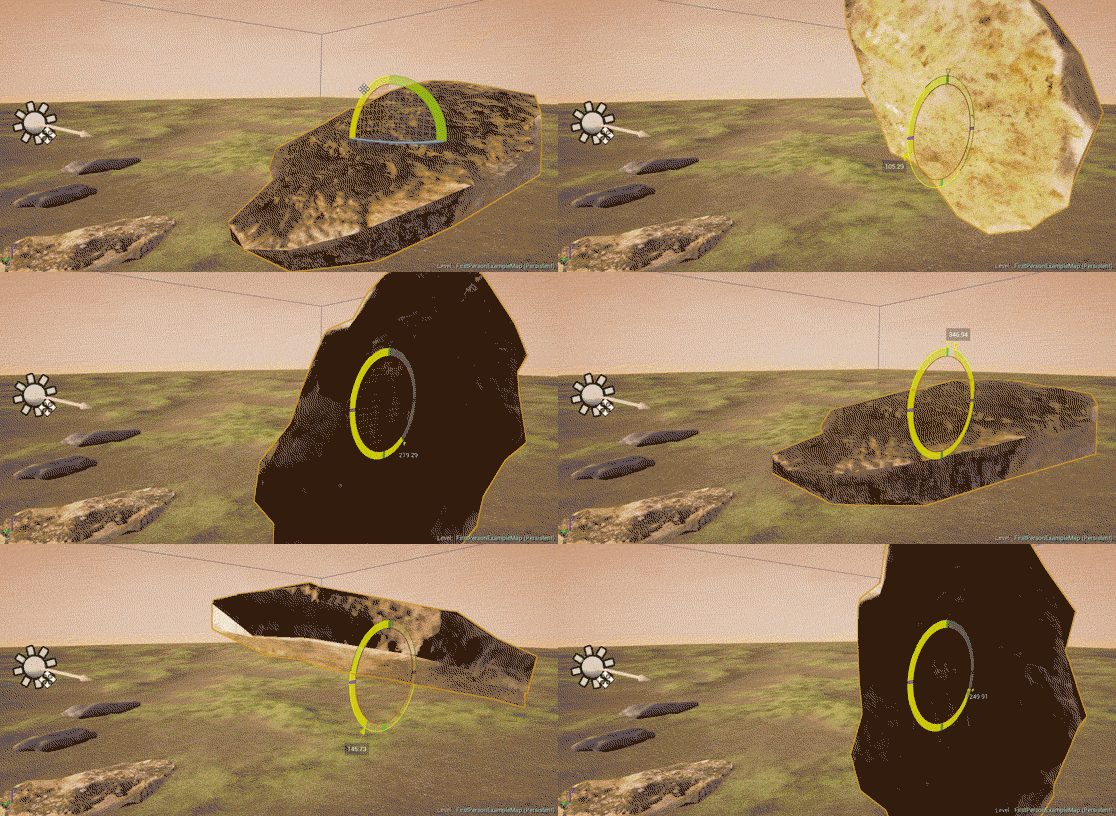 Alright, one more try, the previous post got removed for some unknown reason. I have the following high-poly and low-poly assets: HP - https://drive.google.com/open?id=0Bxiv4nwNFlKhcllvaU1nTERlcEE LP - https://drive.google.com/open?id=0Bxiv4nwNFlKhV0xfVE1jVE9lcUE I go through the following steps to get my normal map: 1)…
 -
Re: Student portfolio critique
 You really need to care more about colors. Theyre soo important. You gotta learn color theory and have complementary colors in mind and adjacent ones. You new scene has terrible color usage and it destroys everything. I can barely see anything with those unfitting colored lights (colored lights are not bad, just you used…
 -
Re: PBR Tommy Gun
 BBCode no longer works, you can either use the toolbar to embed pictures, or edit the whole post using HTML. As for the model you have the big form and volumes right, but the small details are messy and inaccurate; To get better at accuracy collect more references and study them harder, try making paper and pencil…
 -
Re: Ambre (WIP) - 3D Game Environment Art
 Forgot to share this, but I set up a basic scene in Unreal to get a better understanding of the visual language of the scene. At this point the only thing I feel like I will struggle with is sculpting the ground around the face and trees, and blending it in with the rest of the landscape and the other elements.
 -
Re: Sketchbook: 30daysofsculptV
 Day 18 Reference: https://www.artstation.com/artwork/YB1K0X by SUN MAN Time Taken: 2h Notes: Meh. I dont think I managed to capture the sharp features present in the concept. Any time I tried to sharpen it it turned out too masculine or uncanny. This was a challenge for me, hopefully I can see some thing I'd have done…
 -
Re: Baking round, hard edges with blender's multiresolution modifier
 I became interested in it because it was able to bake the armpits here without any artifacts. It produces very clean normals quite easily as long as the topology is okay. Using cages I always have trouble on sharp angles like this that are not cage-friendly. If it doesn't work with hard-surface/creasing I will only stick…
 -
Re: Texel Density & Trim
if you're not sharing texture with other assets then only use trim techniques where it actually helps and don't be afraid to bump your texel density if that's what you need to make it look right. at 1024px/metre, 1 pixel is <1mm across : at this density you need to get pretty close to a surface to see pixels (even at 4k)… -
Re: TAR-21 w/ Attachments
 Looks good! I think two things that could really help for your next project would be relaxing your edges a bit, and pushing your material definitions. Your edges are a bit sharp, so they're not going to catch as many nice highlights. It's a bit unintuitive, but especially for game assets, it's important to soften sharp…
 -
Re: Zbrush hard surface problem
 Fisher, I think I see what you want to do, and peanut even if that's still another valid technique it is not the same at all as the technique Fisher want to use. ( No offense at all just trying to help :) ) cryid is right, that's the fancy quick way to extrude with transpose, but I think you can only do in the lowest…
 -
Re: Portfolio Environment: Koln 1945
 That's coming along nicely! I would call this one done especially since you seem like you want to move on to another project and I don't blame you. It's not that this one isn't an awesome display of environmental skills, because it is. But you could be tweaking it for weeks and I doubt the time invested in tweaking will…
>27685 results