Search
-
Need help with Toolbag Normals map in Painter

 Hello. I'm getting these horrible seams in Painter with Normals map baked in Toolbag. Any help?
 -
Substance splotches in 4K in Toolbag 3.03
-
Toon style outline Marmoset Toolbag 2

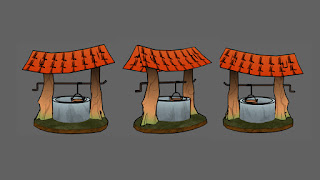 Is it possible to add a black line around my model something like this within toolbag? If not is there any work around...
 -
Re: The Perfect Bake: Marmoset Toolbag vs Cylindar bakes

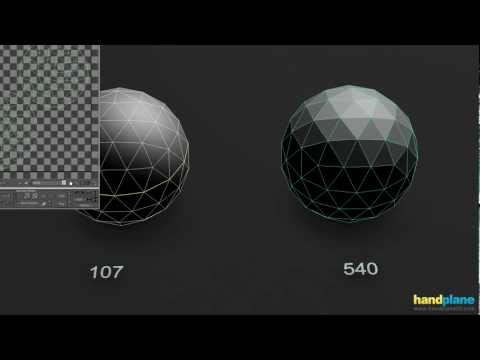 Normal baking issues like this are generally caused by a combination of factors related to the layout of the geometry, hard edges and UVs. Without seeing the problem, wire frames and UVs it can be difficult to pin down which factors are at play and what the options are for resolving the issues with the model. For more…
 -
Displacement Map in Marmoset Toolbag
 I thought Displacement Maps make those 'deepness'and 'mountains' on your models, i dont understand why Marmoset Toolbag does it so differently (when i put in displacement maps, it made my model explodes', how do i fix this?
 -
Where to download previous version of Toolbag installer?
-
Marmoset Toolbag problem
I've been trying to render out some assets in Marmoset Toolbag, but can't seem to get the render right. In the viewport the model looks fine (minus the really bright gamma of textures; if anyone knows how to fix that I'd be appreciative) but once I take a snap shot, the contrast is blown out. All my render settings are set… -
Transparency in Marmoset Toolbag
I'm having a few issues with Toolbag alpha channels. Is there any way of having white as opaque and black as transparent. It looks like Add is just permanently transparent and uses the alpha channel not as you'd expect. I understand how Add works, I'd just like to have more expansive levels of transparency without averting… -
Tyler Walters - Custom Toolbag Shaders
-
Marmoset Toolbag 2 Holiday Giveaway
 We're giving away a few Toolbag 2 licences, head over to our facebook/twitter pages and share/retweet the holiday giveaway post for your chance to win. Marmoset Co on Facebook Marmoset Co on Twitter


>5497 results