Search
-
3D Artists needed. Making this generations Final Fantasy 7
 Hey everyone, I’ve been working on a passion project that I’m hell bent on turning in to an actual game and studio. I’ve posted online before recruiting for this and have met/worked some incredibly talented individuals. We need more talent though. Specifically we need 3D artists (environment, character etc) I’ve got a…
 -
3D Product Rendering for eCommerce
 This is a 3D product rendering project for an eCommerce cosmetic store. Made by visualization studio - https://www.pixready.com/ Portfolio - https://www.behance.net/PIXREADY_studio
 -
Projet_Louis, World of Tanks

 Hello! Sharing my first tank done at Wargaming. https://www.artstation.com/artwork/qJw6Ke Thank you!
 -
[CLOSED] Looking for 3D environmental artist for old-school dungeon crawler
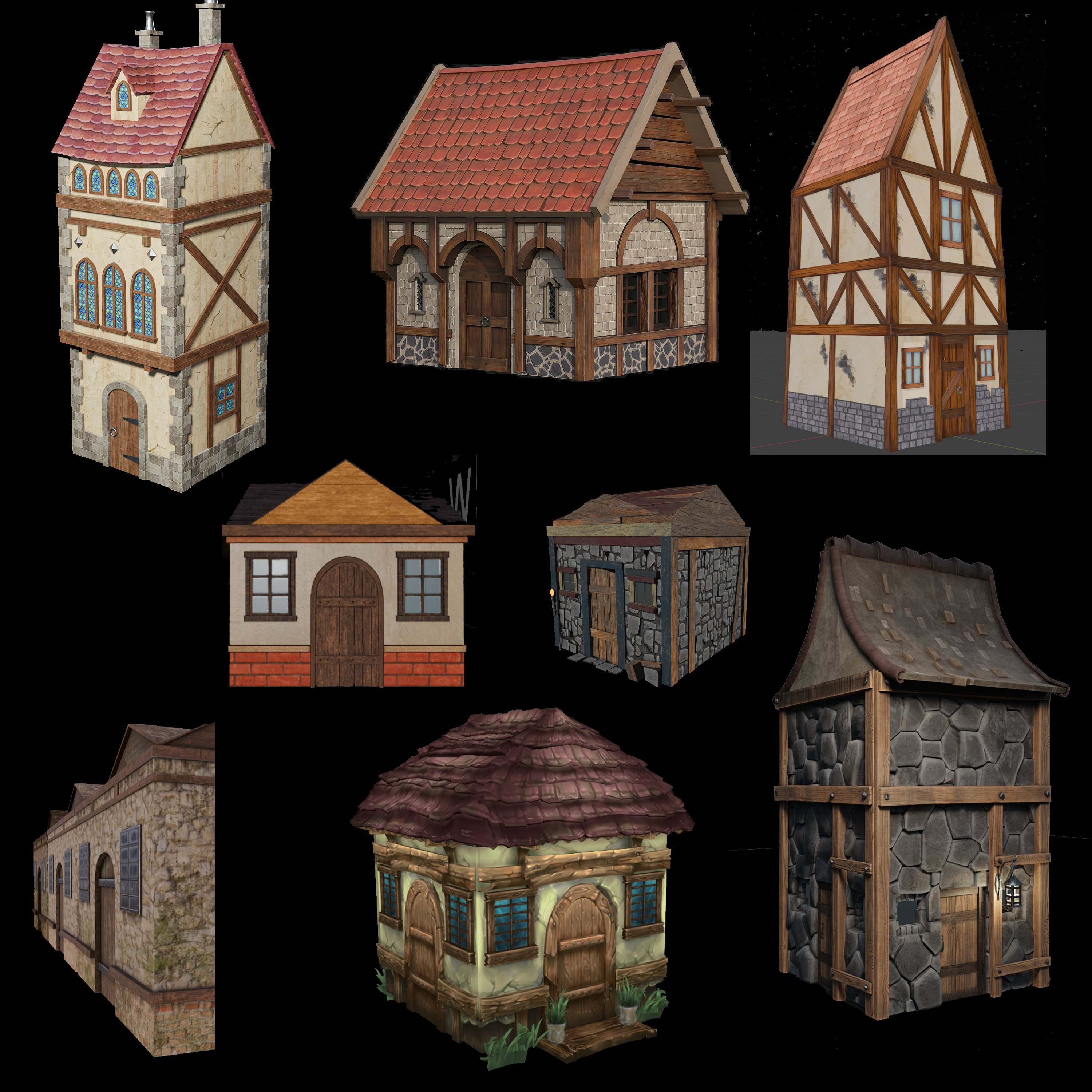 I'm working on a "remaster" of an old-school dungeon crawler called "Dragon Bane 2" as a personal project. The development is completed, but needs upgraded, static 3D models for two wall sets -- a town and a dungeon. The game can be played in either 2D mode or 3D mode, and the 2D artwork is completed, so the 3D art…
 -
Re: Late Night Posts

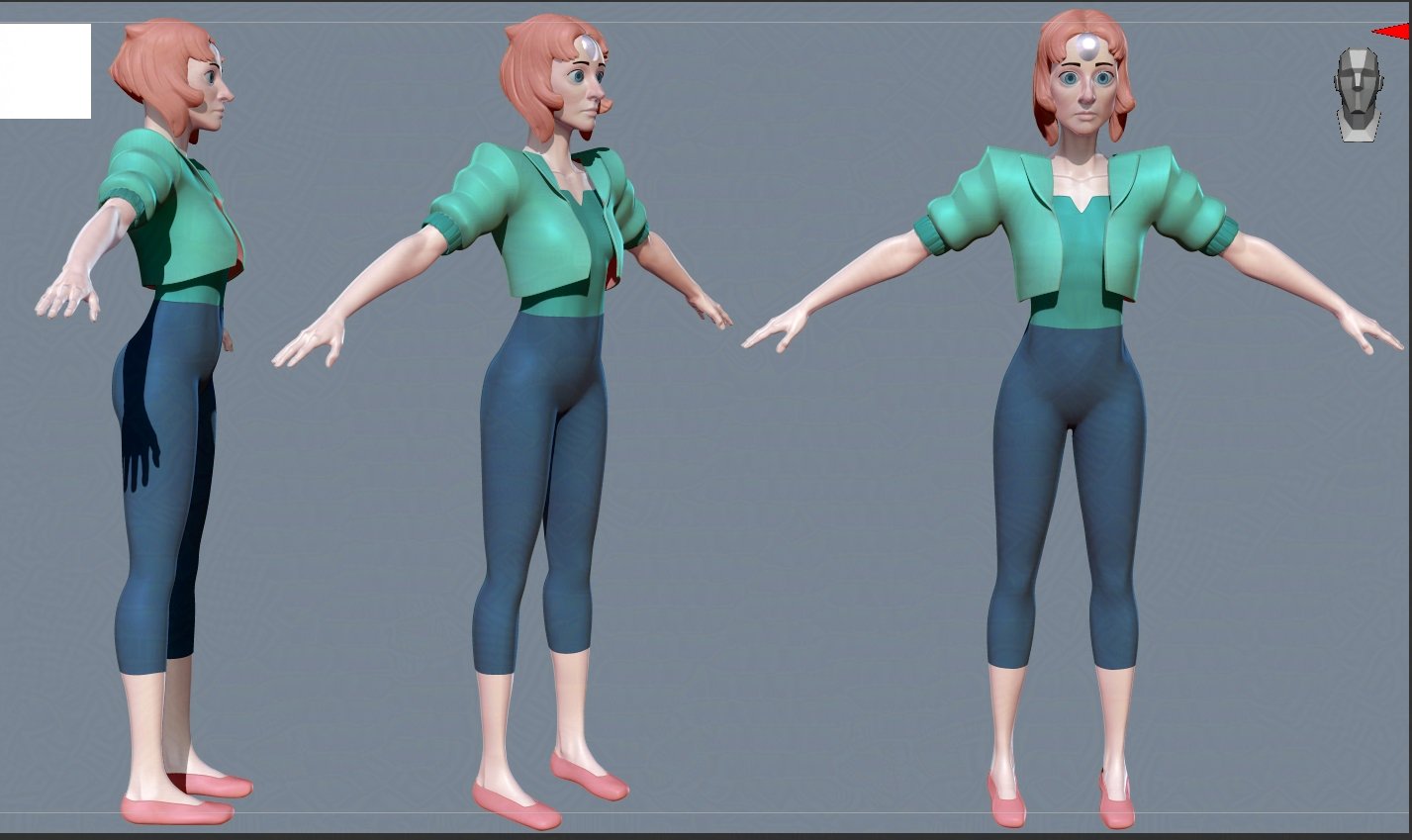 Making a simple tutorial for myself about setting up a character with animation in ue5. I'm sure there are plenty of these around, but just to cement the steps in my head. Here I made a simple character that I will be using for this. She's based off of pearl from Steven universe.
 -
Frankensteins Monster

 Personal Project of Frankensteins Monster based on Mary Shelley's character.
 -
Looking for 3D artists / CG architects to create 3D models from Autocad files.
We are looking for freelance artists / CG architects to create low/mid poly meshes of architectural interiors. Models will be used in Unity, so we expect meshes to be optimized for gaming (not high poly archviz). We would provide Autocad plans for reference. In this post we are only interested in walls, windows, structure,… -
Curve Brush resolution not done properly

 Hi, I want to create hair for a 3D character. I am using a IMM Hair Brush I did myself. The problem is when I click on an specific topology line, all curves appears but only the clicked one appears with a low polygon density. I want all the topology lines to have that low polygon density without going clicking one by one.
 -
3D Character Artist|Character Designer- Looking for work

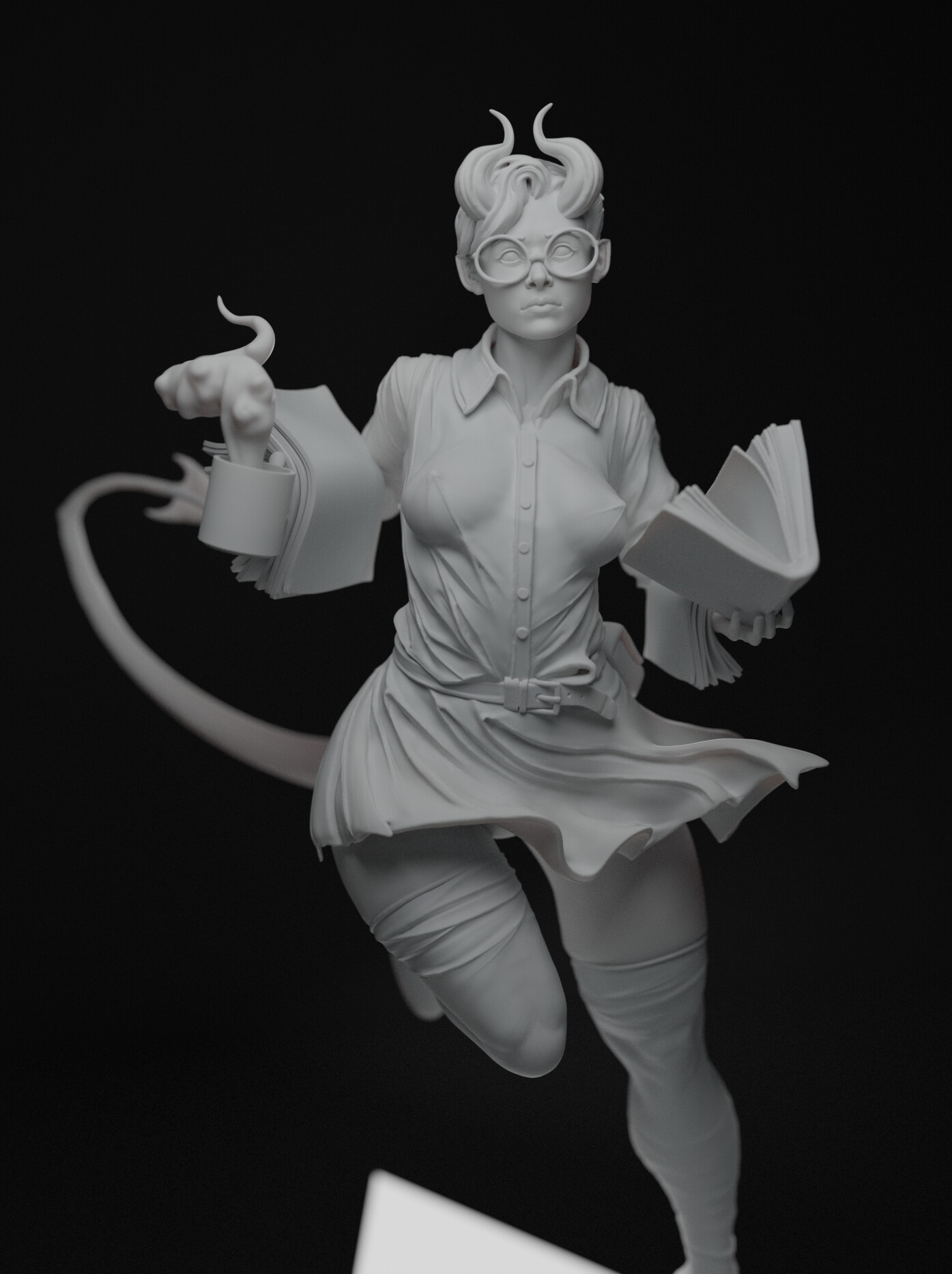 Have worked with such Studios as: Hardwitch Games, Bestiarum Games, E.S. Monster, Mundfish. Portfolio: https://www.artstation.com/elijaharts
 -
Re: Odd triangular artifacts when baking a triangulated mesh in substance painter
 This was the answer for me! I had the same problem as OP and have been trying to solve this for two days. I use Blender, so I had my mirror modifier BEFORE my triangulation modifier. This means that triangulation happens after mirroring, so the mesh is not the same on both sides but the UVs are, hence the weird…
>172324 results