Search
-
Re: Environment Art Portfolio Critique

 I like how you've got the trim sheet shown. For the wireframe of a prop, I always like to show a render of the prop from a few angles, plus the wireframe. Here's how I've shown off one of my assets with a wireframe; 2 different angles, plus the wireframe, plus some basic info. This way you've condensed some of the…
 -
Hiring realtime technical asset specialist for optimization, mesh retopology and material conversion

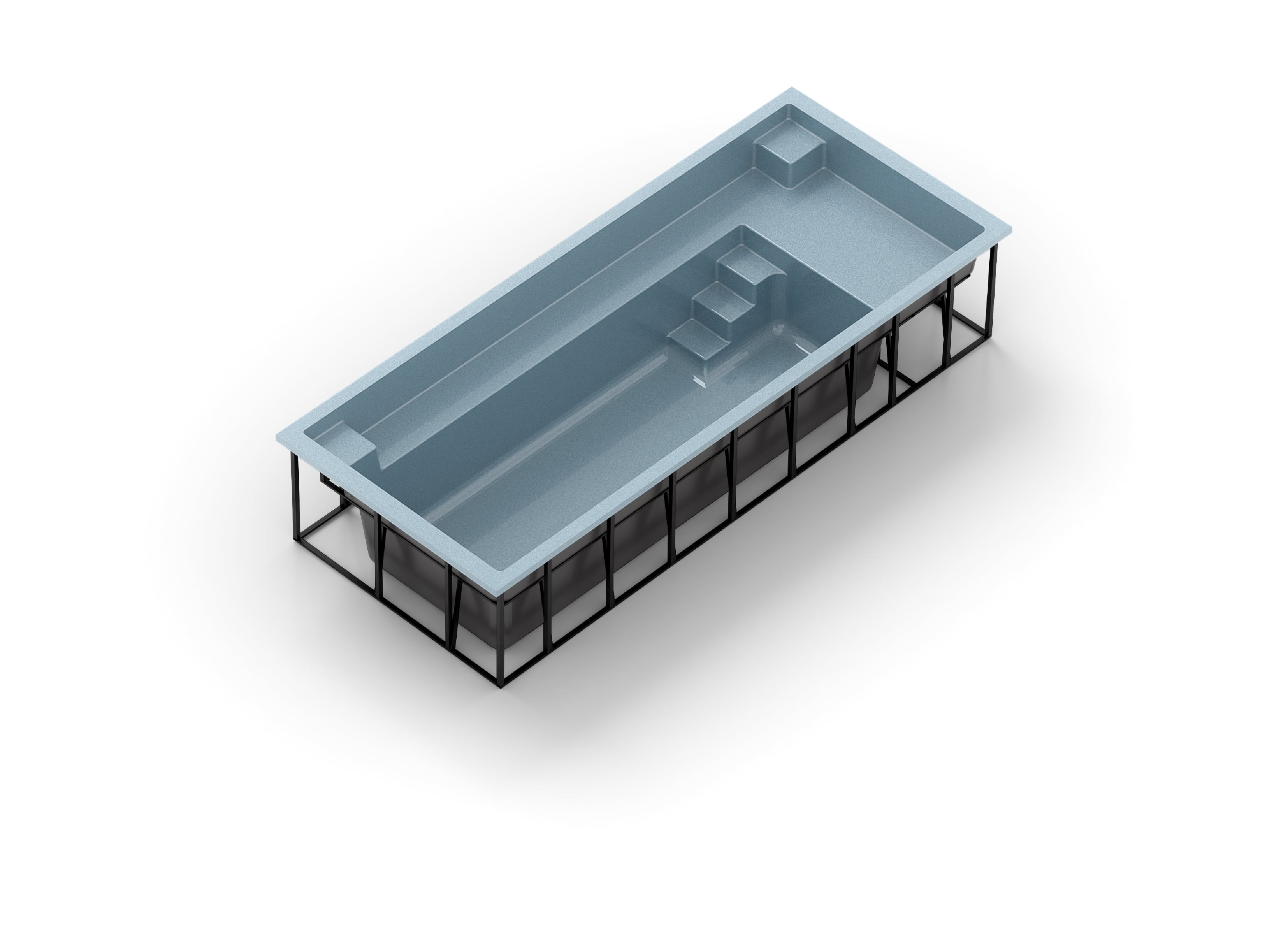 Greetings! We are developing a premium browser-based 3D configurator for fiberglass swimming pools and are looking for an experienced realtime technical artist / game-ready asset specialist to assist with optimization, retopology, material conversion, and realtime rendering workflows. We need someone who specializes in…
 -
Re: Arms & Armor: Questions & Answers
 Reply by brandoom · · Home› Contests & Challenges Archives› Arms & Armor, Chivalry: Medieval WorkshopIs there a wireframe option in game? lol There's wireframe viewmode in the editor (alt+2 or click the icon on the top row) You can also create a wireframe material by checking the 'wireframe' box under misc in the material editor. Thanks for the reply. I was curious if there is an option for wireframe while actually…
 -
Re: Marvel Rivals Character shader - Nuke + Arnold (maya)
 Show some pics? What you want have right now, what the shaded wireframe looks like, what you want it to look like, etc.
 -
Re: Rendering wires in Maya
 I just do a screenshot of the GL view with wireframes turned on, you can change the colour in the colours menu and if you want antialiasing you can turn on smooth wireframe under the shading pulldown, I don't really suggest it though as it has a few problems. As well if you want to comp your wireframes in a render just…
 -
Re: blender questions
 another q: can I display wireframe over shaded? solid mesh with wireframe overlaid edit; oh how do I get the wireframe mode to show the 'real' wireframe too? i just subdivided up a mesh and none of those are showing in wireframe
 -
3DS Max - Quad Chamfer problems
 Hey guys, iam actually testing the quad chamfer modifier. but i got several problems with it. sometimes it works good for me but often not. on the following pictures you see where are my problems. i want to understand whats goind wrong and how to get a clean and good looking result. i really hope you can help me on this:…
 -
Re: Baking issues, before and after baking normal map
What does the low poly wireframe look like (shaded wire is best)? Are you using hard edges anywhere? Are you splitting the UVs where there are hard edges? Are you adding space between UV splits, and using edge padding? -
Re: Most Efficient Way to Render Ready Game Models
 If you have game ready models, start showing them as they are. re-beveling and subdiv added on top for "beauty" is shooting your foot. The imo easiest and quickest way to render game ready models with a low barrier is using Marmoset Toolbag. drag drop the meshes as a gltf or fbx file into it. Throw a good lighting on it,…
 -
Restaurant Props

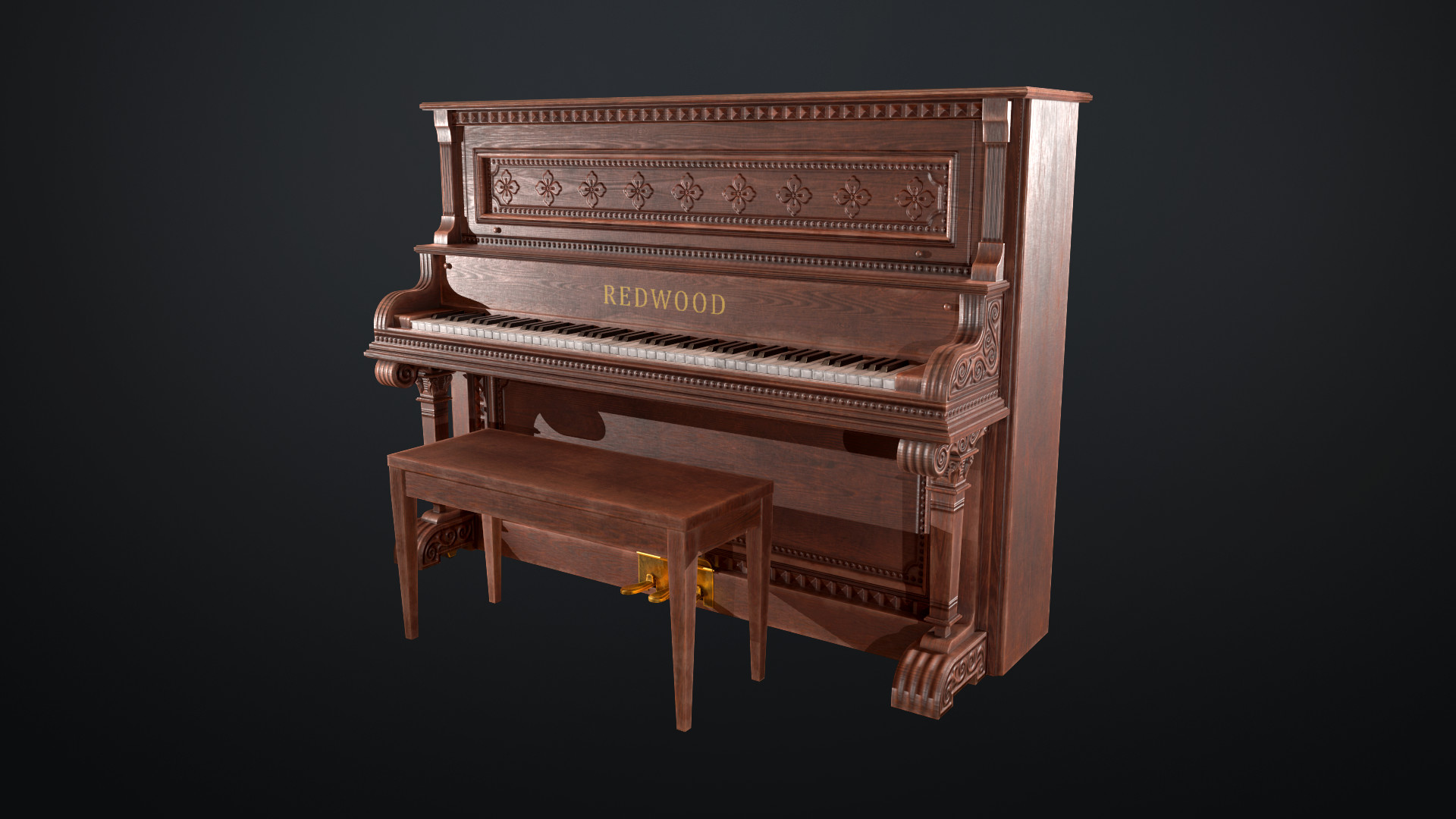 Here's some props I've made for Dekogon Studios' "Dive Bar and Restaurant Props". Saloon Piano - Marmoset Render 1 Saloon Piano - Marmoset Render 2 Saloon Piano - Wireframe Ceiling Fan - Marmoset Render 1 Ceiling Fan - Marmoset Render 2 Ceiling Fan - Wireframe Cue Rack - Marmoset Render 1 Cue Rack - Marmoset Render 2 Cue…
>6849 results