Search
-
Re: Using non-square textures (2048x1024 etc.) in Maya/Unreal
 If you do "image-display image", and change options in "image-image range" you can see what is going on better. Also, "image-use image ratio" is what I was talking about above, but its sort of weird to use so I don't.
 -
Re: Please critique the fold of my pants!

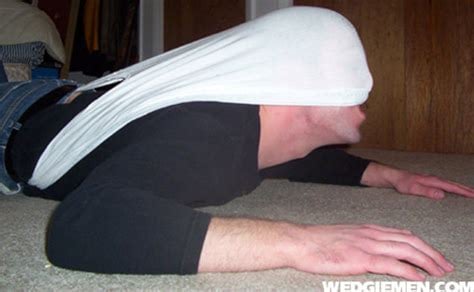 I thought this by thread title i am crying and i blame poop for it. If you have the time simulating some folds and seeing how they do things or even watching videos perhaps of fashion shows might help this along. Didn't say stylized or realistic so idk how to really address this other than the above. Other than that , they…
 -
Tutorial: THUMBNAILS
 since no one seems to know how to make thumbnails and then complaign about the formatting of the boards messing up with large images i figured i'd show you how to make thumbnails. this way bearkub or r13 don't have to use the crappy levelshot hack. 1) get you image. for purposes of this tut i will be using the full image…
 -
Is it possible to get a good bake without support loops?

 Hi everyone, Let me present a very simple practical example, Modeled in 3ds Max 2025 and baked in Substance Painter 11. Low / High Normals When I do the bake I always have a problem where a light jump can be seen in the area where the seam is. I understand this is due to the normal bake; the test was done using averaged…
 -
The Art Analysis Project Proposal Thread
 ruscvbnnk, The last few weeks or so, an idea has been reappearing in my mind. I'm not convinced it would be worth the effort to tackle, but it sounds like something that would be really interesting to play with. I don't feel I'm motivated enough to actually follow through and want to evolve the idea further. I have other…
 -
Re: [WIP] Stylize Character Feedback/Critiques Appreciated)

 Well done so far. I haven't read what others posted so forgive me if I repeat. The last image in the thread, the back of the sculpt is ballooned out, there is no rib cage. It's the stuff you don't see in the ref pic so I reckon you don't know. Anatomy will solve these mistakes so get to know it. Your back bulges to the top…
 -
Re: 1900's Western Fields

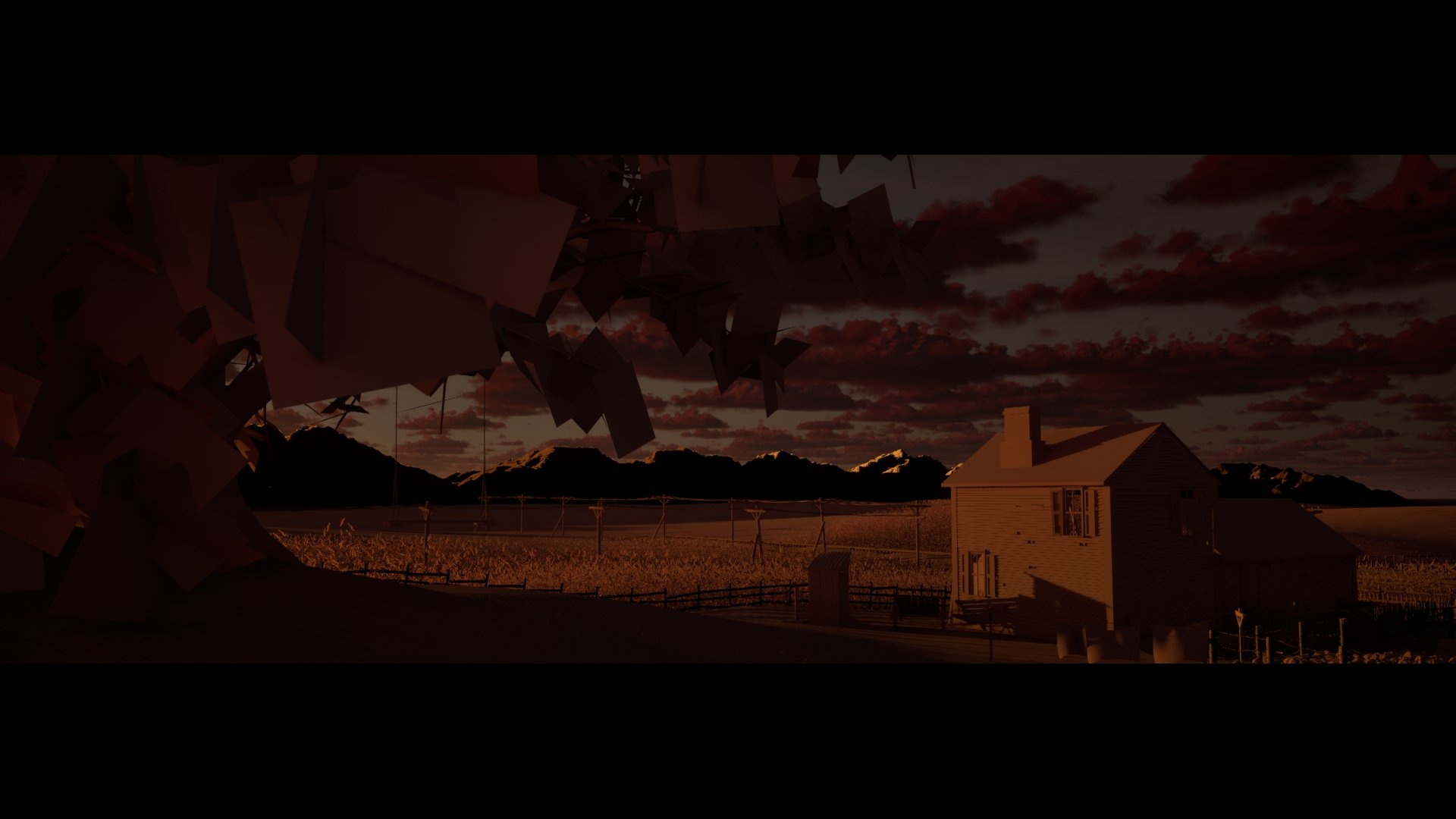 Okay so I got some cameras setup and some renders with lighting only. Now I'm preparing to add detail if these renders look okay. I can see how setting up cameras help it easier to composition. (Image heavy sorry)
 -
Re: barbarian in progress
 here are links: http://img63.imageshack.us/my.php?image=visiwire011vd.gif http://img63.imageshack.us/my.php?image=visiwire020di.gif http://img63.imageshack.us/my.php?image=visiwire03back0nk.gif http://img63.imageshack.us/my.php?image=visitex011wp.gif http://img63.imageshack.us/my.php?image=visinose024hx.gif…
 -
Re: Designer to UE5 different results
it's the color space unreal will assume any 16bit per pixel images are stored in linear space and apply a gamma transform. you can so a few things: change the source format stuff on the texture asset in unreal, output the images in linear space output your color maps in 8bit i generally do the first one - most people… -
Re: New minimal
sorry about the small pictures i will try and work on it. here's the man and i will post a woman i created ber in mind these are my first humanoid character models so.....thats my excuse ;( [image] [/image] [image][/image] [image] [/image] yeh if you click on the picutres they should become bigger
>44215 results