Search
-
Stylized Tavern Maybe?
 I don't do much in terms of stylized art but I do watch what some of the rest of you are doing on here. Any feedback a long the way is appreciated. This was my original blockout which I may follow somewhat. I did this a little bit ago: And a tileable roof texture: And kinda what it might look like on a roof type surface…
 -
Re: The Castle - Feedback welcomed!
 I agree. You need to add some more deformations if you want to stay true to the concept. It's not all straight. I would also place more roof tiles towards the edges of the roofs to break up the straight lines/improve the silhouette. The flat parts can just be tiling textures if you want to save polygons. I like the concept…
 -
Re: Mythic WAR tomb
 Good Progress. I would add a gradient to the roof and do a levels adjust on the textures and make all the black a really dark grey. Maybe some supports underneath the roof overhang? Looks a little bare in there. You could do the shadows under the overhang with a simple alpha too. How's your UV pixel density? Looks a bit…
 -
Re: [WIP][UE5] - Roman Inspired Enviro

 That would indeed a cool idea @killnpc :) thanks for the tip ;) I could probably reuse the arches from downstairs to get that effect. It would need some rework of the second floor roof since it looks like that in max: I'll also need to rework the uv of the roof part because it's quite nonsense as of now :p Thought about…
 -
Re: The Resistance

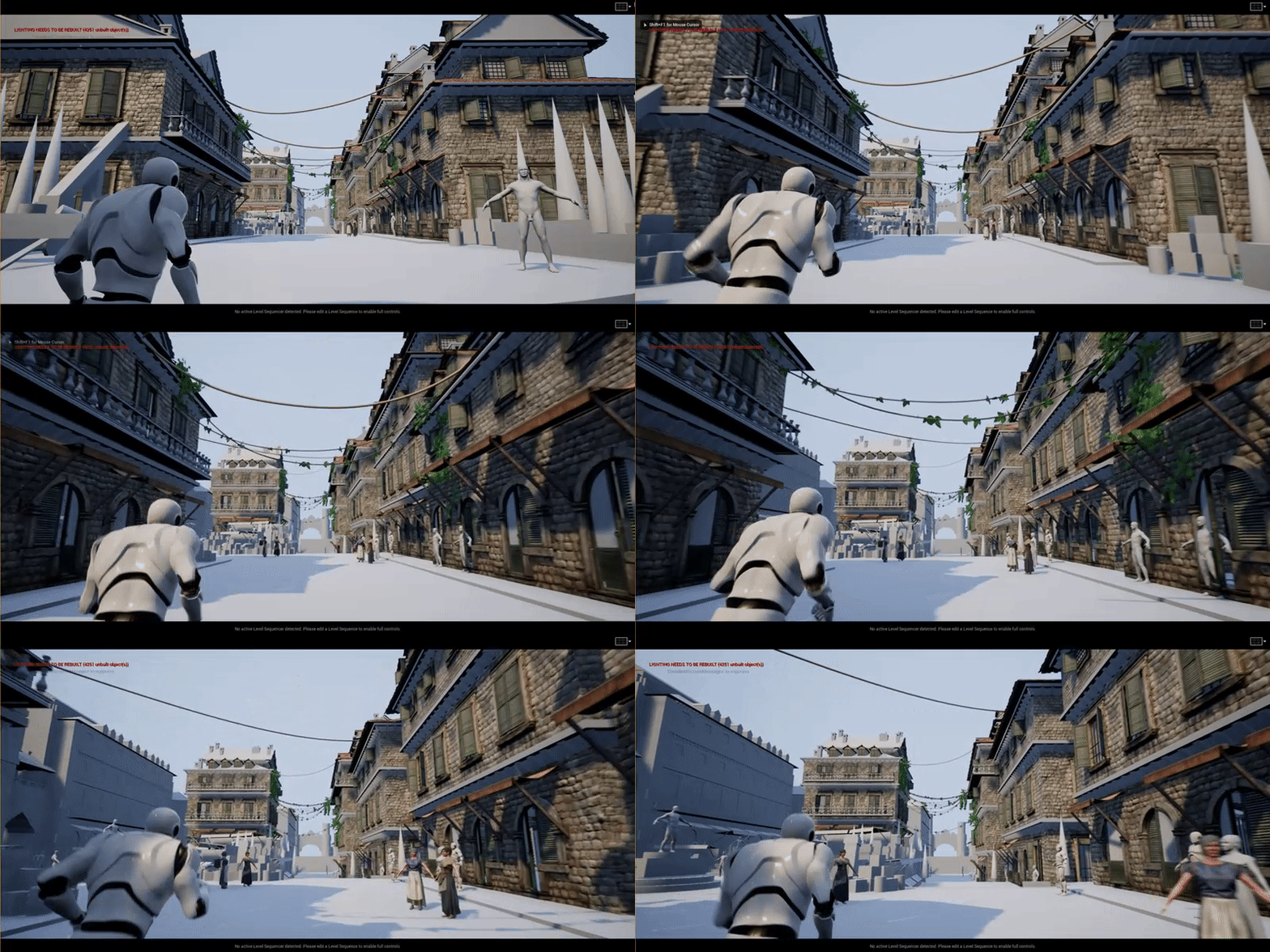 Been texturing the roofs and also playing around with foliage, just having fun mostly. Also modelled the balcony, but most of my time has been taken up by making tillable materials (: Im still yet to build the lighting, as I need to replace the ground with a proper mesh asap and not just a stretched cube that has no uvs.…
 -
Re: How to tackle multiple buildings for an evnironment?
 I have also hit another snag : http://img197.imageshack.us/img197/6425/wipproblem3.jpg When i try to attach the roof pieces to the rest of the building, with my multi-sub material, the rooftiles just..dissapear. Everything is invisible, except when you display edges.... any ideas? And would that roof be overkill? thinking…
 -
Re: [Maya+UDK] - Old Town Home
 Regarding the tesselation on the roof, how does the mesh look? If you're getting distortion and weird artifacts it might be because you need more polies in your mesh. However, I don't think you need tesselation on the roof because I think you can easily add some sillhouete manually, making it cheaper. :) Looking good so…
 -
Re: [UE4] Tevinter Imperium Inspired Courtyard
 Thanks @griffiti for the feedback! Hopefully the light will look better once I get the lanterns in, but yeah, its a bit out there. Do you mean the roof texture/mesh/ look overall? My plan is to get some taller buildings and spires in the background so maybe that will help with visual interests, but I can always bump up…
 -
Re: Warhammer Online Environment
 Ya, looks nice so far. HE might be cutting loops through the roof for a texture reason, guys. Anyway use those loops to make the roof less perfect, make it wavy a bit. Also, some of the downstairs parts are still a bit too perfect. If you look at the concept that building is all kinds of messed up in places. Keep going!
 -
Re: Warwielder Art Dump: hand-painted buildings ahead!
 dude these are all so sweet. i only really have one critique: i absolutely cannot see the benefit of having modeled in bricks on some of the roofs, the difference isn't seen in the final textured version, so it might be better for optimization to just have flat roof panels? this was probably a decision of the client…
>15252 results