Search
-
Re: Oban, the Hunter.

 little update changed and refined the fibremesh, made some anatomy changes suggested by Satoshi. Im at a point now where ill start retopo. Entry can be seen here: https://www.artstation.com/contests/ancient-civilizations/challenges/16/submissions/13352
 -
Re: Console Memory Thread
 master the art of doing textures that reduce to 16 colours. Instancing geometry like trees (if your engine supports it), so that only one tree is held in memory, but displayed multiple times. The trick then is to get the lighting right so that it fits in all situations
 -
Re: Wyoming trip
 Thanks guys. More pics here, mostly people but some landscapes here and there. http://www.ericchadwick.com/galleries/thumbnails.php?album=16 Now I know why there are so many landscape/wildlife artists out there, amazing vistas everywhere you turn.
 -
Schell Games - 3D Environment/Generalist Game Artist - (Pittsburgh Pa)
 Schell games is looking to bring on a new 3D environment / generalist game artist. This is a full time onsite position. If this seems like something you're interested in just follow the link below. Cheers! https://sg.bamboohr.com/jobs/view.php?id=16
 -
Dudley College Games Design Student WIPs
 Hello everybody. I am a games lecturer from Dudley College, U.K and the following 3D sculpts are from my games students. They range from 16 - 20 years old. Please give them some constructive criticism or feedback please. Thank you!
 -
[FILLED FOR NOW]Illustrator needed for deck of cards

 We are looking for an illustrator that can make a deck of playing cards for a game. 16 cards needs an illustration of an event on it and the rest should have possibility for some text messages. Contact us at info@heimdalgames.org, if you are interested with portfolio and normal pricing. Example of cards for inspiration for…
 -
Re: [Artstation Challenge] Ancient Civilizations: Real-Time Character - Dreamer Ayaman

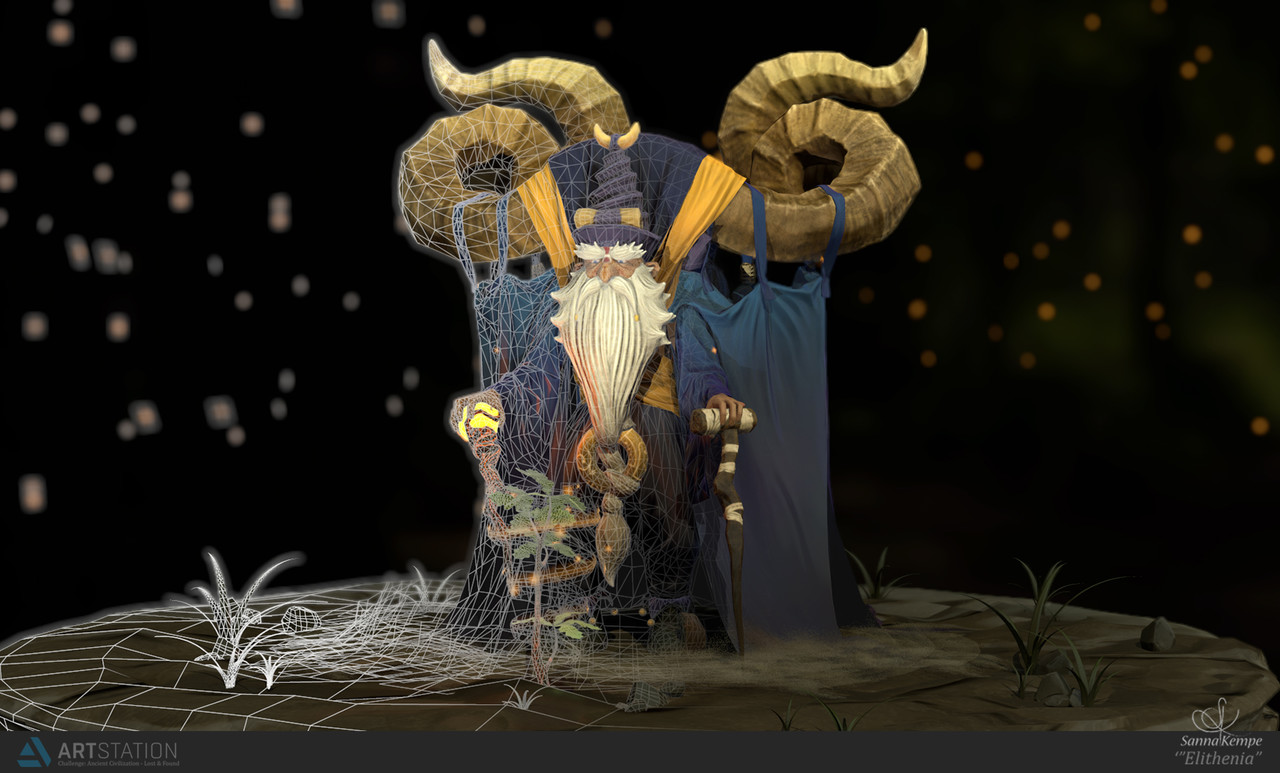 I finished my Artstation Challenge Character! Learned lots from this, and just wanted to say Thank you to everyone who has supported me and given me feedback along the way! <3 https://www.artstation.com/contests/ancient-civilizations/challenges/16/submissions/12850
 -
Re: Mountain workflow - Substance Designer to Zbrush with new bake afterwards
 Xnormal by default clips the range in Heigh map Tonemapper. It has sliders showing red an blue clipped pixels. Adjust them. Also you don't need xNormal probably , just BPR render the mountain top down in zbrush and get 16 bit depth image
 -
Re: 3ds max rounding errors?
 I definitely remember a thread on here a while back in which someone stated something along the lines of: "Use generic units and set home grid settings to 16, 8, 8" You can access the home grid settings by right clicking the snaps icon, there will be a tab for it.
 -
Re: Texture Leveling
 Came across John Marston's diffuse texture from RDR today, dropped it in photoshop and looked at the histograms. Low and Behold all the values are in the lower half. Way down there. Check it out for yourself on page 1 of this forum http://forum.xentax.com/viewtopic.php?f=16&t=4992
>7632 results