Search
-
Skin Modifier Mirror Mode problems
 I'm a bit confused how this works...I have been working to rig one side and when I turn on "Mirror Mode"...shouldn't I see one half of green verts & one half blue verts? I can't see any vert colors, not even red...
 -
zBrush - stuck in navigation mode
Heya! I must have hit something, because suddenly it's like I am locked in navigtaion mode or something. Proj. master and noise is working, but I can't use the brush. I tried going back to a save, but the same thing. What have I done? :( It also says "New... ctrl+n" up in the left corner with lightbox and proj.master if… -
Re: Sketchbook: illumisanic

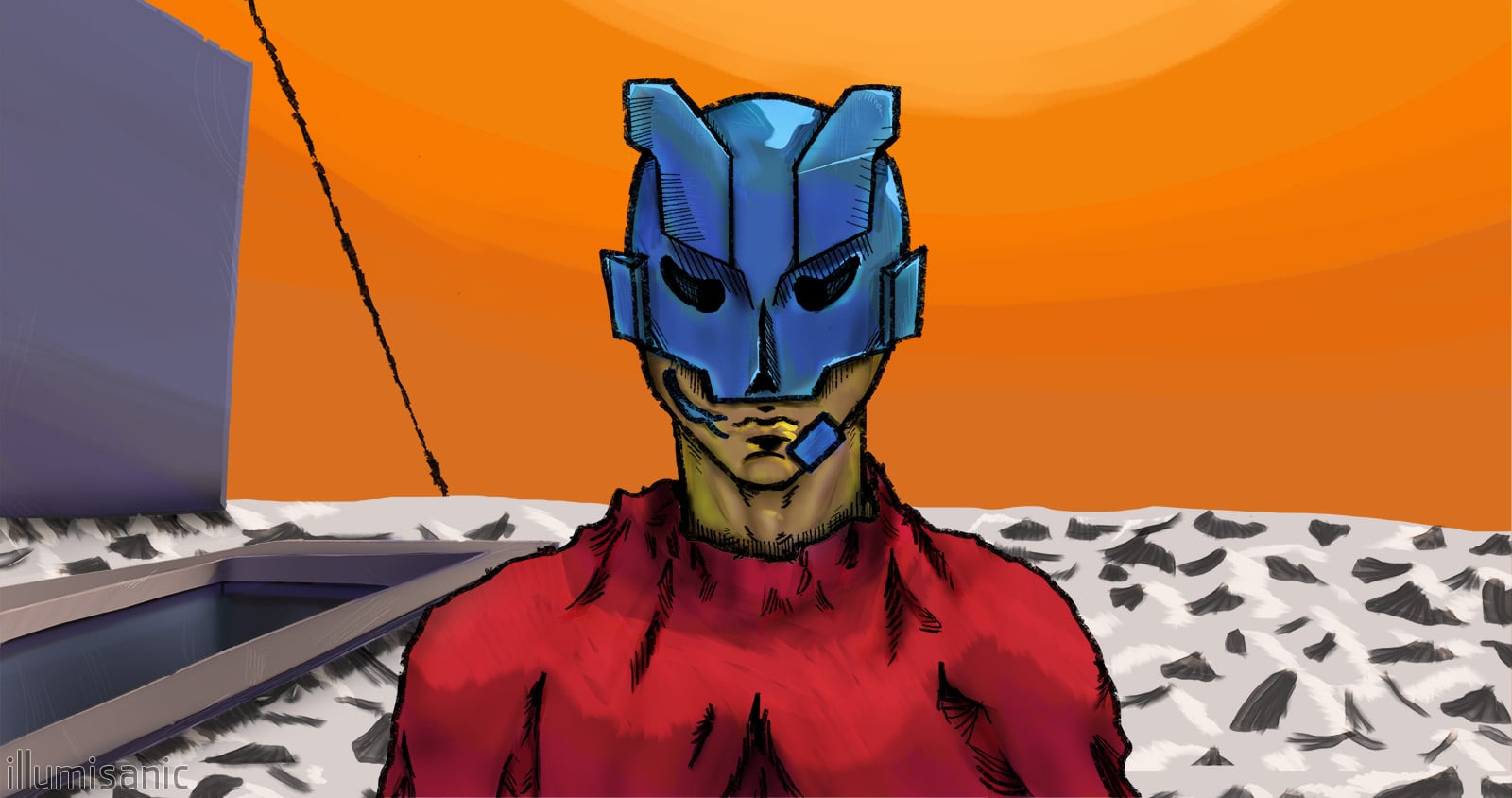 Nómada / Nomad - 12/2022 My profile pic, l would call this my first "get serious" artwork. I've wanted to make some music and also learn how to draw. So I've learned a DAW and studied various Marc Brunet's videos and made the cover. I wasn't so happy of how the "realistic" shading looked, so I colored it in a way I liked…
 -
Wrap mode in ZBrush 3.5 R3?
Hey folks, I am pulling my hair out trying to find the Brush feature called wrap mode in Zbrush 3.5 R3. This feature was basically the offset filter in Photoshop for making tileable textures. Does anybody know if this feature still exists in the latest ZBrush? -
Re: Mountain Range to Beach Landscape
 WORLD MACHINE TUTORIAL Anatomy of World Machine Nodes Heres a quick description of how a World Machine node works so that this tutorial can make sense. Basically a node is just a box you plug something into and get something new out of based on the calculations of the node you used. Some nodes have an option for providing…
 -
3DS Max - Model permanently in edge highlight mode?

 Hey guys, I have a model that is constantly in edge highlight mode. Is there anyway to remove this?
 -
Re: Need help with UDK hatching material
 hmm, well the shadow casting in UDK is done somewhat outside of the object shader level. If you want hatching JUST where the shadows are what you'll want to do is: use the full light vector, not just the blue component. multiply this by -1. Take the dot product of that inverted light vector and your object's normal map if…
 -
UDK October 2011 is up, no patch notes yet,,,
 http://www.udk.com/download EDIT: Patch notes http://udk.com/news-beta-oct2011.html
 -
Maya Component Mode Rotation
 Hey guys, So i'm trying to learn basic Mel scripting. For my first script, i wanted a tool that could set up joints and orient them based on a character's topology. It works, but only orients joints to the world axis. Now if I select verts or faces in component mode, a local rotation pivot will appear (as shown in the…
 -
Re: Favorite Hotkeys and Preferences?
 Here are some of my favorite Maya hotkeys. Most stuff is crammed around QWER so I don't have to move my hand very far, very often: * Alt + D : Delete history (on selected object only) * Shift + Q : Toggle Wireframe on Shaded * Ctrl + Q : Toggle Selection Highlighting * Alt + Q : Delete most recent construction history…
>37259 results