Search
-
Re: PS5, Series X, (Google Stadia-RIP) Other next gen consoles, lets get on down to specifics

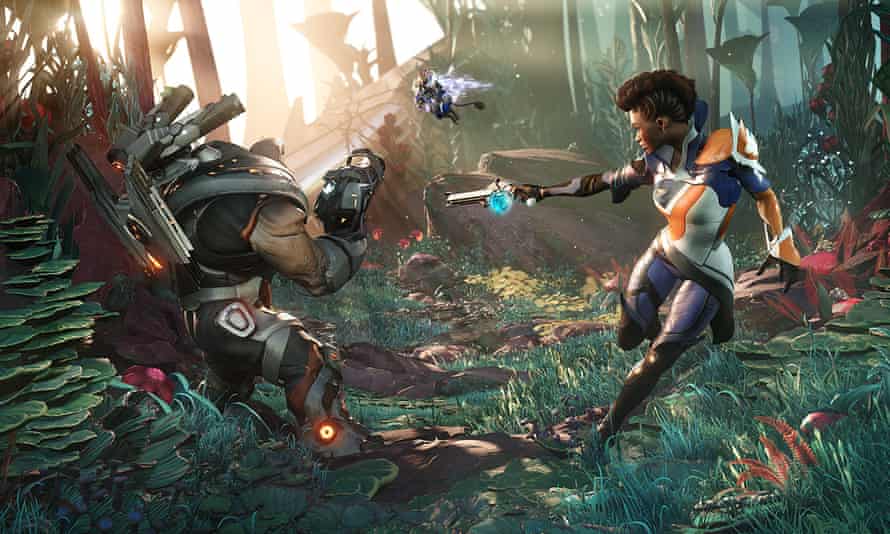 "Amazon, Google and why you can't just invent a blockbusting games developer by Keith Stuart", The Guardian, Wed 3 Feb 2021. Quite an interesting read. Article -…
 -
Re: Josfield's hand painted stuff!
 Thanks for the critique and comments :-) I decreased the resolution from 2048 x 2048 to 1024 x 1024. I already tried to add more contrast, but I think I can go further. I would also like to improve materials as I think I haven't really worked on that so far. :) Progress:
 -
Re: ///// (help)Skirt Filtering \\\\\
 If you plan on shrinking the final normal map by half, would you say a padding of 4pixels would be enough? I mean, what tyoe of padding "X" do you need from going large to small? Example 4096 to 2048 = 8 pixels? 2048 to 1024 = 4 pixels? 1024 to 512 = 2 pixels?
 -
Testing Low Poly War Axe for game, need advice
 I'm currently working on making weapons for a game project, and technically I'm a new, so I really need some tip and advice for my work. This is my testing war axe for the game. It's about 700 tris, with 1024 x 1024 Normal / Diffuse / Specular rendered in Marmoset. Please to have you comments. Raw concept by Vinh Dang Tuan.
 -
Re: MightyBake Tool Announce
 Hi folks, We just released a small update to fix a maya 2014 issue. Version 1.4.2 has been released at www.mightybake.com/demo. - (Fix) work around for maya 2014 fbx crash - (Fix) fixed 3ds max crash on importing mesh with no materials - (Feature) added faster update for the render window Rob MightyBake developer
 -
Re: Teutonian Tinkermeister Gregory - A Stout, Wrench-wielding Engineer
 Good question. Right now this is, at max, 1024 res. We have not yet had the opportunity to see what size of textures we can use in-game, but my money is in the 512 ballpark to be safe. Though this character is a hero character, so I might be able to wiggle out a 1024 res, but I need to talk with our engineer first.
 -
Re: UDK Texture Quality
 Compression is not the problem here, the problem is that the resolution is being made smaller. Compare the size of the pixels on the left (photoshop) and on the right (in the UDK). On the right the texture size seems closer to 256 pixels than 1024. Defering compression doesn't help because the texture size still appears to…
 -
Re: SOLVED: Quixel Suite and PS CC 64bit problem
IT WORKS IT FUCKING WORKS!! :) ok I ussualy use PS CC. But then I noticed that it's not connected with Creative Cloud app for some reason and that there still is Photoshop CC (2014) to be installed. So I tried that and both NDO and DDO seems to be working. I have no idea how these thos Photoshops differs but the 2014… -
Re: Dynamesh not workin so hot
 Yup. If the mesh is insanely tiny, 1024 isn't going to do much beyond 1-2k polygons. If the same mesh is super massive, a resolution of 64 could give you more than 3 million. When you're working on a normal scale (like the default projects/tools), you shouldn't have to come anywhere close to 1024.
 -
Re: [Maya] Material List... Now with Menus
Hey, For some reason I'm getting this error when I try to load the script: Error: "C:/Users/xxx/Documents/maya/2014-x64/scripts/materialList_2013.mel" line 117.23: "$object" is an undeclared variable. // It's not happening with the previous version D: P.S: I tried putting it in the 2014-x64/scripts and prefs/scripts…
>7209 results