Search
-
Quadify Ultra — ML-Routed Retopology for Blender 5.0 | Tool Release

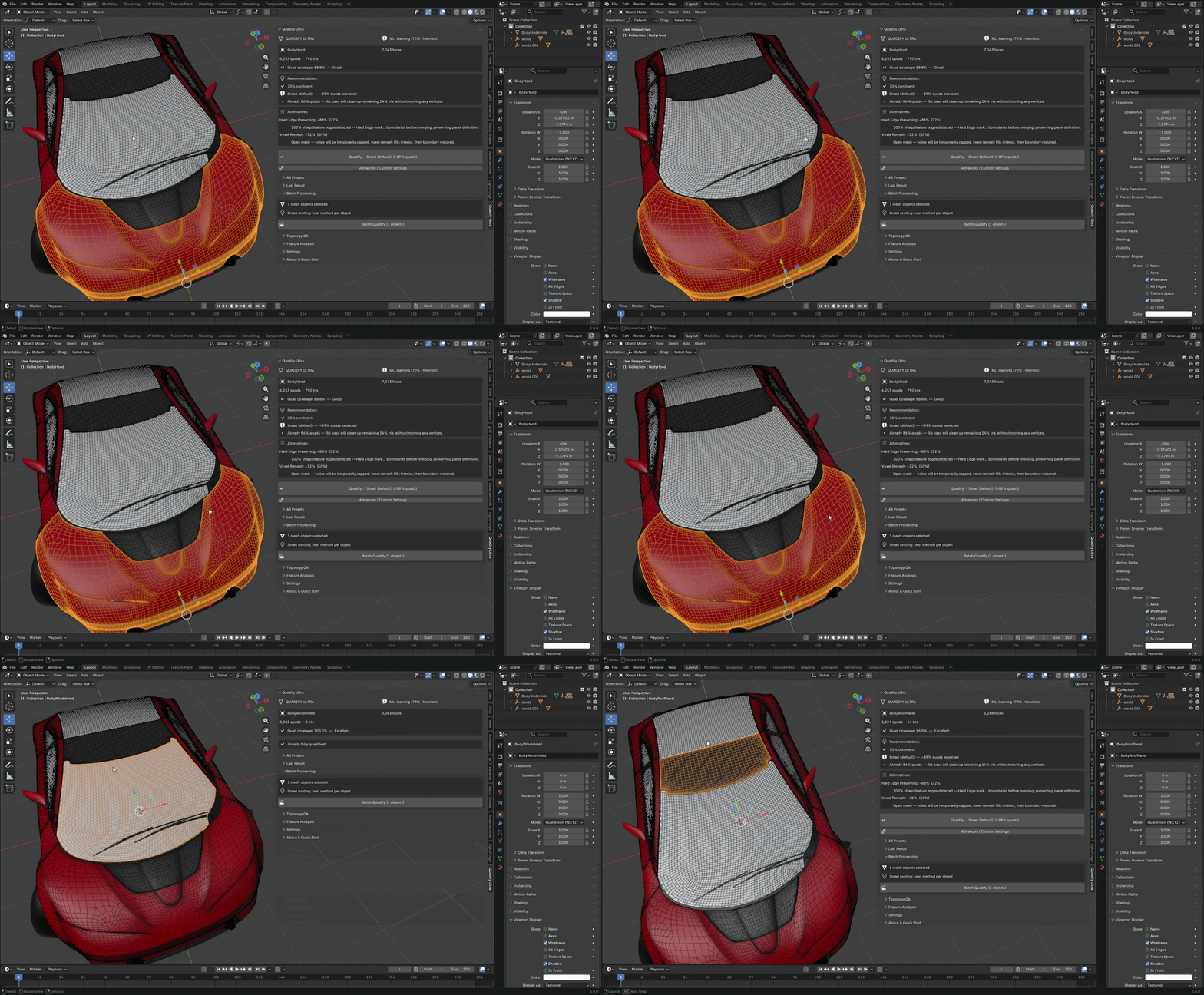 Hey Polycount, Releasing Quadify Ultra today, and wanted to share it here since this community has always been where serious topology conversation happens. https://youtu.be/1_7xRSyeLUc What it is Quadify Ultra is a retopology addon for Blender 5.0 with an ML routing engine. You select a mesh, hit Ctrl+Shift+Q, and it…
 -
Re: Sketchbook: Frank Polygon

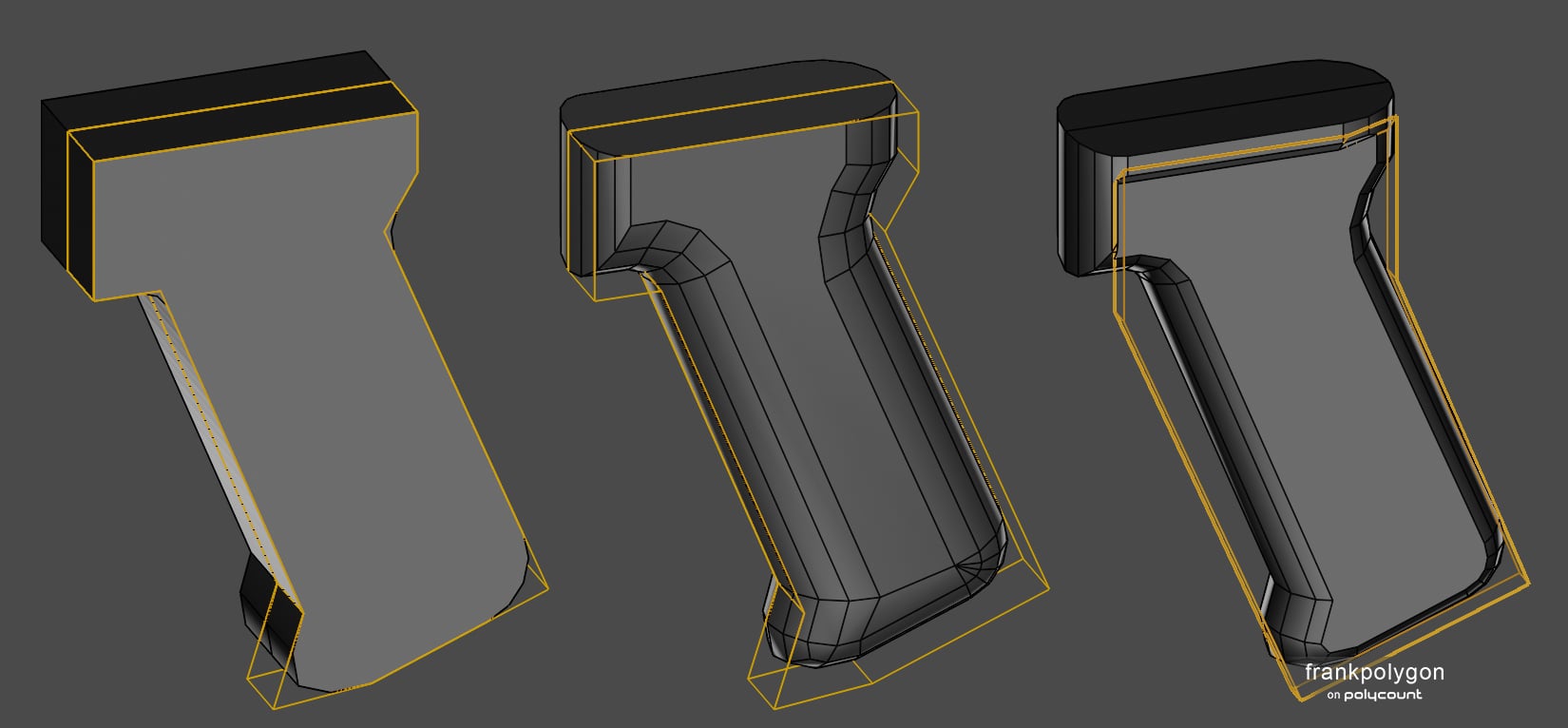 @2300511685 Correct, the round over in the third step was added with a non-destructive bevel / chamfer modifier that uses edge weights to control the width. If edge weights aren't an option then a simple loop path could also be used to constrain the round over. There's a few different ways to approach modeling lofted…
 -
Maya UV Tools?
 Hey all, I know there's a textools script/plug-in (forgow which of the two it was) for Max. Was wondering if there was anything similar for Maya? Basically what I would want is numerical control of my UV's. Say for example I want to offset something 1 unit to the right or left, I can input the number and it'll move it so.…
 -
Sci-Fi Modular Interior FC7 [FAB]

 FAB: https://www.fab.com/listings/e9ed24ae-8b5c-4c7c-90ee-86950f8fe874 Description Immerse yourself in the world of the future with the Sci-Fi Modular Interior FC7 pack, a modern resource set designed in a sleek cyberpunk and sci-fi aesthetic. This pack offers high-quality, customizable elements, perfect for creating…
 -
Unreal numeric conversion from Max
 I need to find a max script or a conversion table at least that converts max units to unreal units.. Meaning though say we have a pivot point at x=234.5 y=123.12 z=21312.33 the numerical conversion to equal that in unreal. (This is specifically for offsets)
 -
[Maya] / Custom axis numerical value

 I am switching to Maya due to a job requirement. I need some help figuring how to move on a custom axis in Maya with precise numerical values.(if not possible are there any scripts to do this ? ) I used to do this quite a lot in Blender like in this picture.
 -
Re: Does 3ds Max have an attribute, numerical, parameter, or size editor?
Use an xform modifier if you're going to scale things at object level - it leaves the object transforms intact. If you want to directly enter translation values for scaling try an ffd modifier with 2points per axis instead. Scaling at object level is considered bad practice because unless you understand the consequences… -
Re: Getting a model into ZBrush
 Crank up the "# of Digits", this is the numerical precision of the file. I usually use 6. It's also a good idea to turn of "compress numbers" and "relative vertex numbers" for compatability's sake.
 -
Re: Learning Blender and Texturing

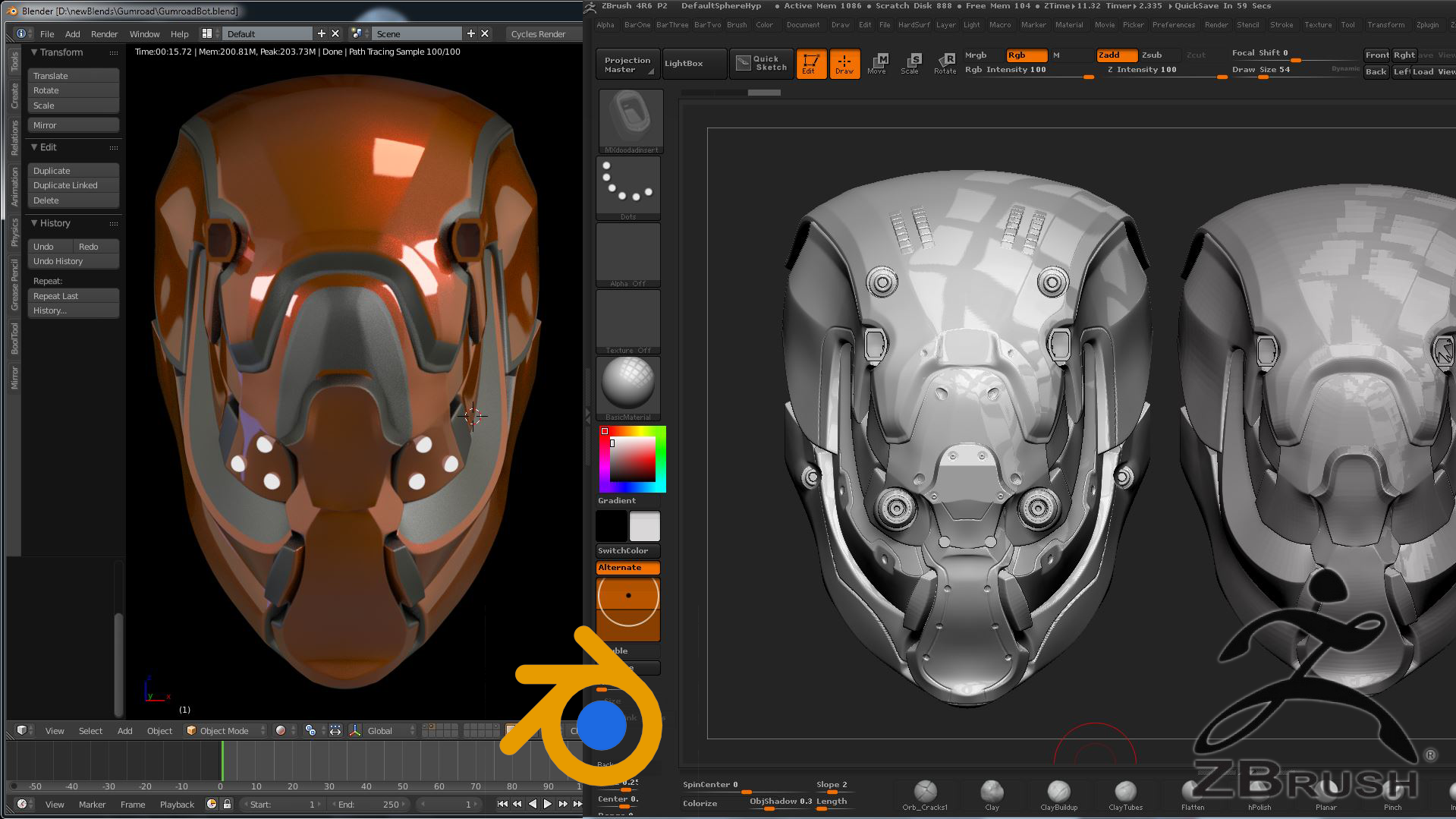 Hello ! My setup is highly customized, in part inspired by habits from both Max and Maya while also keeping it compatible with Blender unique systems (like the off-hand manipulation discussed above). I started by first using the default keys and navigation for a while, then modified them manually to have Maya-style…
 -
Re: Average to Planar ?
 I beg to differ. Average or the number series [0,1,1,10] is (0+1+1+10)/4 = 12/4 = 3. Scaling would be halfway between 0(the smallest numer) and 10(the largest number), 5.
>13752 results