Search
-
Re: Is it possible to get a good bake without support loops?
 This is really just a practical example, this model itself isn’t used for anything. I usually work on low-resource video games where the mesh has to be heavily optimized, which is why avoiding support loops gives us a big advantage. Sometimes my models can be seen in first person, and that’s where the main problems…
 -
Re: Omg a crate???
 My original box was like that as well, and I have gotten comments on my edges look so sharp you can cut yourself on them, so I beveled most of my edges. I only used a 2 segment bevel, so things did not go TOO crazy, but still put it up there at a grand. How do you have 90 degree egdes, but make them look not so sharp?…
 -
How can I model this ruin?
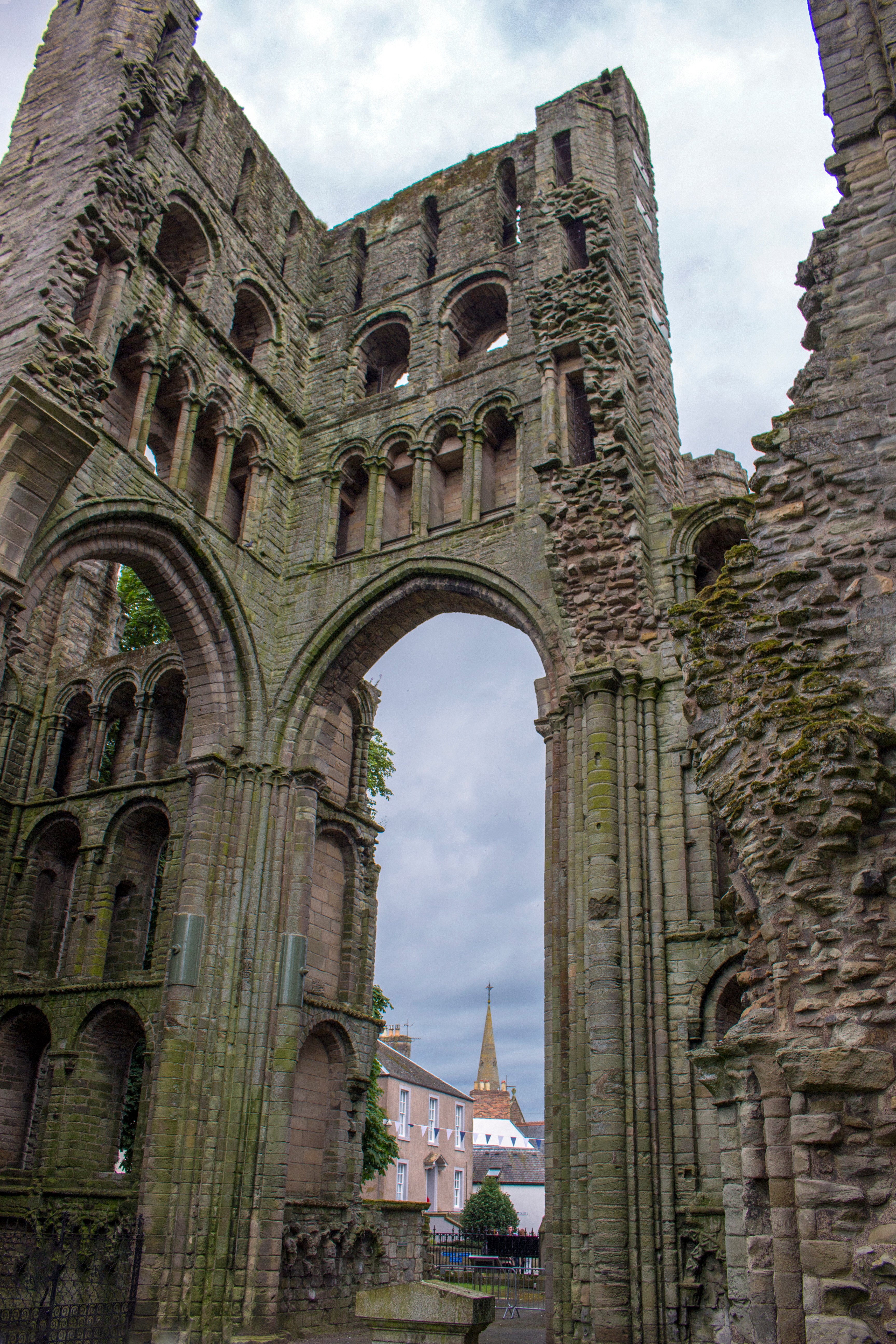 How can I model this ruin? I'm currently working on creating old ruins and would love to understand the process for making this using Maya and ZBrush, texturing in substance. I'm not sure how you create those jagged edges. Should I just roughly block in the shape and then add a tiled brick texture, or do you actually…
 -
Re: Looking for critique on my stylized material sculpting
Looks good to me, and welcome to the forum! The lamp might be the weakest if that's supposed to be metal. Should have more dents/folds with the material being displaced for bigger damage rather than being chipped away or eaten into the material. I think I can see the beginnings of that, but overall it still doesn't read… -
Re: 3D Environment Artist Potfolio Critique/Feedback (Stylized)
Agreed, especially regarding the bedroom and the professor layton piece looking great. The only thing that stood out negatively to me immediately was the UV layout of the market stand. There doesn't seem to be a good reason to have the tabletops/shelves rotated at 45 degrees and have the edges stick out that way, only to… -
Re: primnull werks

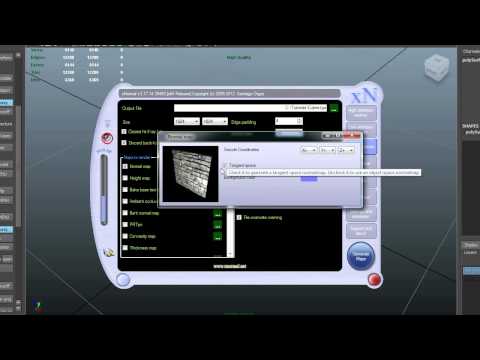 Ok good, you're making progress. Here's the jist of padding - when you get further away from a prop in some engines, the texture (e.g. 2048²) will mipmap or "mip" down to 1024², 512², 256² etc. to save memory since you can't tell the difference between a 2k and a 256 texture at a certain distance (which of course depends…
 -
Re: why are there holes in my mesh in unreal, when i cant see anything wrong with the geometry or uvs?
thank you i cleaned it up and found when i delte some of the edges which were close together it solved the problem, cause there as no tris in the mesh. If you are using low poly does it not like edges too close together on meshes, like for example when you got two edges close together to tighten a hard edge? -
Re: Do the Nanosuit!
 so while baking i often had problems with baking hard, round edges. i found no tutorials for this anywhere so i figured i´d do one myself to hopefully prevent others trying to get rid of this by baking (cause its nearly impossible in some cases). 1. THE PROBLEM AREA what you have here looks realy shitty if you look at it…
 -
Re: Free head modelling tutes
 Yep, I was using a shortcut key I defined for 'toggle NURMS preview' you can find it under editable poly in the keyboard settings. I set mine to 'N' for NURMS. (n is usually set key mode) -Dont confuse it with NURBS- which are different. NURMS just means mesh smooth. for ASKHAT I start by showing how to speed up the user…
 -
Re: TexTools for Blender

 @PatJS Thanks and yes Blender is great: Initially a tough learning curve but once mastered a very powerful software. @frmdbl Yes I agree there are already some great addons out there but I see much more potential moving forward with Blender 2.8. I guess many people want to see a improved PBR painting and texturing workflow…
>27970 results