Search
-
Re: Capping a circle
 The 2nd method there is probably better since it's more regular. However the way I do it is to actually have a vertex in the middle of the circle and just connect up all the circle vertices to that center vertex (like a pizza in slices). It's only one triangle more than your 2nd solution, and it smooths much more…
 -
2D/3D Artist / concept art / assets and texturing / video content creation
 https://vimeo.com/866826968?share=copy https://www.artstation.com/yukhu www.yukhu.art I'm an all-round creative creator experienced in making game assets, animations from scratch, and 2D/3D concept and storyboards. Software I use include Blender, Zbrsuh, Substance painter, After Effects and Photoshop among others.
 -
Re: How can I make these textures read as more realistic?

 I feel like the lighting is a big enemy at this stage-- I'd recommend bringing it into Unreal and mocking up the lighting, and seeing how things look then. I think the wall is probably too bumpy, and I'm used to lace tablecloths having borders around them, where yours just kind of tiles and cuts off sharply. My other…
 -
[CLOSED] Looking for 2D artists for characters and world. But there's a catch.

 Hey! And the catch is as follows.... History first. I am working with an artists now and the adventure game has already one Hub [example attached] and characters drawn - we already had a playtest. Now, for the Demo we need three more hubs and characters. I provide with the layouts for them, with image references to…
 -
Re: A little rigging help!?
 Your pivots for the clavicle bones are off. They should be centered in the nub where the clavicle meets the sternum, well towards the center of the chest and very far forward. Pivots for the upper arms seem a bit far out as well. They should be slightly below the little bump where the clavicle and Scapula join.…
 -
Weird normal maps outside Substance Painter & Bake glitch

 I have a two problems with normal maps on my model. 1st: outside Substance Painter there are seams visible. Inside Substance Painter: Outside SP (UE5/Blender/Marmoset) (please don't mind different albedo colors): It's the same in marmoset and Blender... What i've tried: - Flipping green channel, flipping red channel and…
 -
Re: (Finished) - Sci-Fi Atrium Environment – (UE5)
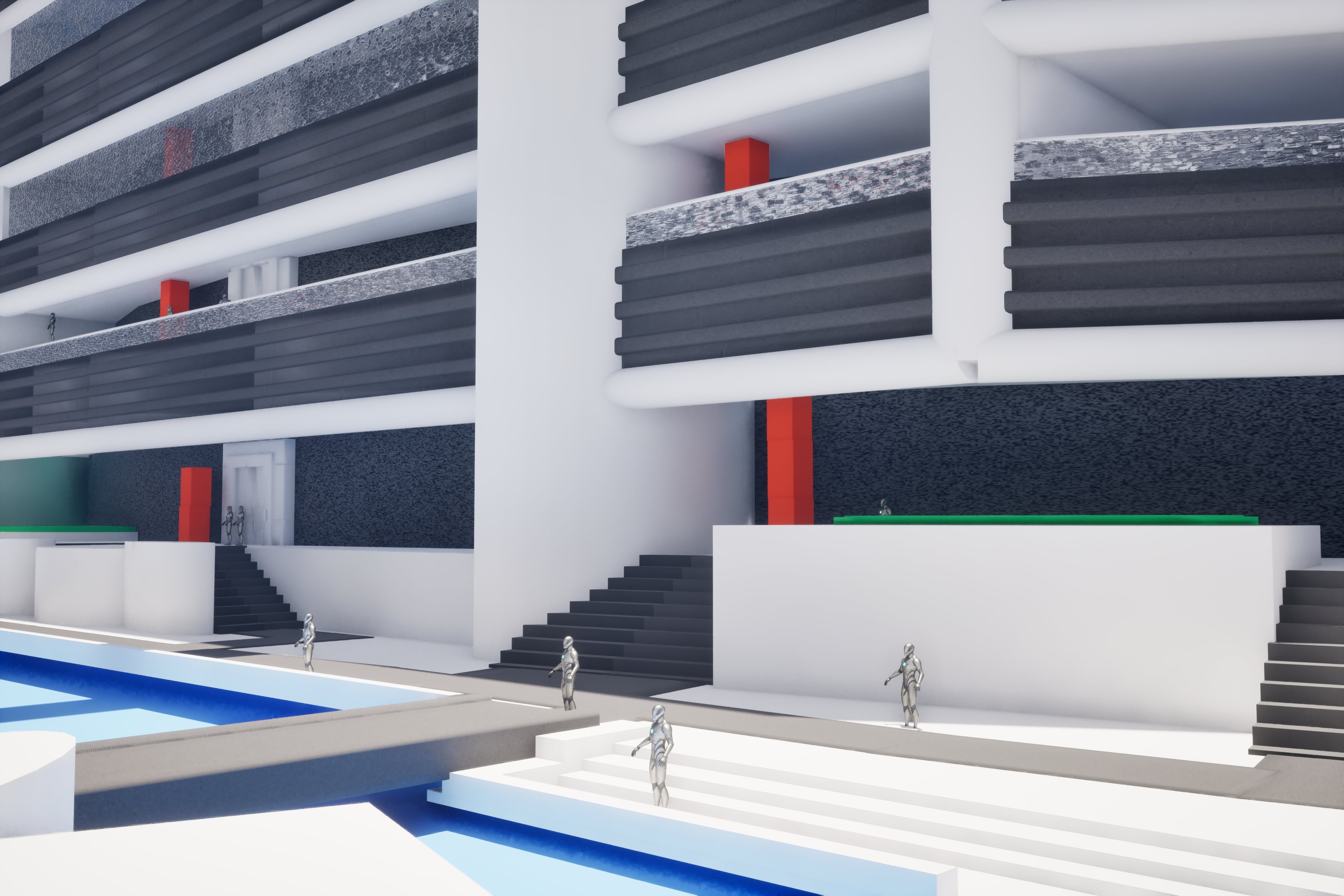 End-of-year update :) Small update to wrap up the year. Over the past weeks I’ve been pushing this scene out of early blockout and into a final graybox / art blockout stage. The overall layout and vertical flow are now largely locked, and I’ve started replacing primitives with my own modular meshes from Blender to properly…
 -
Re: Cyberpunk Elf Bust (WIP), Looking for CC

 This is from another thread. So not all I wrote applies here. Map out the shape at its lowest level until you have a good general form. Here is one in zB using zspheres. To get between the 2nd and 3rd step I first sculpted (mostly using the move brush) the base mesh in zB to a general form and then GoZeded the model to…
 -
Re: Monthly Community Noob Challenge October 2013 (12)
@Ssjtroll - Nice textures so far. The only thing I have to say is the lines on the bench seems to end abruptly off the edges. Maybe either continuing the edge lines all the way around or add some kind of edge trim to make the transition fall off a bit more convincing. @RILKE - Normal map and shape seems cool so far. Can't… -
Re: misc. maxscript UV scripts/tools
 ah you guys are trying to lure me ;) well here it is TexTools 1.7 download http://www.renderhjs.net/bbs/polycount/texture_maxscript_tools/uv_toolbox_1.70.mzp (tested in 3dsMax2009 and 3dsMax 2010, but max 9 should most likely work as well) certainly the most important addition is the new rectify button (also map able as…
>44732 results