Search
-
Re: Maya: Is there a way to batch or sequence render a World Normal pass as a regular image output?
 Very easy with Arnold just use an aiUtility node with these settings... shade mode = flat color mode = normal You can also set up an AOV to render it out at the same time as the beauty pass etc. google will explain the technical bits
 -
[Mudbox 2011] x-ray/see through mode?
 Hey guys! I'm kind of new to mudbox and was wondering if there's a mode like in 3D Studio Max where you can make a mesh transparent/see-through/x-ray mode whatever you want to call it. I tried searching but couldn't find anything on it. I feel like the answer is going to be something really obvious but I really can't find…
 -
Re: Where are the ShaderFX Presets?
 The default presets are in the directory: plugcfg_ln/ShaderFX/Scenes I'm not sure the dota shader PRESET ships with 3dsMax. I think we might have only included it with Maya LT. But a preset is nothing more then a quick way to switch between shader graphs. You should have the dota node. If you enable "Advanced Mode" in the…
 -
Max's 'silent' and 'minimized' mode is neither silent nor minimized?
 So I've been working on this tool that allows a user to run maxscript files in succession on a selection of .max files, through the use of the command line interface that max offers. Now obviously I want to run max in the background, so i'm using the following statement: 3dsmax.exe -q -silent -mip -u MAXScript…
 -
Re: world align normal issue - rotating meshes
You're reorienting the UV's in world space, but the material is reading it as tangent space. Simply input your normal map texture2d into a Vector Transform node set to Source:World and Destination:Tangent. I just tested this with the default UDK template map cube meshes and this fixes it. Also a side note, I suggest… -
Re: Environment & Material Artist | Looking for work |

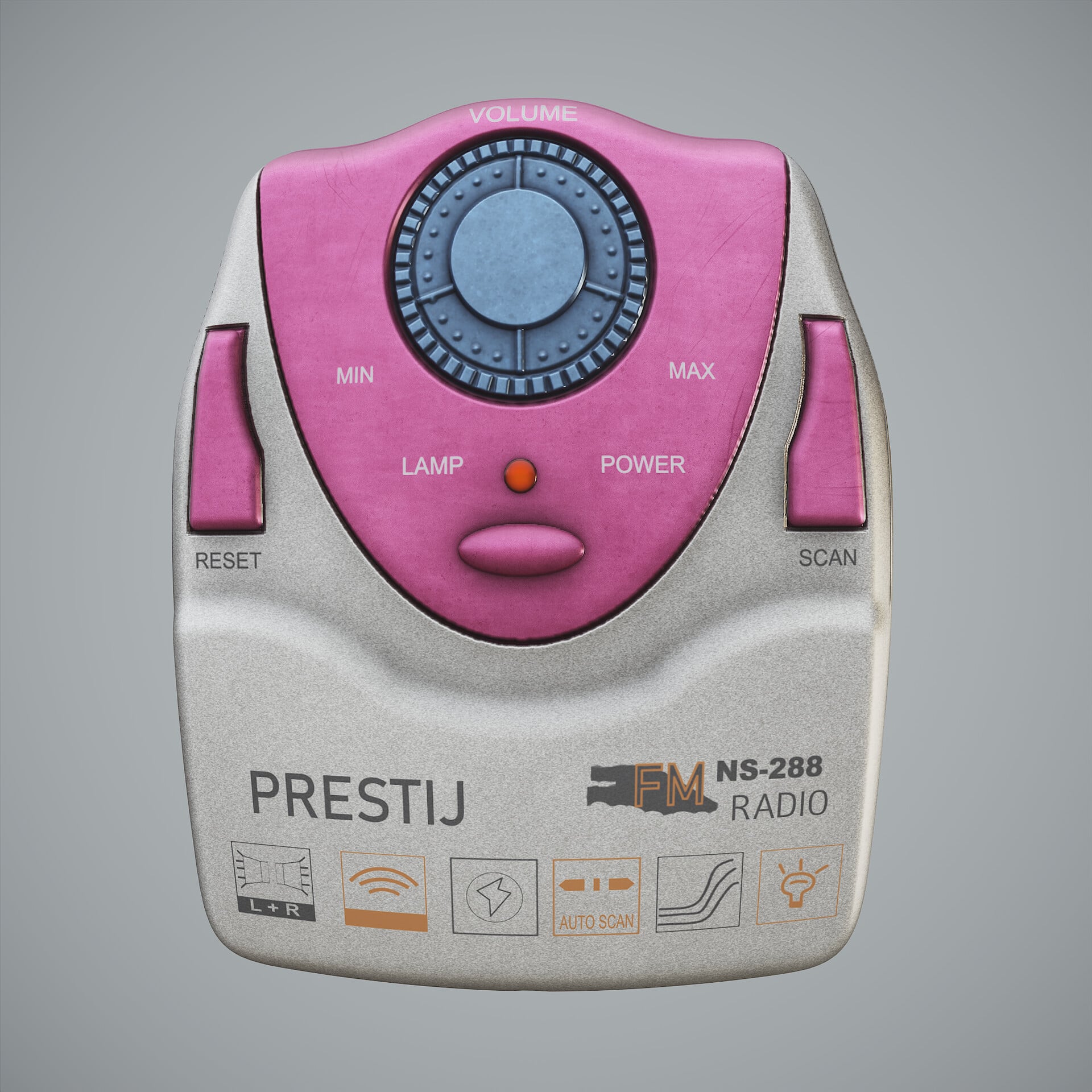 NS-288 Radio Model - Substance Designer Procedural Material My dad gave me a radio as a gift. I couldn’t find detailed information about the radio. It was mentioned that it was made by Güneş Elektronik. I liked this real radio model, and I wanted to create a procedural material in Substance Designer. I added nodes for the…
 -
Wrap mode problem in ZBrush 4r5.
 I'm having a problem in ZBrush 4r5. I've exported a flat plane out of 3ds max 2013 using GOZ. The plane imports fine, I can draw on it with a single brush no problem. However, when I use wrap mode, it looks like the brush is sampling like crazy. I turn on wrap mode: Now it goes crazy when I try to paint: Any ideas on why…
 -
Re: [3ds max] mapping shortcuts to actions that aren't exposed by the MAXScript listener or CUI?
 Seems there are two actions in the CUI dialog for this , but both toggle the button on the modifier rollout only, not the one in the actual Edit UV dialog ( im pretty sure this is a bug ). Those two actions are "Geom. Element Select mode" and "TV element mode". I think the second one should really toggle the button in the…
 -
Re: Artefacts after bake
 Thanks. Well, it sounds to me like "fuck around and find out" kind of problem lol. If I'm mucking around with shaders, but don't understand the math that I'm actually implementing, then I can get all sorts of wonky visual behavior. The problem here is probably something goofy in your node chain.
 -
Test Drive Unlimited (referral code trade & club!)
 Anyone else just gotten the game? I'm looking to do a referral code trade. Anyone interested? Just a quick edit to this thread; I'm gonna be doing a code referral trade with Bios. Also~... I've set up a Polycount Club. Already sent out an invite to Bios, anyone else want an invite? Message me up on Live (gamertag: flaagan)!
>37255 results