Search
-
Charles Tinney Orcs Must Die! Unchained Animation Reel
 Hi everyone! I put together an animation reel from my time on Orcs Must Die! Unchained. It was a hell-a great project to work on, with a fantastically talented team to work with! I hope you all enjoy. If you're interested, there are more details at the vimeo site. https://vimeo.com/247315709
 -
Action JRPG/ mini MMORPG/Stylized Fantasy Medieval Anime Hand Painted Characters Job Apply
 Closed
 -
[For Hire] Stylized 3D Artist: Environment & Props

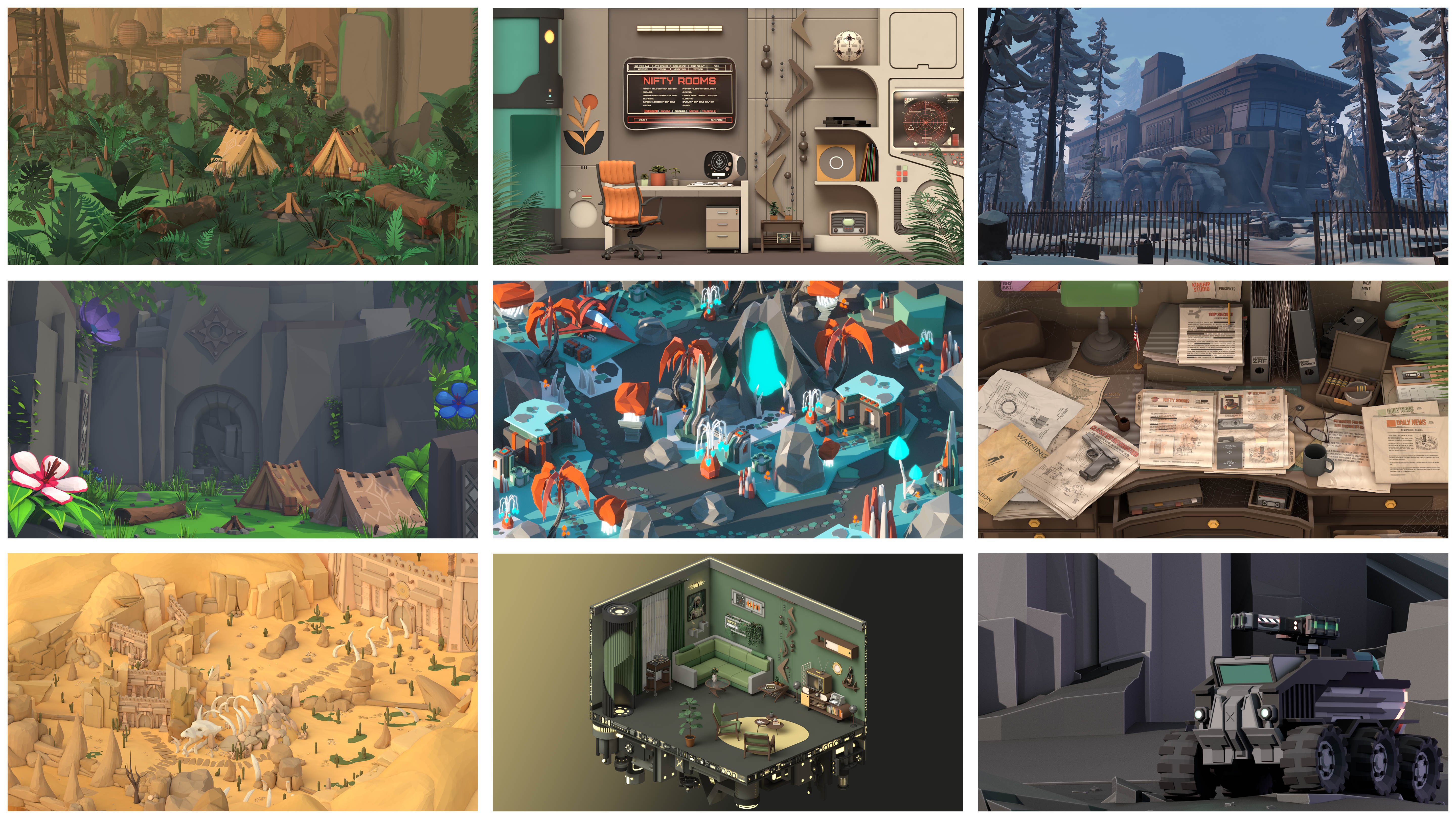 Hi everyone! My name is Syoma, and I’m a 29-year-old 3D artist specializing in Stylized 3D Art for games and other creative projects. I’m currently looking for exciting collaborations and projects to contribute to! With over 12 years of experience in 3D modeling, I primarily work in Cinema 4D but also use Zbrush, Substance…
 -
Mechanoid exo suit completed
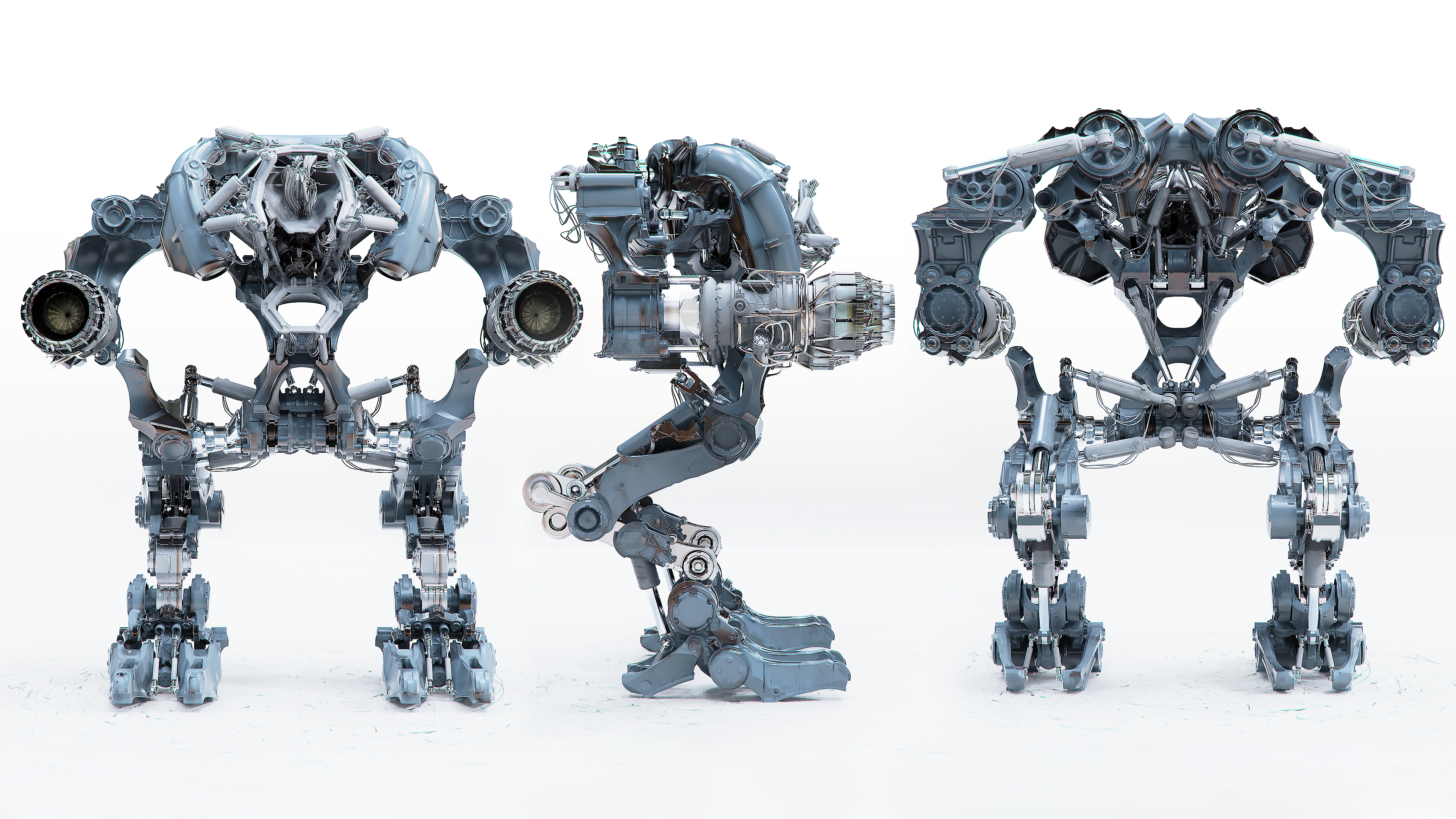 Hey everyone, Just wrapped up this high-poly mechanoid sculpt — around 28 million tris and 462 bones. Main concept: The Mechanid Suit is an advanced fusion-tech combat system wielded by alien warriors during their invasion of Earth. It represents the aliens’ drive to merge their fusion technology with human engineering,…
 -
Re: 3ds Max: Animating a realistic and continuous system of Tank Tracks?
 You can do it with a bone chain and a spline ik. I'm sure there are dozen of tuts on the web, but here's the page i used for animating a chainsaw once. http://developer.reallusion.com/whitepaper/Tank_Tracks/ Now if you want a dynamic setup with the chain adapting to the terrain, that's another story.
 -
Re: [3DSMax] Animation curve viewable as offset from reference frame?
 If you do a Free Transform operation after parenting but before animation all the curve will start from the center (value of zero). If you search the 3DS Max Idea forum for Normalized Curve View and vote for that idea. It’s exactly what you are asking without freezing.
 -
Re: Maya - Animating both sides equally
I'm sure there's a few scripts around to do this, but there's a few ways.. In object space, you could cut and paste the channels from one side to another then offset the cuves in the graph editor by the right amount. It does depend how you set the rig up. Another way is to create a dummy set of controls, point and orient… -
Game Project - Artist Needed: Concept Art , 3d Character, 3d Environment, Animation Etc (Paid)
Positions Filled. -
Indigenous is Recruiting Animators + Artists!

 The Indigenous team has spent quite a bit of time planning and reflecting on how our game could be fun and enjoyable to play. We've gone through a few test phases and numerous planning revisions and are confident we've finally found our sweet spot. Now all we need to do is execute on our plans! That's the easy part,…
 -
Re: Tech Artist - What are you working on: FOREVER Edition!
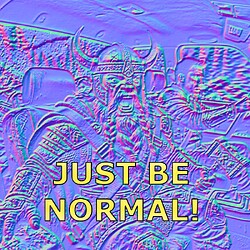 Working on a free quick and dirty normal map tool for Photoshop. (it's free, and yes I'm very proud of the name) justbenormal800×800 263 KB Features * Normal Map Creation * Normal Map Combine * Normal Map Utils like Converting/Flipping * Height to Normal and Normal to Height * Presets Just select a layer, tweak your…
>70342 results