Search
-
How would I unwrap and bake this car model?

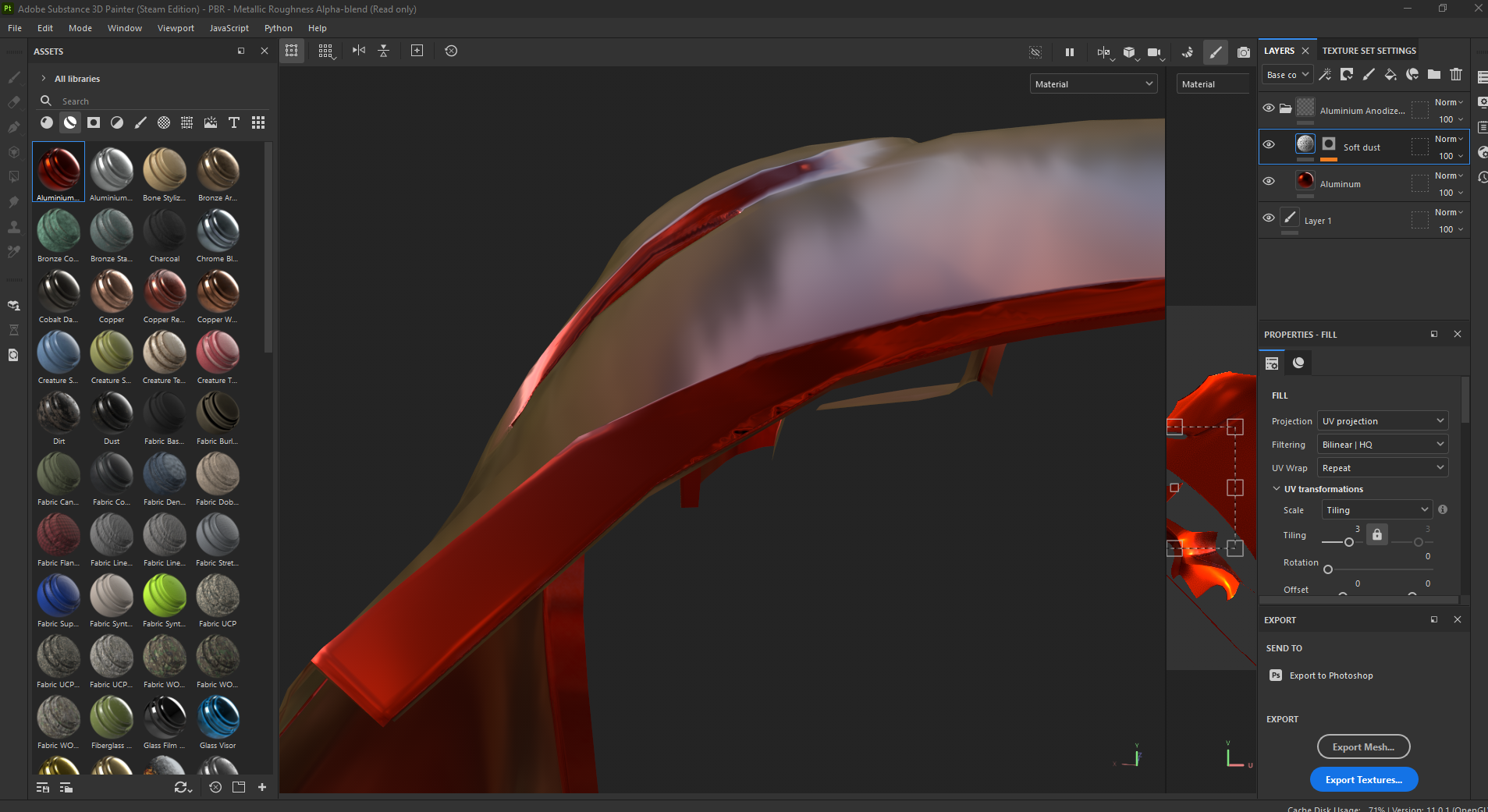 I'm currently working on a car model and am at the stages of baking and doing the materials. However, I've run into an issue when baking the low and high poly models. The material is a bit distorted and there are some black speckles around sharp angled edges. With that in mind, I figured it was something to do with the…
 -
Detecting Edges in Normal maps in the Unreal material editor
 I need to make an edge detector for normal maps in the material editor. I’ve figured out how it would do it in theory. It would look at the Red channel and it will look at each pixel and then it’s neighboring 8 pixels. If one of them is significantly brighter or darker from a certain range that I can set, it will be turned…
 -
Re: [COMPLETED] Tanah Airku (Final Major Project)
 Any UV island you don't want to bake you can temporally move to a different UV tile (usually to the right, perhaps down or to the left if you're using UDIMs). You could do it permanently as well, but it might be slightly less efficient:…
 -
Re: 3D Environment Artist Potfolio Critique/Feedback (Stylized)
Agreed, especially regarding the bedroom and the professor layton piece looking great. The only thing that stood out negatively to me immediately was the UV layout of the market stand. There doesn't seem to be a good reason to have the tabletops/shelves rotated at 45 degrees and have the edges stick out that way, only to… -
Re: [WIP] Aircraft altimeter
 looks promising, it might be cool to have such edge damage on the edges of screws' drive recesses as well - where it could be damaged by screwdriver In general if object is not supposed to look heavily worn I'd try to keep edgwear rather subtle and non-uniform - just accents here and there rather than along whole edges,…
 -
Re: BRAWL2 [Character] Aiur survivor, shark2003
 hey there! sweet stuff so far. enjoying the anatomy a lot here, could be sharper/refined but love the direction on the hardsurface i guess its mostly detailled blockout. but i feel like its a bit too soft-ish for blizzard type of work. it has this rubbery feel to it, edge quality is all over the place, some areas are very…
 -
Re: Texturing feedback - AKM

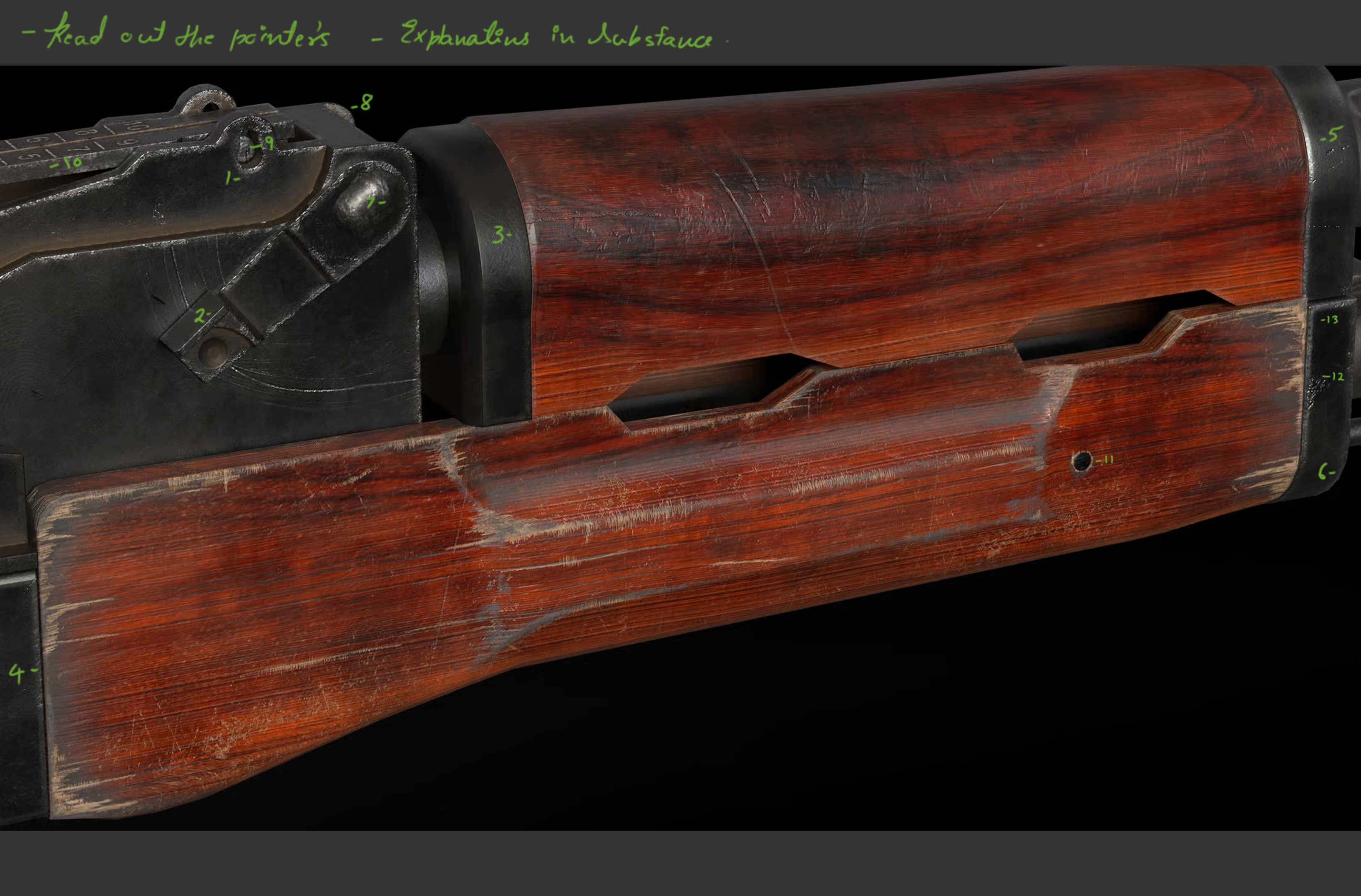 Hi Akshat, Akshay here I genuinely think its looking good but yes you need to refine the use of generator in Substance basically the curvature and Dirt-Generators that you have used. Im terrible with words but let me show you an image and a few techniques I use to polish things. Hope that helps. Dont get stressed just…
 -
Re: [WIP] Dark Fantasy Knight Character Art

 spend more time establishing primary forms. The proportions seem to be off; try making the head smaller and the shoulders broader. Don't render the face, the darkness inside the visor of the concept is intentional. Not all edges are rolled; you can remove the rolled edges in the breathing holes and the edges of the cheek…
 -
Re: Handpaint Bread
What was your reference? Because you're off to a good start, but it just looks a bit unappetizing at a first glance (soft, smushy and somewhat shiny), but I might simply be expecting a different kind of bread. The softness might be due to the mesh bulging out between the cuts and the cuts sloping down too gently in some… -
Re: maya to mudbox import issues :(
 take a close look on your mesh... there are some edges moved to the site... some verticies are really close together... they look like one vertex... and to get the hard edgdes... 1. go in object mode 2. shift + rmb --> soft harde edges --> soften/harden this will set hard edges based on a face angle...
>24976 results